











Good Software.

Use Cases and Deployment Scope
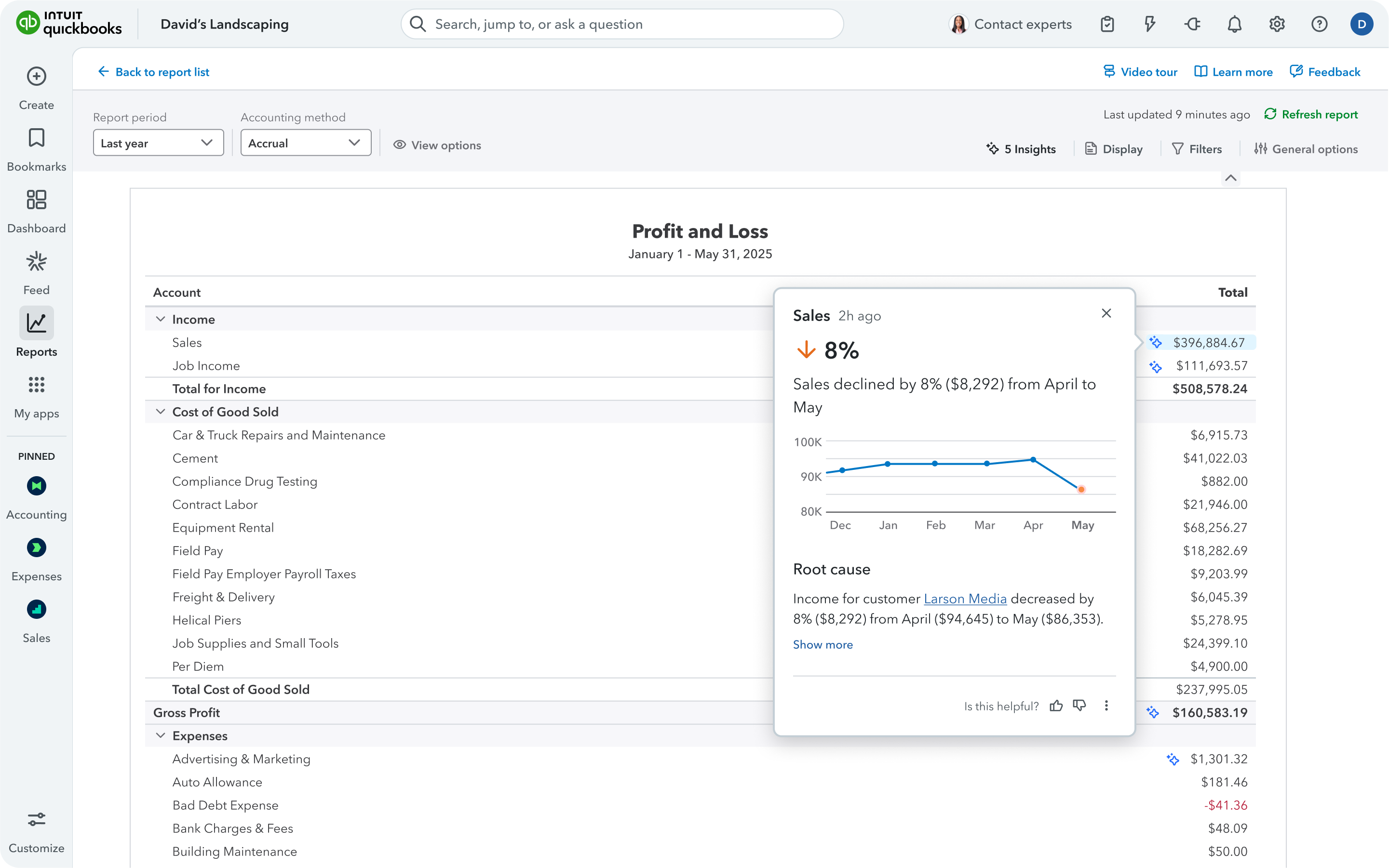
We use QBO to record all financial transactions for our clients on the platform. From there, the system generates financial statements, such as the profit and loss, balance sheet, and cash flow statements. With that information, we can help businesses report to investors and be audit-ready. The businesses can also use the information internally to guide decision-making and understand the runway.
Pros
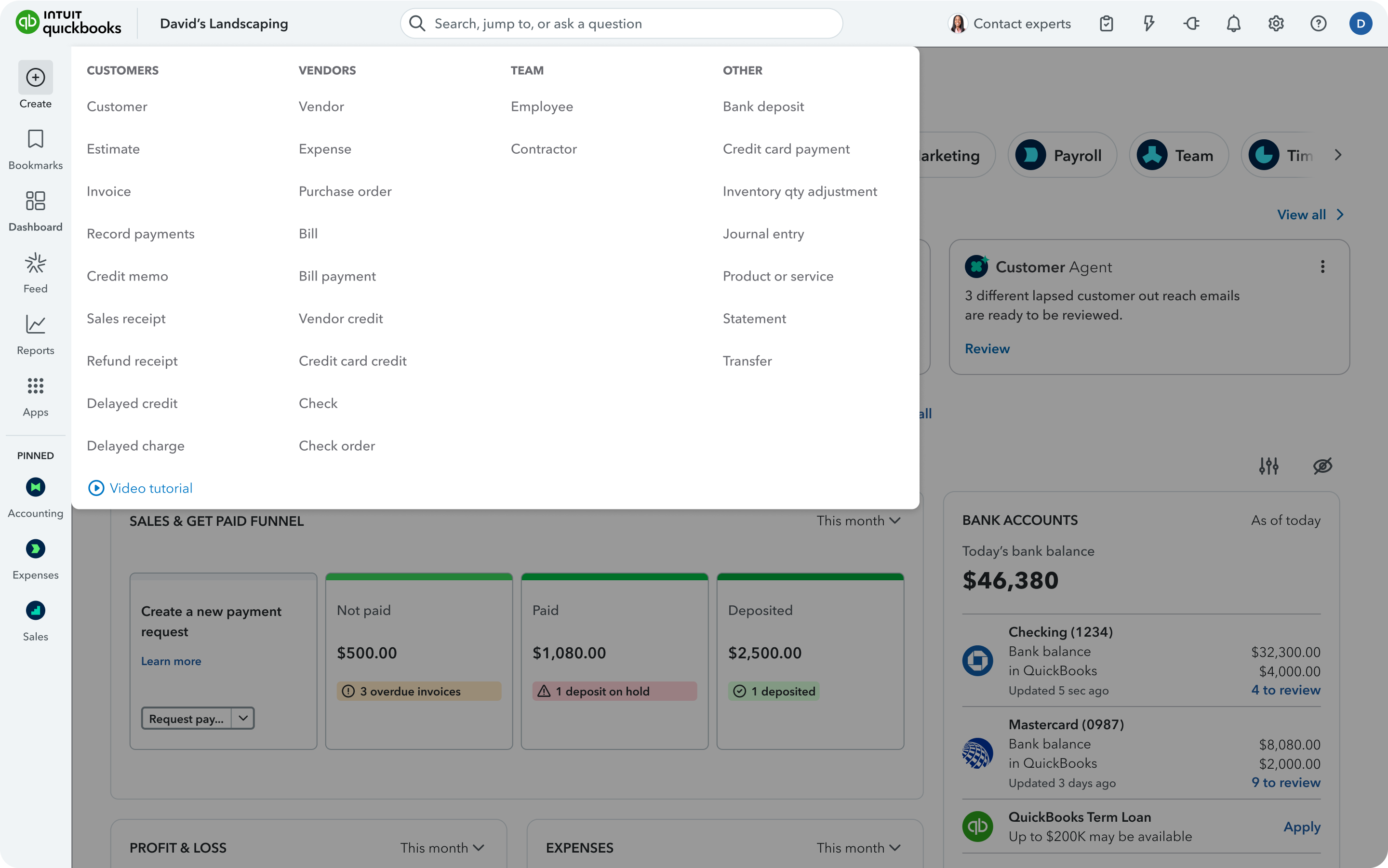
- Syncing with other platforms, such as Ramp, Brex, and Gusto. Those systems can push their information into QBO without issue.
- Recording bills and expenses is easy.
- Pulling financial statements is quick, easy, and the format looks professional.
- QBO allows users to set rules that automatically classify transactions as they sync into QBO. This saves a lot of time when categorizing them.
- QBO has a good system for mass reclassifications.
Cons
- Tracking W9s for 1099 filing needs help.
- There are no schedules to track balance sheet items. There also isn't a way to input an asset and have QBO make the depreciation or amortization entries automatically.
- Inventory tracking is tough.
- Revenue recognition is all manual.
Return on Investment
- Financial reporting is required. Having a good, low-cost solution is invaluable to smaller companies. They can now be compliant.
- Companies are able to report to their investor boards and on their covenants.
- Companies can make business decisions in real time if the books are kept up to date.
Usability
Alternatives Considered
ONCE Campfire, Rillet, Xero and NetSuite ERP
Other Software Used
Brex, Ramp, Gusto, BILL, Stripe Billing


