Slack is a group messaging or team collaboration app that aims to simplify communication for businesses. Features include open discussions, private groups, and direct messaging, as well as deep contextual search and message archiving, and file sharing. Slack integrates with a number of other tools, such as MailChimp, Dropbox, and Google Drive. Slack was acquired by Salesforce in December 2020.
The product is free to use, and also has paid plans with more features and greater controls.
The…
$8.75
per month per user
Zimbra
Score 6.7 out of 10
N/A
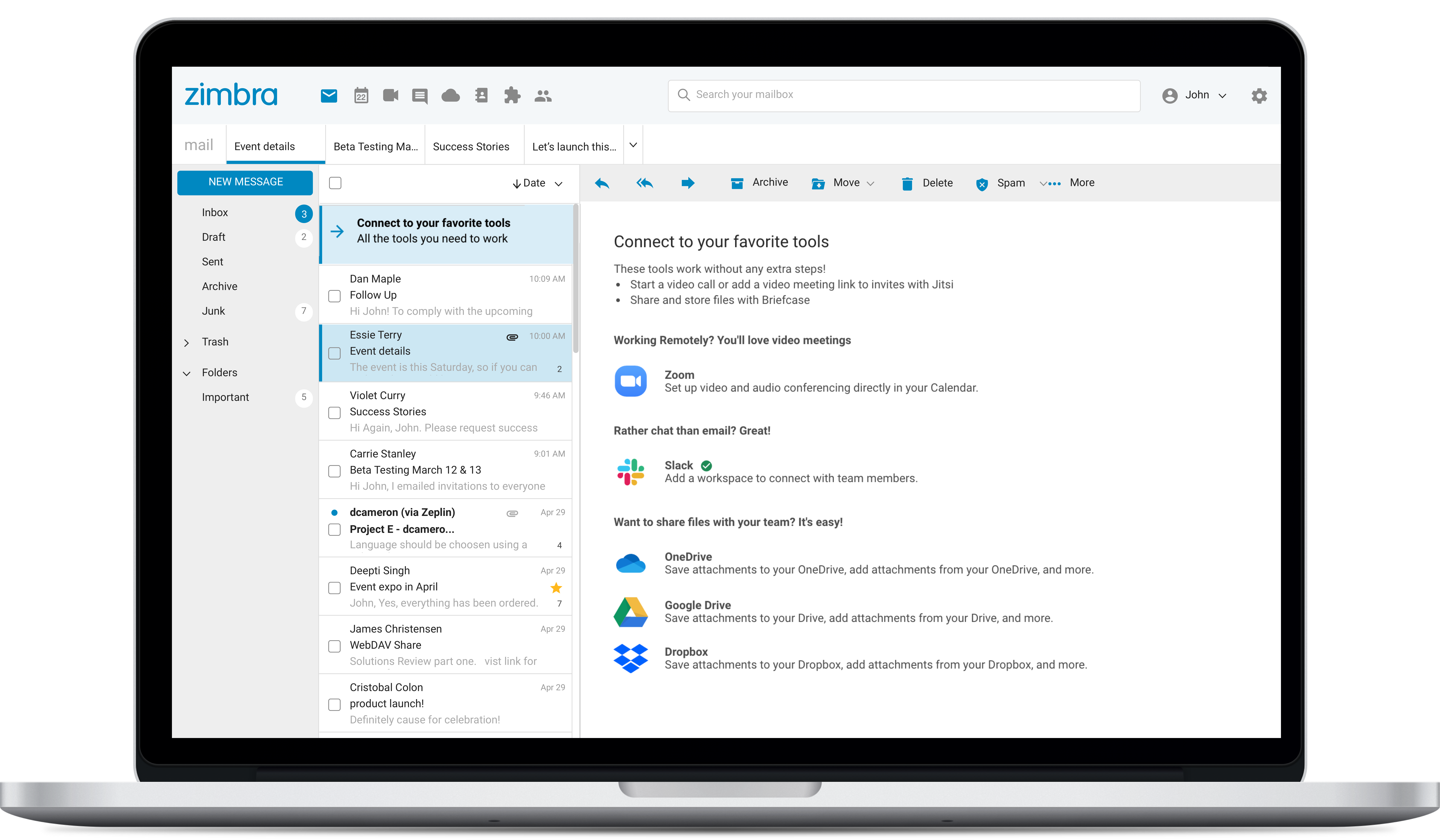
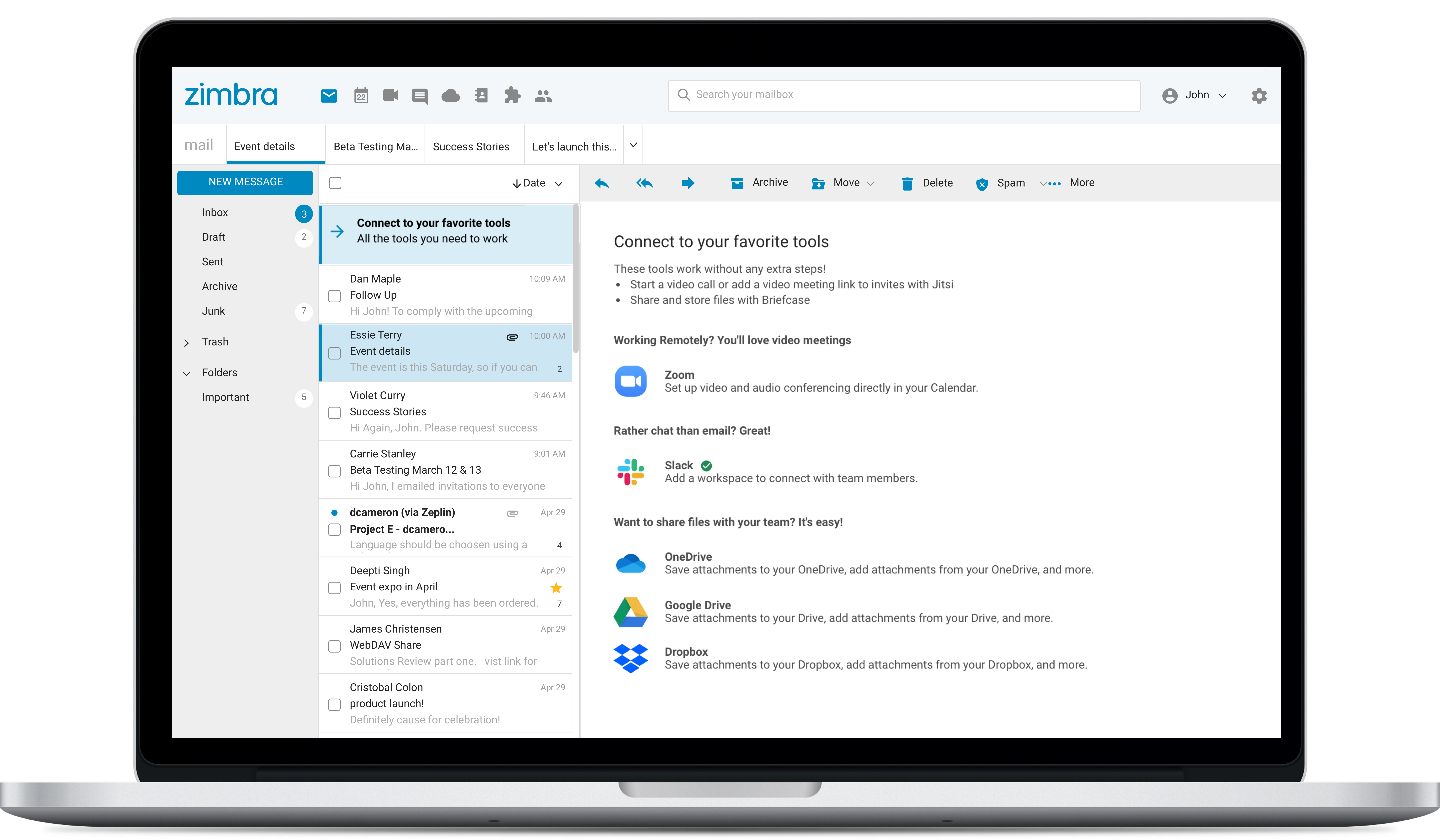
Zimbra is an email and collaboration platform and productivity suite that includes contacts, calendar, tasks, chat and file sharing, plus videoconferencing, document editing, and file storage.
N/A
Pricing
Slack
Zimbra by Synacor
Editions & Modules
Free
$0
Pro
$7.25*
per month per user
Business+
$12.50*
per month per user
Enterprise
Contact Sales
No answers on this topic
Offerings
Pricing Offerings
Slack
Zimbra
Free Trial
Yes
Yes
Free/Freemium Version
Yes
No
Premium Consulting/Integration Services
No
No
Entry-level Setup Fee
No setup fee
No setup fee
Additional Details
*Per active user, per month, when paying once a year.
Pro is $8.75 USD per active user when paying month to month. Business+ is $15.00 USD per active user when paying month to month.
—
More Pricing Information
Community Pulse
Slack
Zimbra by Synacor
Considered Both Products
Slack
No answer on this topic
Zimbra
Verified User
Vice-President
Chose Zimbra by Synacor
There are a lot of features that Zimbra Email & Collaboration has that gmail and m365 have. You can chat within your team members with Zimbra Email & Collaboration. The issue that we have not been able to figure out though is mobility of Zimbra Email & Collaboration. You can …
We chose Zimbra because Zoho Mail is too pricey with less-functionality than Zimbra. Zoho's UI is better, but we need more than just UI, we need many features that Zimbra has. G Suite is the best for team collaboration of course, but because of the price and our needs we …
Zimbra is undeniably a complete package and offers many practical tools, in addition to the knowledge that the company has. It is a great acquisition for a company that will soon see a significant change in terms of organization, deadlines, efficiency, and more. It has an …
Features
Slack
Zimbra by Synacor
Project Management
Comparison of Project Management features of Product A and Product B
Slack
8.0
623 Ratings
4% above category average
Zimbra by Synacor
9.0
6 Ratings
16% above category average
Task Management
7.8427 Ratings
9.86 Ratings
Gantt Charts
6.961 Ratings
8.13 Ratings
Scheduling
7.8360 Ratings
9.85 Ratings
Workflow Automation
8.1393 Ratings
7.23 Ratings
Mobile Access
9.4596 Ratings
9.76 Ratings
Search
8.3604 Ratings
9.86 Ratings
Visual planning tools
7.5273 Ratings
8.53 Ratings
Communication
Comparison of Communication features of Product A and Product B
Slack
8.8
631 Ratings
10% above category average
Zimbra by Synacor
6.6
9 Ratings
19% below category average
Chat
9.6630 Ratings
7.07 Ratings
Notifications
8.9627 Ratings
5.68 Ratings
Discussions
9.3615 Ratings
2.07 Ratings
Surveys
8.2409 Ratings
7.72 Ratings
Internal knowledgebase
7.8408 Ratings
7.73 Ratings
Integrates with GoToMeeting
8.9110 Ratings
7.63 Ratings
Integrates with Gmail and Google Hangouts
8.7182 Ratings
8.04 Ratings
Integrates with Outlook
8.9120 Ratings
7.53 Ratings
File Sharing & Management
Comparison of File Sharing & Management features of Product A and Product B
Slack is great for tracking commits to new coding projects. You can take parts of code that still need to be implemented later and easily search through the history of comments if there is something that goes wrong with a code commitment. It can be difficult for people that only like Teams to adjust to a new platform if you are using both to communicate.
Zimbra is great for an email system for a medium or large organization with appropriate IT staffing. The system is easy to use for end-users, and has a fantastic web interface. Unfortunately, it is overly complex, when considering staffing requirements and price, when compared with Office 365 or Google Apps for smaller organizations. For other education customers, it is hard to compete with Microsoft and Google providing their services for "Free" now though
Would love a better integration with GitHub. For example, notifications when your PR is updated, when review is requested, @-mention in comments, etc.
Improved "Later" tab, for example the ability to create to-do lists or making the "Later" tab into a more powerful to-do list (annotate items with notes)
More powerful integrations, e.g. Google Calendar could render a calendar view within Slack, rather than sending the daily schedule
Zimbra's mobile application leaves much to be desired; it is its weakest point.
This forces the use of third-party applications on smartphones, which only offer a more or less complete integration with the ActiveSync protocol.
Zimbra allows for an on-premise scenario, which is not for everyone, especially considering that the trend nowadays is to outsource email; in any case, it also offers this alternative.
The cost of Zimbra as a SaaS solution comes too close to that of more widely adopted competing options.
Zimbra lacks a robust integrated chat system, which its competitors offer.
To be more transparent, I give 10 because Slack serves our collaboration needs. It provide us a good platform for team communication relaying important update within the company, it has even mobile app where you can install in your phone to monitor any updates within that team that needs your immediate attention and intervention.
My rating was 7. Its intuitive interface and user-friendly features like channels, threads, and integrations make it excellent for team communication and onboarding. However, its usability is held back by the resource-intensive desktop app and cluttered feeling in large workspaces. The mobile app's performance and unreliable notifications have also been noted as weaknesses.
The web usability of the solution is adequate, with all functions integrated into a single interface. However, it is important to note that in the desktop environment, it lacks its own application and relies on ActiveSync synchronization with reference solutions like Outlook or Thunderbird. Some features, such as the briefcase, will be excluded. The same happens on smartphones.It is also common for competing solutions to include integrated chat or video call tools, which Zimbra lacks. These shortcomings are among the most frequently requested by users.
Yes, the app works 24/7. I don't even recall having any period that we could not use since the implementation. Even the maintenance periods are barely noticeable and our work is not impacted by it when it happens.
Slack is a soft app, we don't have many issues with it. I recall one or two people complaining about something during our usage period, but I didn't have a bad experience. When the app is slow, usually the problem is with my computer or my internet. The app works just fine.
Whenever I've had to troubleshoot an issue with Slack (which, to be honest, has not happened very often), their online documentation has been easy to locate, easy to understand, and effective in resolving my issue. Slack's ever-growing popularity also means that there's a large community of practice out there that can be depended upon.
Overall, we were satisfied with the implementation. We perhaps should have spent more time consulting with Zimbra or others regarding best practices but as we got to know the system better we were able to make changes relatively easily after the fact.
I like Slack better than ClickUp, because I would spend 30-60 minutes a day updating my ClickUp tasks. The way ClickUp was used was very micromanaging. I billed by the hour, so I was willing to put in the time to alert the boss what tasks I was working on.
One of my jobs used Hive - I mostly just ran it in the background in case anyone messaged me. I did not use it often.
Zimbra is a significantly cheaper option than one of the Microsoft solutions, such as Exchange. It is able to run in a free environment, as it is in the case of Linux. It offers the advantages of a powerful mail manager, such as indexed searches and the integration of contacts and notes, all in one platform. It is constantly updated and the operation of its connection in mobile equipment is remarkable and very efficient. Additionally, it is able to easily integrate with Outlook solutions with its connector, which brings all the benefits of Zimbra to the user under the interface known as "mail manager." So far, I have been using Zimbra for several years and I have not missed my previous work platforms.
Slack has been incredibly helpful in connecting various tech apps and ecosystems, creating a more streamlined and responsive process.
Slack has made it significantly easier to communicate with our team members across multiple time zones, creating a more engaging environment for our all-remote team.
Zimbra is a cheaper email service than other similar platforms and in my point of view offers better features, that's why the company migrated services to this platform several years ago and without a doubt, it has been the best investment.
Zimbra has a more user-friendly interface for employees, this has improved response times to external customers of the company.
The implementation of Zimbra in the company motivated the IT engineering department to make improvements in open source to adapt it to the needs of the company.