Microsoft Defender for Endpoint (formerly Microsoft Defender ATP) is a holistic, cloud delivered endpoint security solution that includes risk-based vulnerability management and assessment, attack surface reduction, behavioral based and cloud-powered next generation protection, endpoint detection and response (EDR), automatic investigation and remediation, managed hunting services, rich APIs, and unified security management.
$2.50
per user/per month
Sophos Intercept X
Score 8.7 out of 10
N/A
Sophos Endpoint Protection (Sophos EPP) with Intercept X is an endpoint security product providing an antivirus / antimalware solution that when upgraded with Intercept X or Intercept X Advanced provides advanced threat detection and EDR capabilities.
$28
per year per user
Pricing
Microsoft Defender for Endpoint
Sophos Intercept X
Editions & Modules
Academic
$2.50
per user/per month
Standalone
$5.20
per user/per month
Intercept X Advanced
$28
per year per user
Intercept X Advanced with XDR
$48
per year per user
Sophos Managed Threat Response
$79
per year per user
Offerings
Pricing Offerings
Microsoft Defender for Endpoint
Sophos Intercept X
Free Trial
Yes
No
Free/Freemium Version
No
No
Premium Consulting/Integration Services
No
No
Entry-level Setup Fee
No setup fee
No setup fee
Additional Details
—
Pricing is for a 3-year commitment. Government and Education pricing available.
CrowdStrike Falcon is also a good solution for endpoint protection which offer EDR Soultion, threat hunting and AI driven threat protection. Sophos Intercept X combines next-gen antivirus with advanced EDR capabilities with its deep learning technology, exploit prevention, and …
It's basically good for any company when you have any amount of machines that need to be protected. It's just a good endpoint detection method that makes it well-suited for a lot of scenarios. If you're in business, it's probably something you need.
To be frank, this product is fairly expensive. So I would recommend this to companies that are mid-sized or larger to condone the cost of the purchase. It does save me a significant amount of time in my day - being able to glance at the dashboard and see if there are any outstanding issues that require my attention, as not much digging must be done to accomplish this. So for our company, with a short-staffed IT department, it's incredibly helpful to us. We also qualify for Educational pricing which brings the cost down - which helps tremendously
Definitely on the threat action and response. We didn't have a stress-response option before, but the dependent brand point provided it instantly. Also, it's doing UVA and machine learning, which we didn't have before. So it's definitely providing more sophisticated threat-detection capabilities than we had before.
Sophos Intercept X is great at preventing malware infections and rolling back their effects. I have seen this happen hundreds of times since we installed it
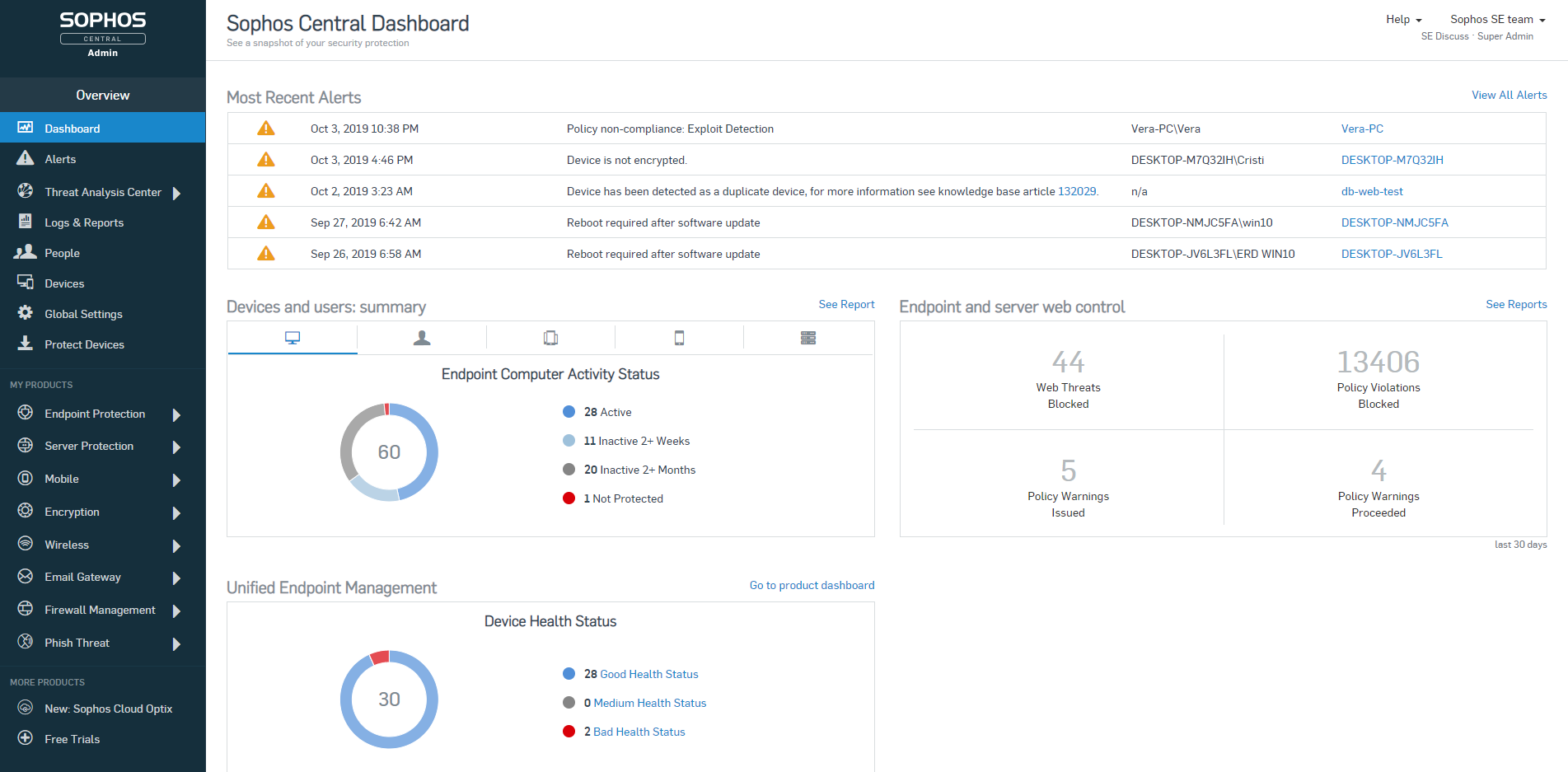
When combined with Sophos Central, you have an easy to use dashboard where you can manage all installations from a single pane of glass.
It's easy to deploy on machines and stays updated.
Good reporting features including alerts sent to the admin if there's ever something wrong with it.
That's a tough one because I don't have many cons on the product. Maybe the con is really around reporting. It's harder to get to the reporting and the analytics side. We have to do some of the custom reporting on our own, either through Power BI and whatnot. So the out-of-the-box reporting could be improved upon.
Sophos OOTB policies are very strict and they don't offer anything less strict without you creating new custom policies. I'm sure this is deliberate because the product starts you out in the safest way possible but it means that you will have lots of calls to your tech support desk when you first deploy it unless you do somewhat extensive testing beforehand.
Sophos Intercept X is currently broken (at least the DLP component) by having secure boot turned on in the UEFI/BIOS. If any user wants to be able to write data to a USB drive or floppy from their PC (yes we still have a couple users who need to use floppies) we have to turn off secure boot on their PC, even if the DLP policy for that user/PC combination specifies that the user and PC are allowed to write to USB/floppy. This would be a very serious problem if it weren't for the fact that we have very few users who need to write files to USB. For us it's OK but I bet it would be a deal-breaker for others.
I don't see a whole lot of evidence that Intercept X is any different than any other anti-virus, so maybe their admin alerts just don't clearly identify when they have identified a zero-day threat or maybe we just haven't had any zero-day threats.
Cost add-ons for Security features is nickel and diming the process to keep pace with cybercrime. Limited Education budgets require us to be more pro-active in finding cost-effective measures to protect our devices, staff and students. Defender is a strong, well-featured product that is pricing itself out of the education market
Microsoft Defender for Endpoint is a great EDR to have that works quickly and silently in the background and it integrates well with other Microsoft services. As an IT manager, I can appreciate that I do not get bombarded by alerts for every small detail. On the flipside, the management site can use some work in being more clear and should be more streamlined so I'm not clicking through multiple pages to figure out what happened
The usability has never been a problem. Sophos Intercept X is a program you can install and let protect your company without much intervention. Apart from a few policies, Sophos will keep you protected better than most any product on the market. Sophos Intercept X works quite well when you are looking to "tighten your grip" on user's access to websites, programs, and add-ons.
Microsoft Defender for Endpoint chugs along just fine no matter what we throw at it and what systems it's running on. It doesn't take up a lot of resources either, so that's welcomed.
The first time I tried to onboard my macOS endpoints to MDE I struggled for quite a bit. I had to reach out to Microsoft's MDE support team. The tech was very helpful in walking me through the steps during a screen share session
Most of the support reps are fantastic. There have been a few though that have had to be escalated via Account Manager when they haven't followed up but this is a rare instance, and often followed up by the Support Manager for APAC.
Deployment was handled by our team here and everything went pretty smoothly. We did have a few hiccups in our test group, but that only took a bit to get ironed out.
Microsoft Defender for Endpoint consistently showed better user experiences during scans due to the reduced amount of resources used on each system compared to our previous endpoint protection solutions. However, the main reason we chose Microsoft Defender for Endpoint is that it was part of our G5 licensing and integrated with all of our systems
Webroot Endpoint Protection is not even in the same league as Sophos Intercept-X. I have tested and compared both sides by side, run simulations and it's not even close. Plus the Sophos central management is so much better. Easier to view user activities and apply policies and remediate threats. Sophos is the clear winner between these two products.
Once our technical and commercial areas got certified, the ROI over the time spent, is great. Actual customers, and/or new ones with other tools, feel safe and advised, once they get in touch with us.
When Sophos EndPoint is being compared against Web Management Tools (competitors), we have failed to deliver, nevertheless, there is a version of Sophos Central (Cloud) which achieves this requirement at 100% and more, since is Cloud Based (on AWS).
We are grateful to be on Sophos "Radar" as a Platinum Partner, and "The Americas" valued partner, we have seen our business grow, thanks to this kind of technology, throughout the years.