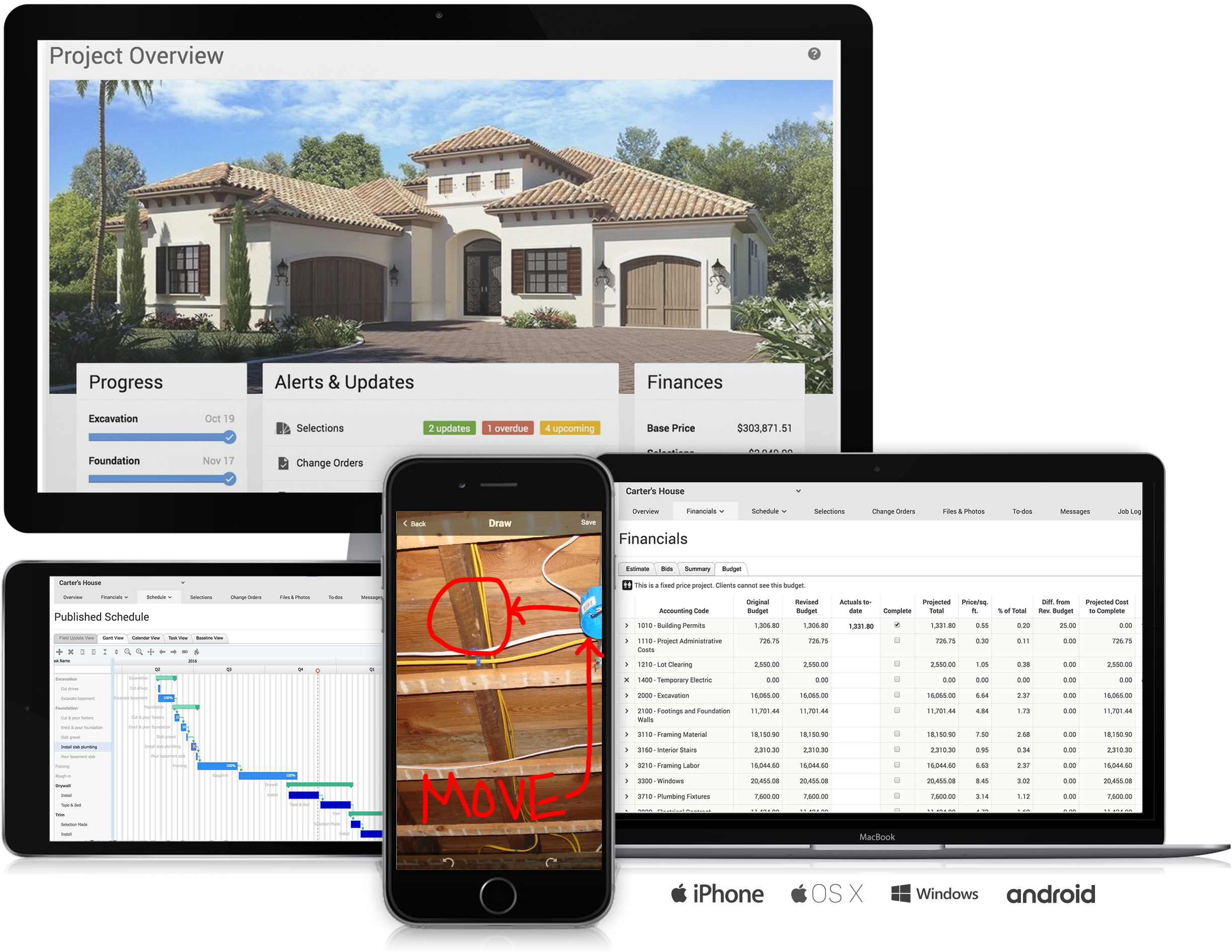
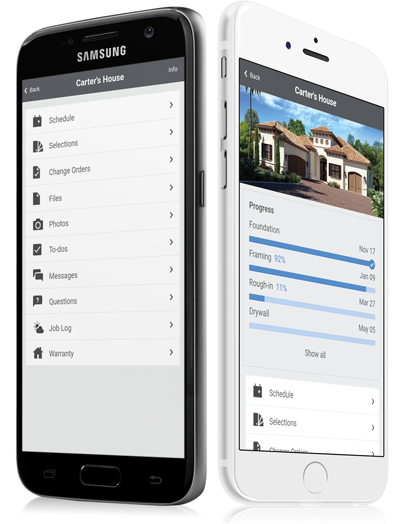
CoConstruct, from Buildertrend since the November 2021 acquisition, is a custom builder & remodeler software. It allows users to enter data once and have that information flow through the estimate, specs, selections, bids, proposals, change orders, and budgets, including to and from QuickBooks. In addition, CoConstruct includes scheduling and 3-way communication between builder, client, and trade partners. Everything is captured via email and texting. Login isn't required for…
$49
per month
QuickBooks Online
Score 8.1 out of 10
N/A
QuickBooks Online is a SaaS version of the QuickBooks product. It contains all of the features found in the local version. Higher-priced plans include greater automation, payment management, inventory and time tracking, and analytics features.
$38
per month
Pricing
CoConstruct
QuickBooks Online
Editions & Modules
Ramp
$49
per month
Plus 5
$299
per month
Plus 10
$399
per month
Plus 15
$499
per month
Simple Start
$38
per month
Essentials
$75
per month
Plus
$115
per month
Advanced
$275
per month
Offerings
Pricing Offerings
CoConstruct
QuickBooks Online
Free Trial
No
Yes
Free/Freemium Version
No
No
Premium Consulting/Integration Services
No
Yes
Entry-level Setup Fee
No setup fee
No setup fee
Additional Details
CoConstruct pricing is based on active job sites that have client access online, which means it is adaptable to builders & remodelers businesses. This means that there are an unlimited amount of projects available for estimates and proposals, so that customers only pay when they win a contract. Also built into the pricing are a myriad of services: a dedicated implementation coach, free estimate & scheduling templates based on industry best practices from successful builders and the NAHB, unlimited storage and users, software branded with the customer's logo, unlimited amount of warranty projects, and unlimited phone & email support. The vendor offers a money-back guarantee that is good for the first 90 days of service.
I have looked at Builder Trend. It has a similar function and does many of the same things. Generally, I prefer the look and feel of CoConstruct, It has a cleaner and more approachable interface. Its ability to integrate with outside accounting software, specifically …
Buildertrend provides a similar product; however, I found it a little more clunky to use. Buildertrend integrates with a third party estimating software; however, it wasn't one I used. I had already invested in an estimating system that I could manipulate better to support …
We selected QuickBooks Online because it is supposed to integrate with a new Project Management software package we are starting to use. QuickBooks Desktop is much better suited to job costing and project management.
Having the ability to completely manage a project from start to finish with one app is super helpful. The time reporting feature (when it works correctly) is a nice added bonus as it allows employees to switch from one task to another on the same project or to another project and task with ease, aiding in the accounting process of the total project. This was helpful for running analytics to see where we were spending too much time on certain tasks, thus allowing us to assess any training needs.
I appreciate the ability to auto-generate invoices for recurring transactions, which saves time, as well as the option to set up auto-generated transactions. The report option is super helpful when reviewing information, as you can click to view the details in the report without having to go back and forth.
The integration of all aspects needed to run a remodeling company efficiently: project scheduling and management, financial planning and customer service. Since it’s an all-in-one suite and cloud-based, it enables our team to keep track of all our projects in real-time. Communication breakdown is the last thing we want, so being on the same page is not only desirable but makes for the best possible relationship with our clients.
Product education - We like how CoConstruct helps new users and get them to start using the tool right away. The dashboard resource materials are incredibly useful. We don’t have to spend a lot of time training new hires on the system and onboarding new clients.
Workflows for accounts payable invoice review are terrific.
Bill payment allows you to pay vendors online via ACH or check without having to write a physical check, which reduces admin time.
The cloud based login lends well to a remote or hybrid work environment for staff.
QuickBooks Online allows you to pre-configure vendors' general ledger expense accounts. This helps with general ledger coding accuracy and consistency.
QuickBooks Online integrates with Rippling HRIS, Coast, Capital One, JPMorgan Chase, etc., which lends well to an efficient month-end closing and reduced administrative time.
Internal Communication - CoConstruct lacks the ability to tag-team members for internal communication using @mentions or any other means. This has been crippling for us and forced us to use alternative software for communicating among our team members.
Pipeline Management - CoConstruct's lead-tracking system feels clunky and hard to navigate and doesn't provide a pipeline view that's easy to navigate. We have moved our Pipeline Management outside of CoConstruct to make it easier for our sales team to track leads.
CRM - CoConstruct doesn't offer anything for customer follow-up after projects are completed. This, in addition to the lack of an effective pipeline system, has led to our decision to use Hubspot as our CRM. Moving projects into CoConstruct for Design and back our after Production.
The upsells have gotten worse over time and are on every screen in the most awkward positions. I don't need a constant reminder to upgrade, especially on a very old account that's paid thousands over the years.
The interface has never been especially intuitive, but I was an old Quicken user and it was somewhat familiar. Over time, it's gotten worse, and in the last 2 years, the program seems to move things more often than I would expect.
The software constantly adds features that I don't want and want to turn off, but the interface is so difficult to use that I find myself skipping it. Imagine seeing a message that the system recognized invoices that hadn't been paid so it prepared reminder notices for you that can be sent at the click of a button. Who thinks using canned reminders that you've never seen is a good thing?
A lot of functionality seems to derive from connecting your bank accounts to QBO. I don't want Intuit to have an always-on connection to any bank accounts, even checking.
It like the product 'right out of the box' and I trust Intuit will continually improve it over the years based on my experience with their desktop products. The large providers of Apps makes customizing the entire package relatively easy and seamless for a wide variety of business types.
I had very little trouble setting up the program and migrating from our old accounting system. The daily usage is also very intuitive and easy. Anytime we run into minor trouble with the program, there are always tons of help available on YouTube, so we don't even look up the online manual anymore.
The support staff is brilliant; they don't operate on Australian time, so you can't just dial up support when you need it. The response times are quick, and the staff is knowledgeable. They are also well versed in most of the differences between buildings in the US and the building in Australasia. Despite their funny accents and strange use of the English language, we get by just fine!
In my experience, most representatives keep me on the phone for hours, literally, for a single issue and then usually cannot resolve it satisfactorily. I have 10 open cases that need resolution and, in my experience, there has been NO follow-up communication on any of them.
The person in charge of QB needs to be very accurate with record keeping and is recommended to stay on top of tasks. The biggest issue we have is reconciliation, and those issues occur only when too much time has occurred between reconciliations
Products like Procore and PlanGrid are geared towards projects with huge projects teams, multiple stakeholders and dozens of subcontractors. CoConstruct can be used for projects big and small (value) and also with small project teams or large projects teams. For small partial renovation or addition projects CoConstruct is a good more cost effective option.
As a freelance bookkeeper, the Desktop version of QuickBooks Online doesn't allow for ease of access from any device. Having to be on a computer with the software downloaded creates additional work to gain access to all required filings etc. Also, I personally find the linking functionality on the Online version to be much more streamlined and user friendly.
As we have grown along our professional path, we have also expanded our use of QB. The scalability is easy and features seem to be waiting for you until you need them. We have increased profits by over 10x from our first year in business to the current and have yet to find a reason to look elsewhere
QuickBooks has given us a useful portal by which to get an overview of our financials.
QuickBooks has given us a relatively easy way to send out invoices quickly and efficiently.
Due to the customization limitations on QuickBooks, we've had to get creative in third-party implementations to better represent our brand and to track financials.