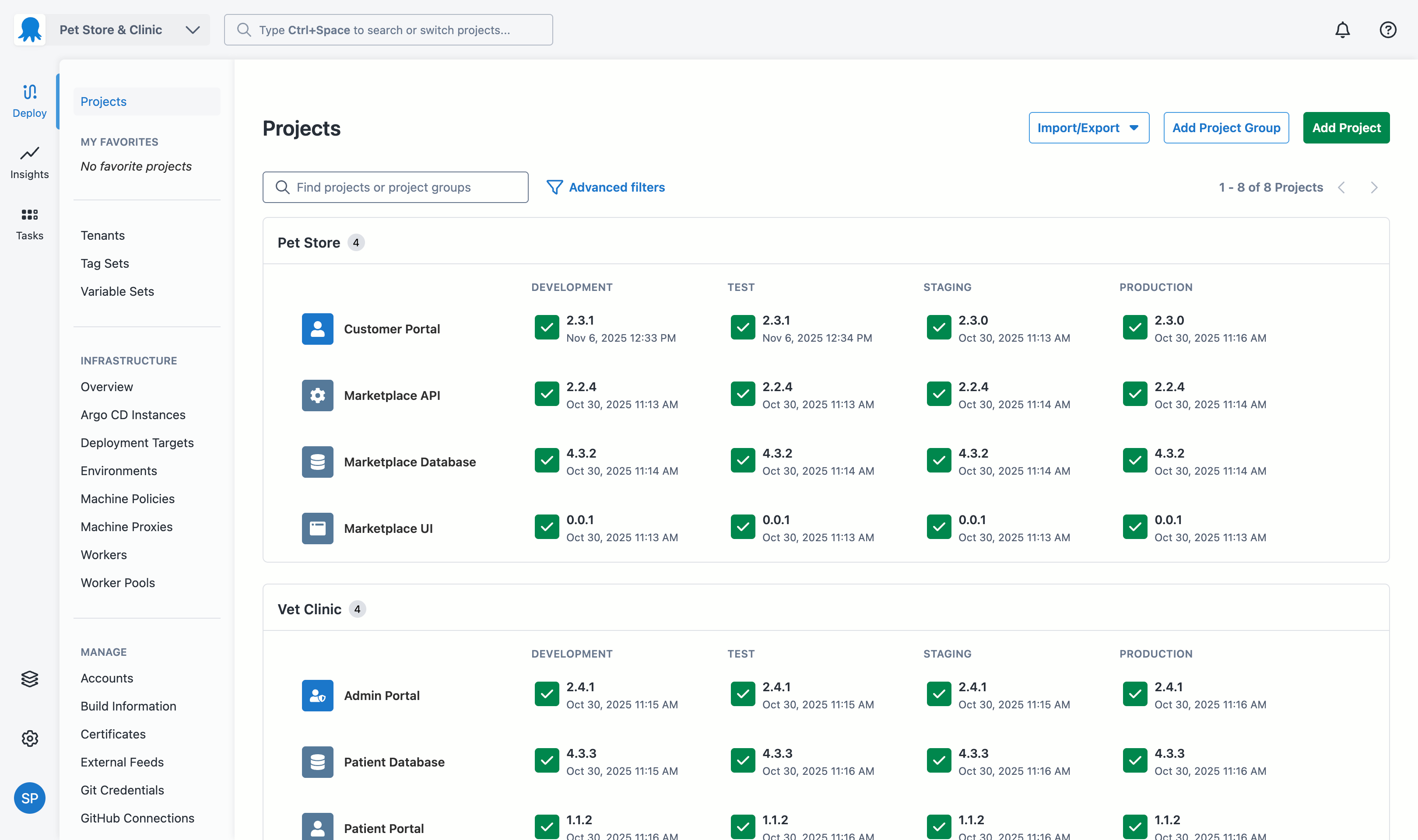
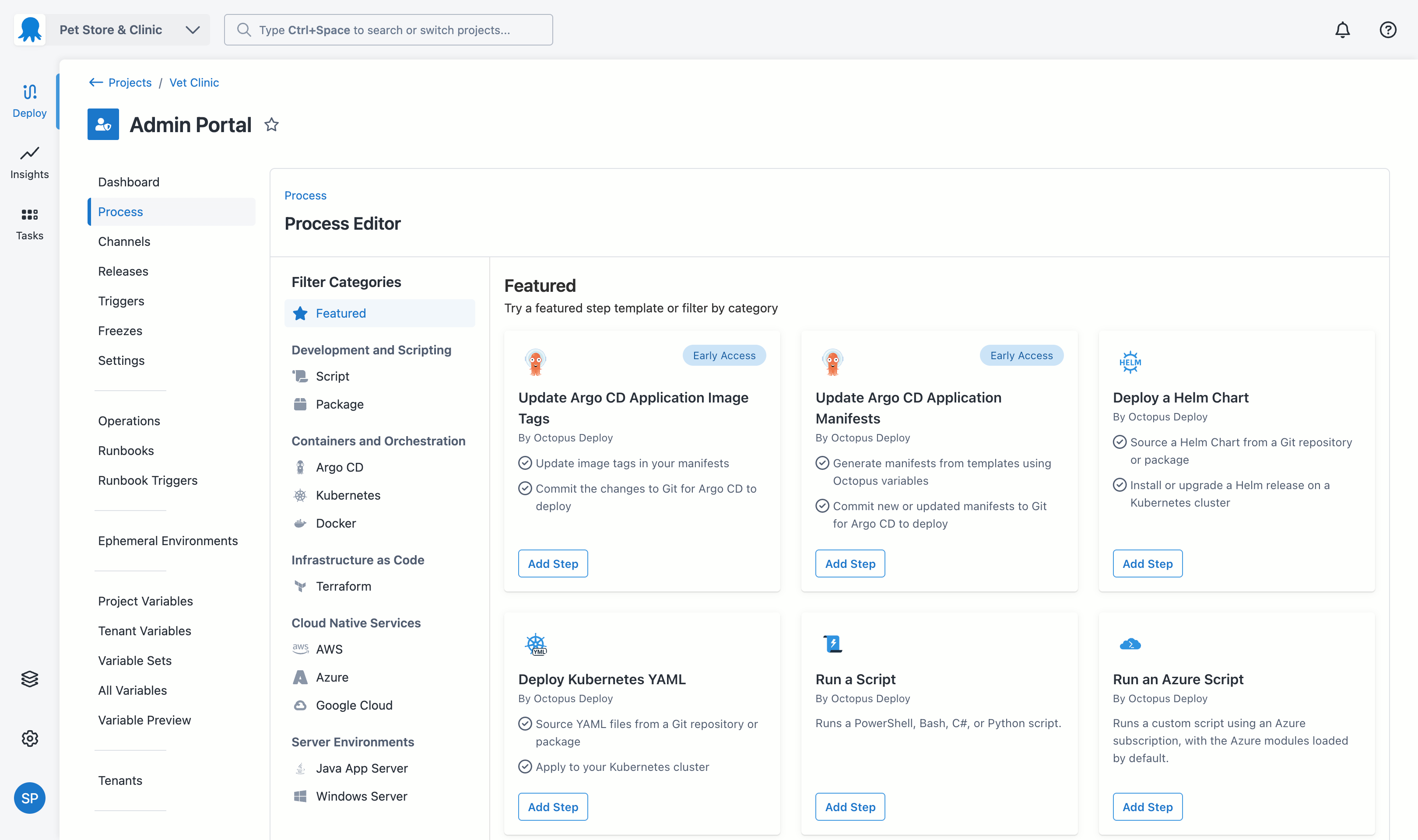
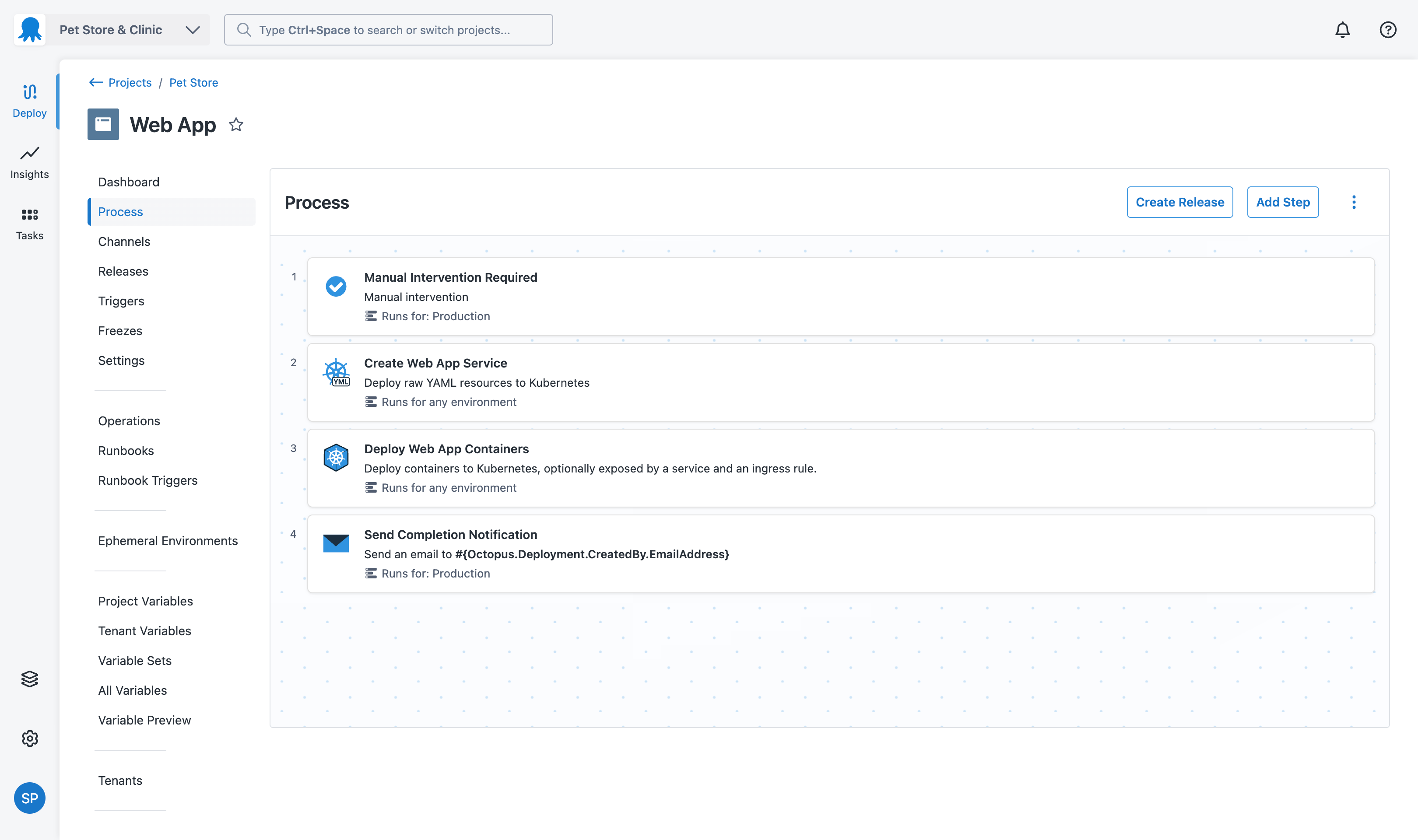
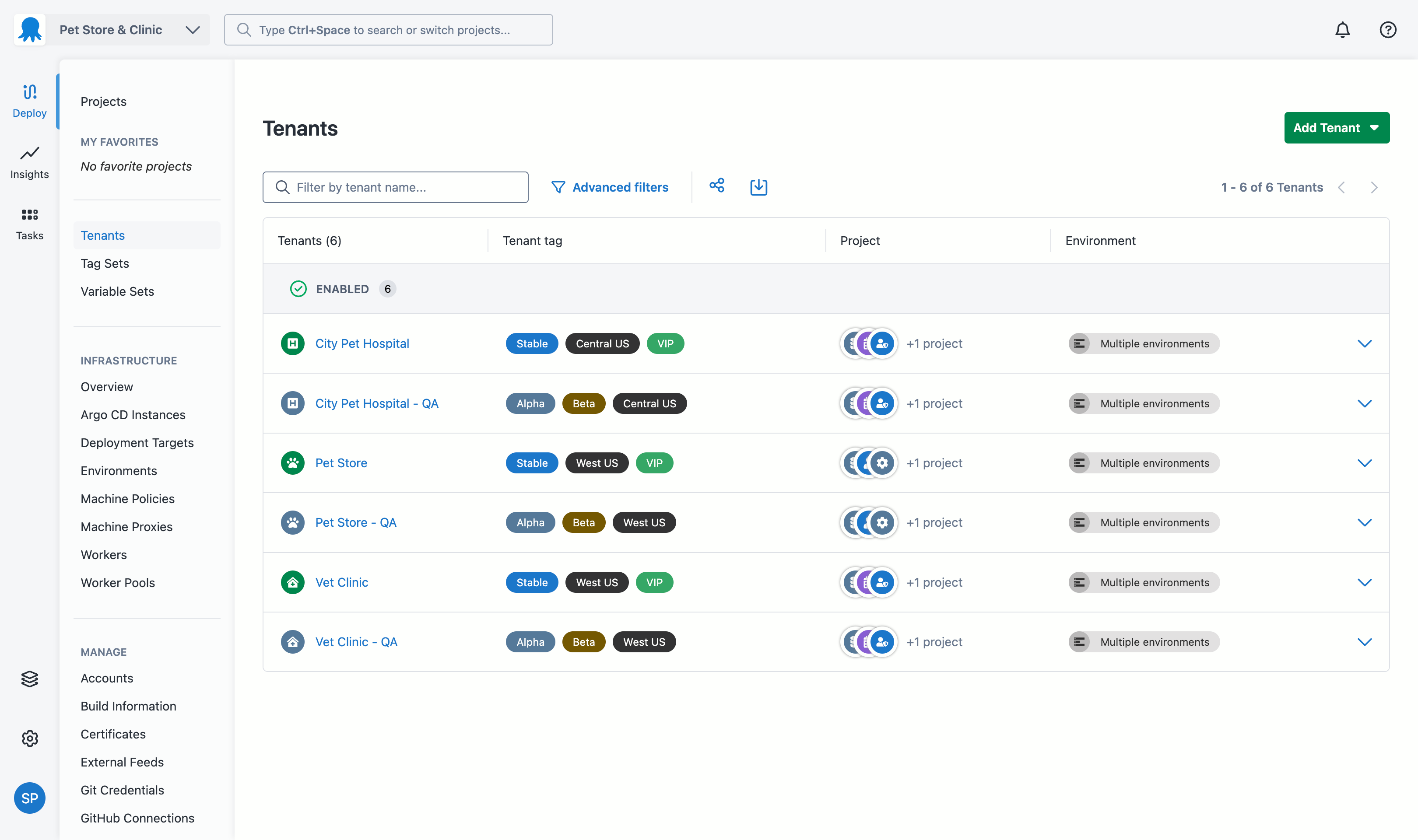
GitHub is a platform that hosts public and private code and provides software development and collaboration tools. Features include version control, issue tracking, code review, team management, syntax highlighting, etc. Personal plans ($0-50), Organizational plans ($0-200), and Enterprise plans are available.
$4
per month per user
Jenkins
Score 8.4 out of 10
N/A
Jenkins is an open source automation server. Jenkins provides hundreds of plugins to support building, deploying and automating any project. As an extensible automation server, Jenkins can be used as a simple CI server or turned into a continuous delivery hub for any project.
N/A
Octopus Deploy
Score 9.1 out of 10
Mid-Size Companies (51-1,000 employees)
Australian company Octopus Deploy offers their eponymous automated deployment and release management software that integrates with the user's preferred CI server and adds deployment & ops automation capabilities. Octopus Deploy enables developers, release managers, and operations folks to bring all automation into a single place. The vendor states that by reusing configuration variables, environment definition, API keys, connection strings, permissions, service principals, and automation logic,…
$0
per month
Pricing
GitHub
Jenkins
Octopus Deploy
Editions & Modules
Team
$40
per year per user
Enterprise
$210
per year per user
No answers on this topic
Octopus Server - Professional
$1920
per year starting with 20 projects
Octopus Cloud - Professional
$4170
per year starting with 20 projects
Octopus Server - Enterprise
$14400
per year starting with 100 projects
Octopus Cloud - Enterprise
$23400
per year starting with 100 projects
Cloud
Free
10 users/10 projects/10 tenants/10 machines
Server
Free
10 users/10 projects/10 tenants/10 machines
Offerings
Pricing Offerings
GitHub
Jenkins
Octopus Deploy
Free Trial
Yes
No
Yes
Free/Freemium Version
Yes
Yes
Yes
Premium Consulting/Integration Services
No
No
Yes
Entry-level Setup Fee
No setup fee
No setup fee
Optional
Additional Details
—
—
Octopus Deploy offers a Free tier (Cloud and Server) and a 30-day free trial of the Enterprise tier. No credit card needed.
Octopus also offers a Professional tier with 8/5 support (9 am–5 pm on weekdays). The Enterprise tier provides advanced features for teams to scale, including high availability, DevOps Insights, ServiceNow & Jira Service Management integration, unlimited instances, 24/7 support & service credits, and a dedicated Customer Success Manager.
Microsoft Team Foundation Server was too heavy and too complex for fast dvelopment. The integration with opensource build solutions (i.e jenkins) was not explored but the main feedback on this tool was its complexity. CVS and SVN used to be standards in past years and fit …
Did not have a lot of say in the choice to go with GitHub, I am a member of the operations team that uses GitHub for our work, but was not involved in the decision making process. As a user of the application, I can say that it has helped us keep consistent configurations …
Bitbucket supports Mercurial VCS in addition to Git. Since it is an Atlassian product, Bitbucket is very well integrated with the company's other tools, like JIRA (which is widely used in the development industry), Jenkins, and Bamboo. It offers many of the same features as …
Bitbucket has an interface that is much uglier and much more confusing to use. The learning curve is therefore much greater with Bitbucket. However, Bitbucket allows for free private repositories for small teams, which is a huge plus, and if your team is small enough, that …
GitLab CI and GitHub Actions are other powerful options in the market also with a rising popularity and high interoperability with their respective platform. But Jenkins is still a good option for complex pipelines that require scripting and logic. Also, Jenkins uses as runtime …
Verified User
Engineer
Chose Jenkins
Jenkins is highly customizable and flexible, supporting a wide range of plugins and integrations. Jenkins works with any version control system (Git, Subversion, etc.). Jenkins has a more mature ecosystem, and it may be better for large-scale, complex environments, especially …
One of the most important factors for selecting Jenkins would be the cost. Since Jenkins is opensource, there is a good amount saved from licensing and software procurement costs. Apart from cost, Jenkins is easy to understand and there is wide range of documentation and …
I have used Spinnaker as a CD tool. Though it's a very powerful CD tool we still needed Jenkins for CI, so to save some hassle for us we opt Jenkins solely.
Both Jenkins and TeamCity do a good job of automating CI/CD. Jenkins runs much leaner than TeamCity - it only needs about a Gig of free memory, whereas TeamCity needs a fat 4 Gig free. Many tasks in Jenkins yml config can be very cumbersome, especially running local and …
Jenkins has been my favorite continuous integration tool I've used. It's easy to setup, intuitive to use, and very powerful. The software allows for building complex workflows, then having them run without thinking about it. This leads to savings in time and resources, and to …
When looking for alternatives for Jenkins we found CircleCI and TeamCity are good too. Jenkins was considered for reasons like it has a wide variety of plugins which integrate well with any kind of system. And its ease of use.
One of the other greater advantage is it is open …
TeamCity is another viable option for Continuous Integration/Development. We picked Jenkins in this case because there was a lot of support for Amazon CloudFormation and other AWS integrations which fit the task at hand. For just straight compiling Microsoft based builds, TeamCi…
Jenkins immense flexibility and its large and impressive selection of available community-driven plugins makes it ideal choice for solving non-traditional problems.
However, for CI/CD - consider the benefit of modern tools that enforce reusable, infrastructure as code design …
Travis CI and AppVeyor are good services that provide rudimentary support for builds, but they focus on Linux/OSX and Windows respectively, meaning that cross-platform builds will need to use both services. They are free for open source projects on GitHub, so they are seen …
Jenkins provides bare metal framework that people would be able to use and transform to their needs. In a lot of other cases, there are lot of configurations already available which make the softwares heavy ended and less customizable. Also, there are a lot of open source …
Jenkins is ideal for developing software with high-security demands. It is hosted and set up locally and has no outside connections. But these pros could become cons when you work on open source projects and need to waste time for initial setup and maintenance over a project's …
Octopus showed better cost numbers than Azure DevOps and more flexibility against GitLab CI/CD. Octopus customization in step templates that can be reused and easily created gives big advantages against many of its competitors. Octopus was selected for these features and …
Verified User
Professional
Chose Octopus Deploy
Octopus Deploy was the obvious choice at the time, its strong .net support, robustness, ease of use, and integration into an existing process was a big plus. Also, Octopus Deploy was kind enough to give my organization a not for profit community licence. In addition, the …
This software, unlike Chef, is much easier to configure or manage, since its platform provides documentation or tutorials on how to use it, besides its interface is much more modern and easy to use, it allows you to choose where you want carry out the implementations of the …
TeamCity is focused more on the build process. It's deployment capabilities are weak compared to Octopus. Bamboo is a proper competitor, but it is far more costly for our needs. The free version of Octopus has proven incredibly competent and sufficient for our needs, and Bamb…
We looked at IBM UrbanCode Deploy and Release and Microsoft VSTS while looking for Application Release Automation tools. While VSTS doesn't work with cross-platform technologies IBM UrbanCode Deploy commands a premium price for the features it offers. Also, it needs UrbanCode …
GitHub is an easy to go tool when it comes to Version Controlling, CI/CD workflows, Integration with third party softwares. It's effective for any level of CI/CD implementation you would like to. Also the the cost of product is also very competitive and affordable. As of now GitHub lacks capabilities when it comes to detailed project management in comparison to tools like Jira, but overall its value for money.
Jenkins is a highly customizable CI/CD tool with excellent community support. One can use Jenkins to build and deploy monolith services to microservices with ease. It can handle multiple "builds" per agent simultaneously, but the process can be resource hungry, and you need some impressive specs server for that. With Jenkins, you can automate almost any task. Also, as it is an open source, we can save a load of money by not spending on enterprise CI/CD tools.
Octopus Deploy is well suited for our requirements of deploying across multiple environments with one consistent release. We are saving a lot of time by not having to package and move release files around. Our release process is more efficient and consistent with automation. There are some parts that we could probably perform with existing tools such as DevOps and there are one or two features we have to workaround to fit for our setup such as the step templates to install websites. These are minor in our opinion.
Version control: GitHub provides a powerful and flexible Git-based version control system that allows teams to track changes to their code over time, collaborate on code with others, and maintain a history of their work.
Code review: GitHub's pull request system enables teams to review code changes, discuss suggestions and merge changes in a central location. This makes it easier to catch bugs and ensure that code quality remains high.
Collaboration: GitHub provides a variety of collaboration tools to help teams work together effectively, including issue tracking, project management, and wikis.
Automated Builds: Jenkins is configured to monitor the version control system for new pull requests. Once a pull request is created, Jenkins automatically triggers a build process. It checks out the code, compiles it, and performs any necessary build steps specified in the configuration.
Unit Testing: Jenkins runs the suite of unit tests defined for the project. These tests verify the functionality of individual components and catch any regressions or errors. If any unit tests fail, Jenkins marks the build as unsuccessful, and the developer is notified to fix the issues.
Code Analysis: Jenkins integrates with code analysis tools like SonarQube or Checkstyle. It analyzes the code for quality, adherence to coding standards, and potential bugs or vulnerabilities. The results are reported back to the developer and the product review team for further inspection.
Not an easy tool for beginners. Prior command-line experience is expected to get started with GitHub efficiently.
Unlike other source control platforms GitHub is a little confusing. With no proper GUI tool its hard to understand the source code version/history.
Working with larger files can be tricky. For file sizes above 100MB, GitHub expects the developer to use different commands (lfs).
While using the web version of GitHub, it has some restrictions on the number of files that can be uploaded at once. Recommended action is to use the command-line utility to add and push files into the repository.
In the past has been somewhat .net focused but that has been changing in recent times
Would be great if community licenses for NFP organizations were perpetual - but in saying that I appreciate that Octopus does provide my organization with a community [license]. Not all organisations do
GitHub's ease of use and continued investment into the Developer Experience have made it the de facto tool for our engineers to manage software changes. With new features that continue to come out, we have been able to consolidate several other SaaS solutions and reduce the number of tools required for each engineer to perform their job responsibilities.
We have a certain buy-in as we have made a lot of integrations and useful tools around jenkins, so it would cost us quite some time to change to another tool. Besides that, it is very versatile, and once you have things set up, it feels unnecessary to change tool. It is also a plus that it is open source.
GitHub is a clean and modern interface. The underlying integrations make it smooth to couple tasks, projects, pull requests and other business functions together. The insights and reporting is really strong and is getting better with every release. GitHub's PR tooling is strong for being web based, i do believe a better code editor would rival having to pull merge conflicts into local IDE.
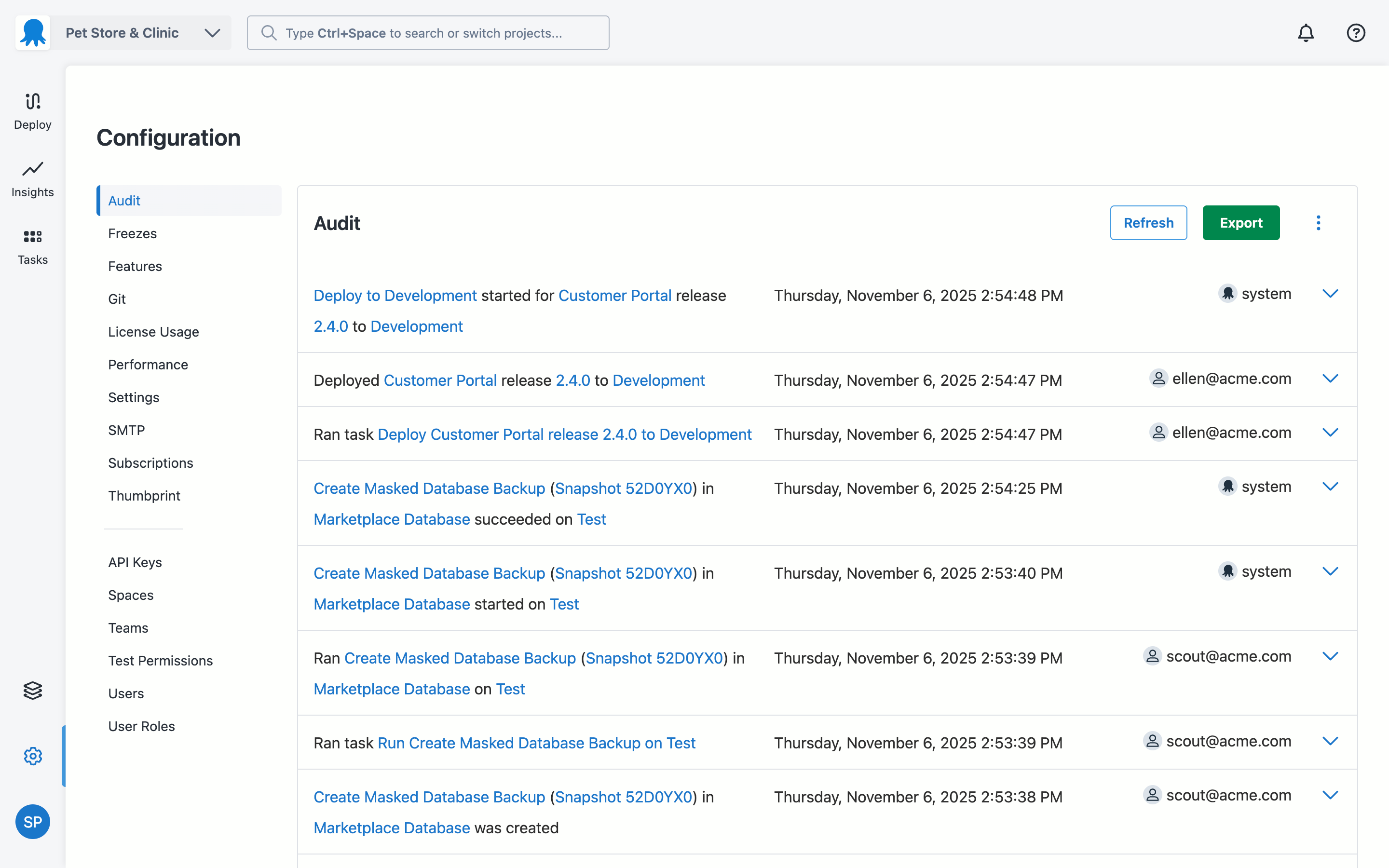
Jenkins streamlines development and provides end to end automated integration and deployment. It even supports Docker and Kubernetes using which container instances can be managed effectively. It is easy to add documentation and apply role based access to files and services using Jenkins giving full control to the users. Any deviation can be easily tracked using the audit logs.
Octopus Deploy has greatly helped us to improve our reliability and frequency of our deployments and given us the confidence to deploy much more often, with a direct benefit to customers. Cross-platform support and release to Cloud require more focus on the product side.
No, when we integrated this with GitHub, it becomes more easy and smart to manage and control our workforce. Our distributed workforce is now streamlined to a single bucket. All of our codes and production outputs are now automatically synced with all the workers. There are many cases when our in-house team makes changes in the release, our remote workers make another release with other environment variables. So it is better to get all of the work in control.
Octopus Deploy is a software that runs very effectively, is easy to use, does not require such a high learning curve, provides the necessary tools to carry out the functions it offers, making it a very flexible software, it also allows that can be configured according to the needs of the user and provides integrations with other very advantageous tools since they are carried out in a very favorable way.
There are a ton of resources and tutorials for GitHub online. The sheer number of people who use GitHub ensures that someone has the exact answer you are looking for. The docs on GitHub itself are very thorough as well. You will often find an official doc along with the hundreds of independent tutorials that answers your question, which is unusual for most online services.
As with all open source solutions, the support can be minimal and the information that you can find online can at times be misleading. Support may be one of the only real downsides to the overall software package. The user community can be helpful and is needed as the product is not the most user-friendly thing we have used.
Octopus Deploy support has always been there for us, even when using the free tier, we get responsive hands-on help. We haven't needed to use that level of support since the documentation is clearly written, and help is readily available within the interface itself. Using Octopus Deploy is a truly joyful experience.
It is worth well the time to setup Jenkins in a docker container. It is also well worth to take the time to move any "Jenkins configuration" into Jenkinsfiles and not take shortcuts.
While I don't have very much experience with these 2 solutions, they're two of the most popular alternatives to GitHub. Bitbucket is from Atlassian, which may make sense for a team that is already using other Atlassian tools like Jira, Confluence, and Trello, as their integration will likely be much tighter. Gitlab on the other hand has a reputation as a very capable GitHub replacement with some features that are not available on GitHub like firewall tools.
Overall, Jenkins is the easiest platform for someone who has no experience to come in and use effectively. We can get a junior engineer into Jenkins, give them access, and point them in the right direction with minimal hand-holding. The competing products I have used (TravisCI/GitLab/Azure) provide other options but can obfuscate the process due to the lack of straightforward simplicity. In other areas (capability, power, customization), Jenkins keeps up with the competition and, in some areas, like customization, exceeds others.
There aren't really any competitors in the land of ASP.NET. Deployment is too ad-hoc. Other tools exist that have massive downsides, like Web Deploy. Most aren't even supported anymore. You could argue that containers (Docker) are a competitor, but containers cannot be used for everything and solve a somewhat different problem. Octopus Deploy is even able to help with containers. To us, Octopus Deploy was really the only really polished solution.
Team collaboration significantly improved as everything is clearly logged and maintained.
Maintaining a good overview of items will be delivered wrt the roadmap for example.
Knowledge management and tracking. Over time a lot of tickets, issues and comments are logged. GitHub is a great asset to go back and review why x was y.