Figma, headquartered in San Francisco, offers their collaborative design and prototyping application to support digital product and UI development.
$15
per month per editor
SAP Signavio Process Transformation Suite
Score 8.1 out of 10
N/A
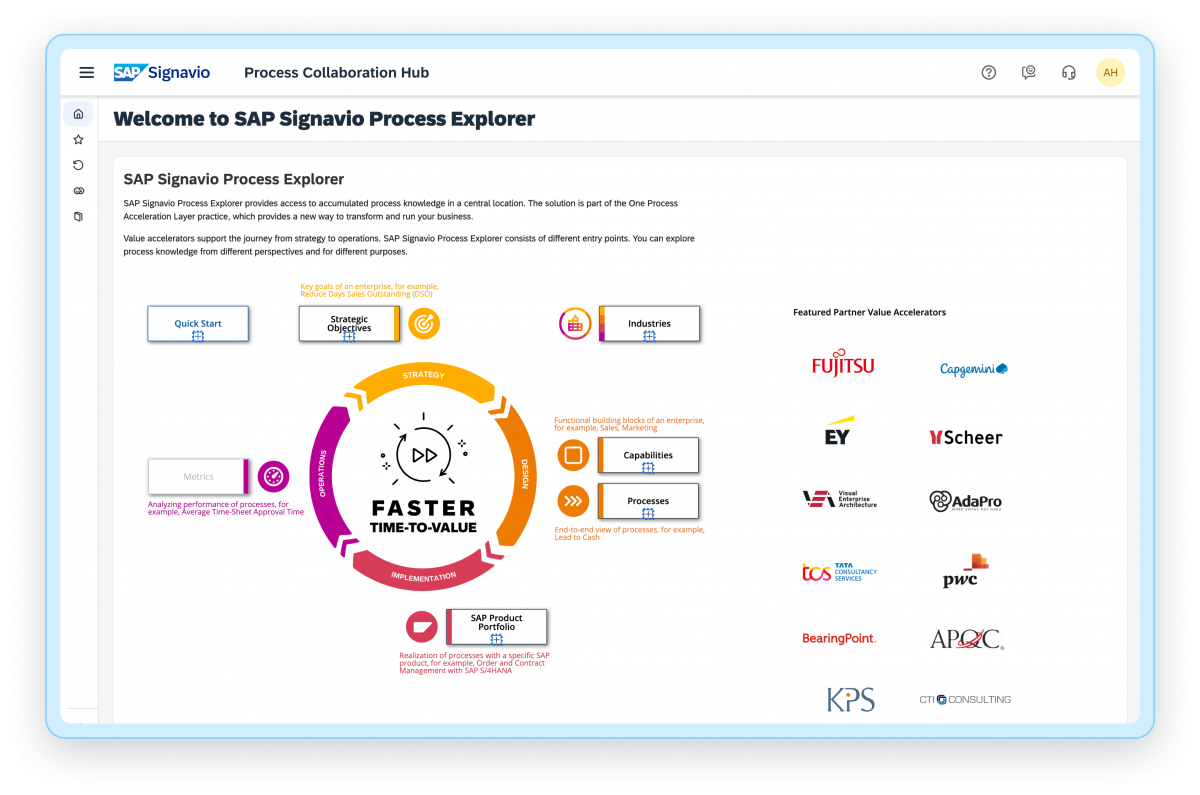
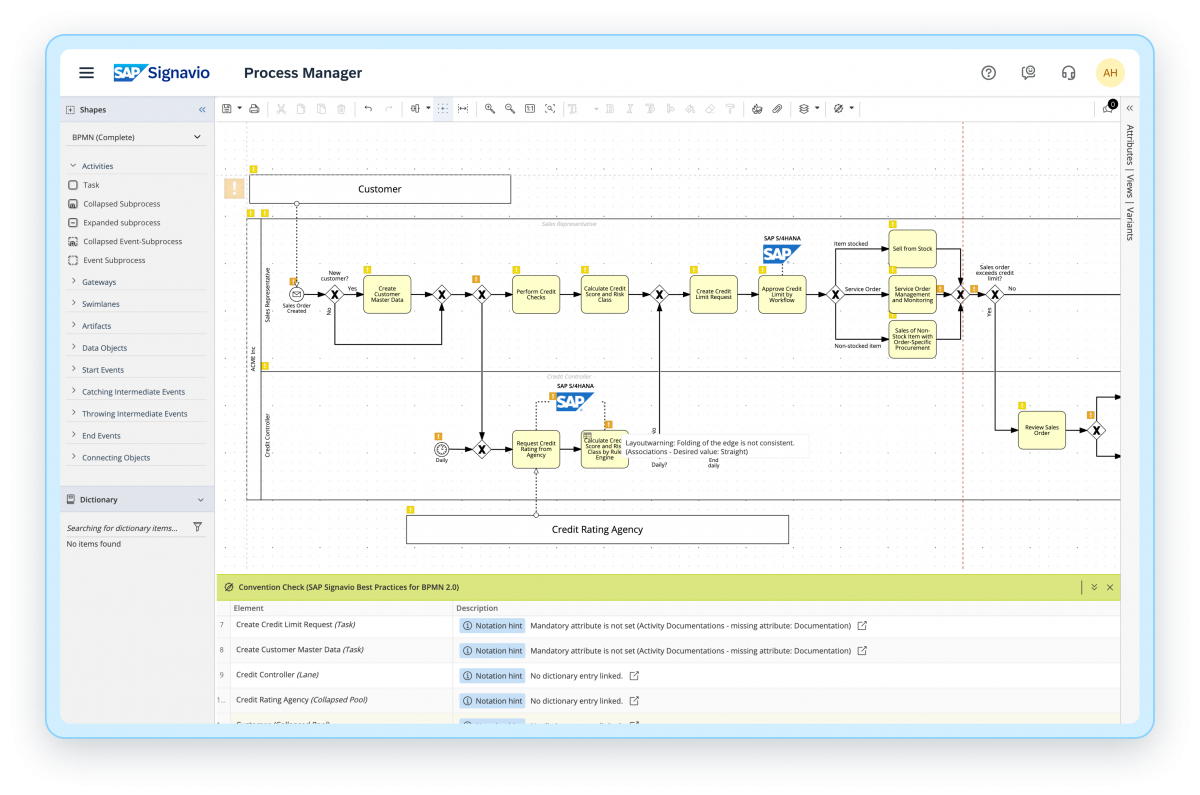
The SAP Signavio portfolio offers an integrated platform that helps usersto realign the organization and bring changes, with a suite of products that support business processes. The SAP Signavio portfolio offers a range of business transformation solutions to serve the emerging practice of customer excellence (CEX). SAP Signavio solutions bring together a full 360-degree view of outside-in and inside-out thinking, translating experiences into operational reality by putting the customer at the…
N/A
Pricing
Figma
SAP Signavio Process Transformation Suite
Editions & Modules
Professional
$144
per year
Organization
$540
per year
Starter
Free
No answers on this topic
Offerings
Pricing Offerings
Figma
SAP Signavio Process Transformation Suite
Free Trial
No
Yes
Free/Freemium Version
Yes
No
Premium Consulting/Integration Services
No
Yes
Entry-level Setup Fee
No setup fee
Optional
Additional Details
—
—
More Pricing Information
Community Pulse
Figma
SAP Signavio Process Transformation Suite
Features
Figma
SAP Signavio Process Transformation Suite
Reporting & Analytics
Comparison of Reporting & Analytics features of Product A and Product B
Figma
-
Ratings
SAP Signavio Process Transformation Suite
7.4
55 Ratings
6% below category average
Dashboards
00 Ratings
7.455 Ratings
Standard reports
00 Ratings
7.652 Ratings
Custom reports
00 Ratings
7.08 Ratings
Process Engine
Comparison of Process Engine features of Product A and Product B
Figma
-
Ratings
SAP Signavio Process Transformation Suite
7.6
69 Ratings
9% below category average
Process designer
00 Ratings
8.366 Ratings
Process simulation
00 Ratings
7.762 Ratings
Business rules engine
00 Ratings
7.122 Ratings
SOA support
00 Ratings
7.341 Ratings
Process player
00 Ratings
7.644 Ratings
Support for modeling languages
00 Ratings
7.849 Ratings
Form builder
00 Ratings
7.340 Ratings
Model execution
00 Ratings
7.738 Ratings
Collaboration
Comparison of Collaboration features of Product A and Product B
Figma
-
Ratings
SAP Signavio Process Transformation Suite
7.6
54 Ratings
9% below category average
Social collaboration tools
00 Ratings
7.654 Ratings
Content Management Capabilties
Comparison of Content Management Capabilties features of Product A and Product B
I would recommend if you need to start from scratch a product UI or any customer journey that you need to implement that requires designing and visualizing different steps to complete a process. I would recommend that any design/UI/UX team brainstorm and make proposals that they can compare and discuss in a visual way.
Pros: 1. It reduces technical debt and accelerates a smooth transition, while harmonizing across data migration regions which replaces the legacy customization that are not for S4/HANA. 2. It cuts operational cost by 30% - 40% and improves SLA adherence, while process intelligence identifies duplicate or redundant approval steps when we know SAP ecosystems ties all modules together for better data insights. Cons: 1. Complicated and costly for small businesses. 2. Mature process required for better data feeding and data insights. 3. If non-SAP system data feed might cause misleading and incomplete data insights
Figma allows us to create universal content. This means that if multiple designers want to re-use a piece of content, and if everyone's content should be dynamically updated from time to time, we can easily accomplish this by turning design elements into a universal instance. Then, if an update is needed, we can push the change out to all assets at once. It's very efficient and ensures we're all updating content accordingly.
Figma also allows us to set parameters for the company's brand guide and share them across various designers. This way, we can easily pull from approved brand fonts, colors, and more, which allows our assets to remain unified across multiple touchpoints.
Figma also allowed us to create and install our own plugin, which we use to export every slide we have in a frame at one time, versus the default export feature, which limits you to one slice at a time. This is particularly useful for us when we're working on email templates, since we tend to have a ton of slices in any given series.
Location agnostic (or home office agnostic) collaboration in virtual workshops
Internally within the team or with clients, I can prepare, gather materials, and lead during a workshop or meeting with SAP Signavio Process Transformation Suite and feel incredibly positioned as the facilitator. Whether in real time or in an asynchronous manner.
The combination of highly adaptable and visual work with collaborative tools like forms, comments, timers, and point voting transforms it into a tool I use frequently.
It will be great if Figma will consider having the Pages where interactions can be stitched together among the Pages and not just one page with so many Frames to create the stand-alone clickable prototype that can be used to simulate the intended UX
Bring back the Inspect Mode tab right on the right-side panel of the main workspace instead of hiding behind the Dev Mode.
Figma Slides feature could be improved quite a bit more in order to be easier to assemble slides into a presentation deck and having pre-built templates for slides can be useful too.
For businesses looking to improve their current business processes, I think SAP Signavio Process Transformation Suite is incredibly well-suited.
In my opinion, SAP Signavio Process Transformation Suite excels in sectors with strict regulatory requirements.
I think SAP Signavio Process Transformation Suite is the best option when teams from several departments must work together on process design or improvement initiatives because of its real-time collaboration capabilities.
Figma is a pretty cool tool in many areas. My team almost uses it on daily basis, such as, brainstorming on product/design topics, discussing prototypes created by designers. We even use it for retrospectives, which is super convenient and naturally keeps records of what the team discusses every month. Furthermore, I do see the potential of the product - currently we mainly use it for design topics, but it seems it is also a good fit for tech diagrams, which we probably will explore further in the future.
We see strong potential in SAP Signavio, especially for value-led transformation, S/4HANA readiness, and strengthening our process advisory capabilities. As we expand certifications and build delivery experience, we expect Signavio to become a core part of our consulting and implementation model. At the same time, our current usage is still growing, and broader internal adoption, automation maturity, and integration with delivery workflows are required to unlock its full value. With continued roadmap advancement and improved enablement support, this score could increase significantly in the near future.
There's a bit of a learning curve, but generally I think it's both more powerful and intuitive that other UX design tools. Most of what I need to do as a designer can be done in this platform, from basic wireframes to creating a design system, to creating pixel perfect designs, to prototyping to dev handoff.
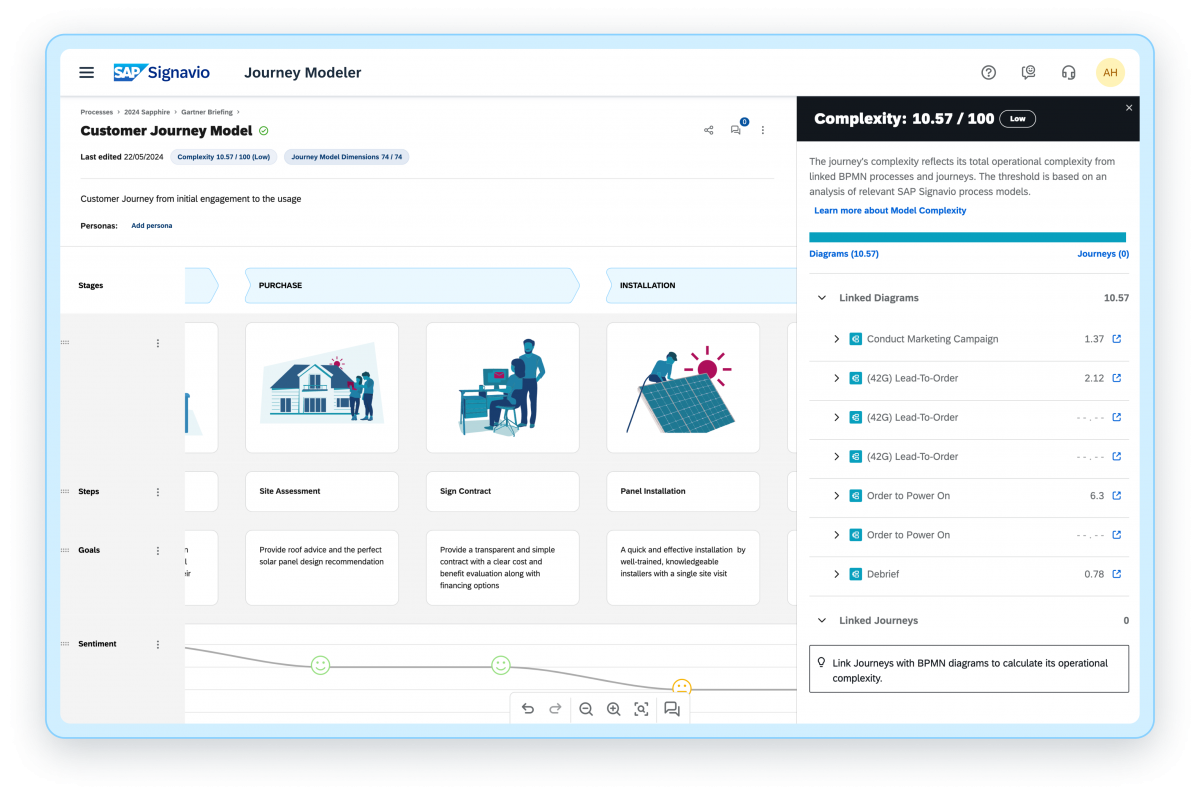
SAP Signavio Process Transformation Suite offers a modern interface, intuitive modeling experience, and strong collaboration features that make it fairly easy to adopt, especially for users familiar with business process terminology. The availability of SAP Best Practice content and templates helps accelerate process discovery and modeling, reducing the learning curve for transformation teams. However, as we expand into more advanced use cases such as process mining, benchmark analytics, and integration with SAP systems, the usability becomes more complex and requires deeper expertise. Some capabilities still require multi-step configuration, and there is noticeable variation in maturity across modules. New users may need additional onboarding to navigate the ecosystem effectively and understand dependencies between components like Process Manager, Process Intelligence, and Journey Modeler. We also see opportunities for enhancing guided workflows, automation of repetitive tasks, and tighter UX alignment between different Signavio tools to make the experience more seamless. Overall, the suite is powerful and well-designed but continues to evolve as SAP enhances its capabilities. With improvements in user onboarding, harmonized interface elements, and more embedded guidance from AI, we expect the usability rating to increase over time as adoption scales.
I haven't used their support lately but in the past, they had a chat that I used often. They often responded in a few hours and were able to give a satisfactory solution. I would imagine it's less personal now but the community has expanded drastically so there are more resources out there to self serve with a bit of Google magic.
In-person training has its own benefits - 1. It helps in resolving queries then and there during the training. 2. I find classroom or in-person training more interactive. 3. Classroom or in-person training could be more practical in nature where participants can have an hands on experience with tools and clarify their doubts with the trainer.
Online training has its own merits and demerits - 1. Sometimes we may face issues with connectivity or the training content 2. The way training is being delivered becomes very important because not everyone is comfortable taking online training and learning by themselves. 3. With the advancement of technology online training has become popular but there is a segment of people who still prefer class-room training over online one.
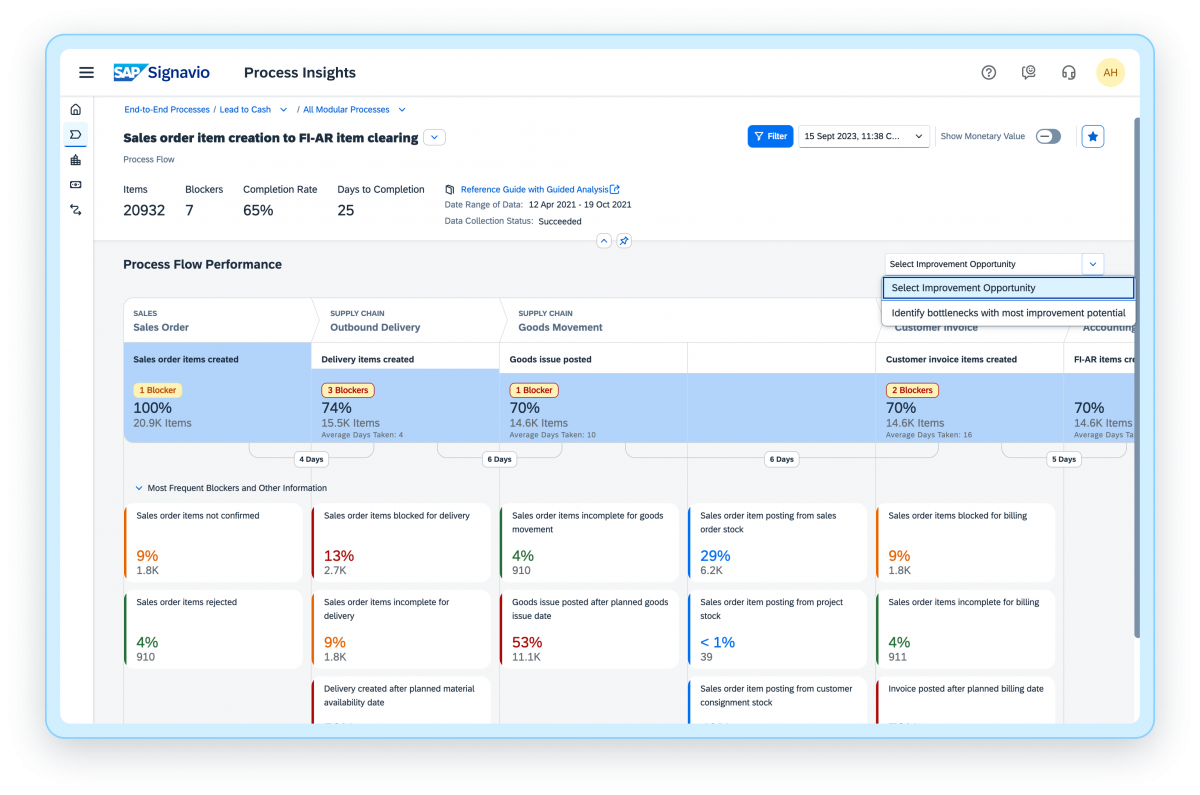
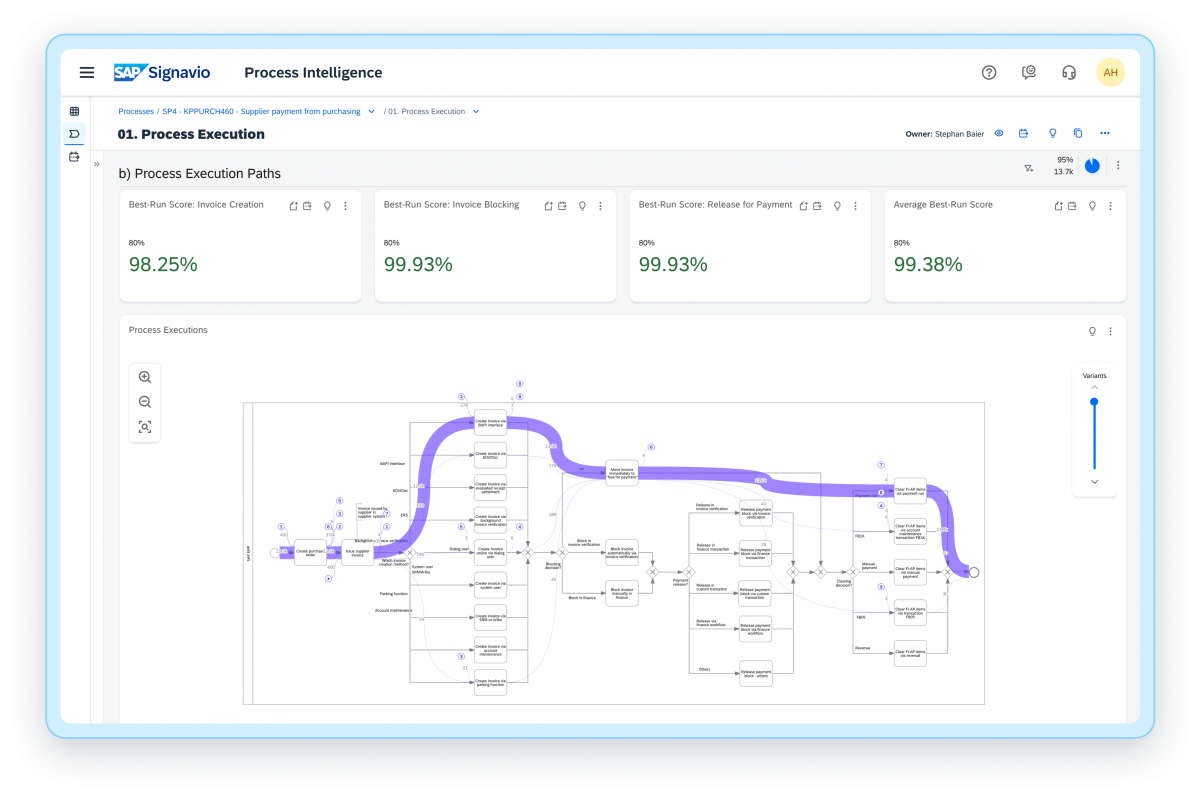
Training is taking way longer than expected. We have had more than 50 hours of training and still do not feel proficient enough to do anything meaningful with Process Intelligence. The Process Insights are pretty intuitive but does take a willingness to dig in and explore, but in general good right out of the box.
Miro is more user-friendly than Figma, but is less robust in terms of web prototyping and graphic design. While Figma isn't made to be used as a design tool, our team has taken to using it as such because it's richer in functions and personalizations compared to Miro and Figma.
We were able to end the use of archive versions thanks to SAP Signavio Process Transformation Suite, and everyone has access to the most recent archive. Mac and Windows users can collaborate on a single document. A design tool that spans the concept phase, design phase, and delivery to engineering
With the help of Signavio, we are now much more operationally efficient, which saves money and makes better use of our resources.
The software's emphasis on collaboration has encouraged innovation within our teams, resulting in original solutions and better project outputs.
Compliance is crucial for our sector. We have lowered the danger of regulatory problems by maintaining stringent compliance standards with the aid of Signavio.