Dashlane Password Manager vs. RoboForm

Overview
ProductRatingMost Used ByProduct SummaryStarting Price
Dashlane Password Manager
Score 8.9 out of 10
N/A
Dashlane is a credential manager that secures every credential, every user, and every employee device to proactively protect against breaches. Brands worldwide can use Dashlane to stay ahead of evolving threats.
$240
per year 10 employees
RoboForm
Score 9.1 out of 10
N/A
RoboForm for Business is a password automation and centralized management solution for businesses and government agencies. The software helps companies to organize logins and passwords, making password generation, storing, and sharing easier and more secure. RoboForm for Business integration aims to eliminate forgotten passwords, loss of productivity caused by it, and costs related to their reset. A RoboForm for Business company account can be created in minutes. It is customizable and…
$39.95
per year
Pricing
Dashlane Password ManagerRoboForm
Editions & Modules
Business
$8
per month (billed annually) per seat
Omnix™
Contact Sales
per year for organizations of 100+
5-year subscription
$16.46
101-1000 users/per year
Offerings
Pricing Offerings
Dashlane Password ManagerRoboForm
Free Trial
YesYes
Free/Freemium Version
YesNo
Premium Consulting/Integration Services
NoYes
Entry-level Setup FeeNo setup feeNo setup fee
Additional DetailsMulti-year discounts available: Save with discounted pricing on 3-year and 5-year Business plan purchases. Enterprise plan: For large organizations requiring tailored solutions, RoboForm offers an Enterprise plan that includes all Business plan features plus additional services customized to meet enterprise-scale needs. Contact sales for Enterprise pricing and to start a trial.
More Pricing Information
Community Pulse
Dashlane Password ManagerRoboForm
Considered Both Products
Dashlane Password Manager
Chose Dashlane Password Manager
Compared to RoboForm and 1Password, I feel that Dashlane has the edge on workflow and aesthetics. Dashlane feels much more like a professional piece of software than RoboForm, and it has a much better workflow than 1Password. Overall, it was the best choice for our company …
Chose Dashlane Password Manager
UX on Dashlane is better than RoboForm. Autofill and cross platform of Dashlane are superior to KeePass.
Chose Dashlane Password Manager
easier to use better and multiuser setup
Chose Dashlane Password Manager
While some of the products we investigated are used by many people, the biggest concern related to a password manager was security. We are a very security minded company and anything that was to be used had to include the highest security features, industry leading security …
RoboForm
Best Alternatives
Dashlane Password ManagerRoboForm
Small Businesses
RoboForm
RoboForm
Score 9.1 out of 10
Dashlane Password Manager
Score 9.1 out of 10
Medium-sized Companies
1Password
1Password
Score 9.2 out of 10
Dashlane Password Manager
Score 9.1 out of 10
Enterprises
KeePass
KeePass
Score 8.9 out of 10
KeePass
KeePass
Score 8.9 out of 10
All AlternativesView all alternativesView all alternatives
User Ratings
Dashlane Password ManagerRoboForm
Likelihood to Recommend
9.4
(158 ratings)
9.7
(10 ratings)
Likelihood to Renew
8.5
(3 ratings)
10.0
(1 ratings)
Usability
9.0
(144 ratings)
10.0
(1 ratings)
Support Rating
5.7
(6 ratings)
10.0
(5 ratings)
User Testimonials
Dashlane Password ManagerRoboForm
Likelihood to Recommend
Dashlane
I think Dashlane is a great service for anyone who uses the internet. We need to create accounts on almost every website, and Dashlane helps generate secure passwords and store them safely, but easily accessible through its seamless browser extension. Any business or personal lifestyle can benefit from Dashlane when you go online
Read full review
Siber Systems Inc.
I use it on an almost hourly basis. With probably 10+ years of use, I have used it for everything and have found very little that it won't complete, but it isn't very good on mobile devices. I use it on my phone strictly as a reference because it does not work with either Samsung internet browser or Chrome for Android.
Read full review
Pros
Dashlane
  • Reliable autofill on most websites
  • Robust features in both the Admin and personal user sense
  • Multiple convenient options for unlocking that don't require retyping the master pass on a regularly used and trusted device
  • Extensive customization options in both the Admin panel and user settings
Read full review
Siber Systems Inc.
  • It remembers all our logons
  • It has a good alphabetizing system
  • You can store multiple users
  • It also has a mobile app which is great
Read full review
Cons
Dashlane
  • The mobile app works fine for quick access, but autofill across different apps can be inconsistent. Sometimes it doesn’t recognize the login field, which slows people down when they’re on the go.
  • Occasionally the browser extension logs users out or doesn’t sync immediately with the desktop app, which causes frustration if someone just updated a password.
Read full review
Siber Systems Inc.
  • Recommend periodic purging of unused passwords.
  • Offer a "compromised password" alert feature.
  • Don't remind me about a recent update as often as you do now. (I might be able to control this on my desktop's notification settings?)
Read full review
Likelihood to Renew
Dashlane
It has served us very well until now and at the pricepoint it doesn't make us second guess our current relationship.
Read full review
Siber Systems Inc.
No answers on this topic
Usability
Dashlane
Dashlane is usable, but there are 2 key issues that annoy me. 1. The mobile app and the browser extension are not synced and i cannot find passwords in the app that are clearly in the extension. 2. The system doe snot make it easy to assign a password to a specific subdomain. I get hundreds of passwords that i have to go through any time i go to any subdomain on my main site because of the nature of my business. I need the option back to assign a password to only work with a specific subdomain (and all related paged on that subdomain) note: The search features have been annoying in the past. I just went to test them to verify my issues and found that notes inside of a password are finally searchable. This helps
Read full review
Siber Systems Inc.
it is simple and intuitive
Read full review
Support Rating
Dashlane
We've had no issues with Dashlane. I can't speak to their customer service because I have not personally needed to contact them. I guess that speaks about their product if we've not had any issues to reach out about. Great for supporting data/information on multiple platforms that are shared among team members.
Read full review
Siber Systems Inc.
For the few times, in the many years that I have used RoboForm, and that I have needed to contact support they were very responsive.
Read full review
Alternatives Considered
Dashlane
Dashlane’s customer support is often rated higher, providing more responsive and helpful assistance. LastPass has a slightly steeper learning curve than Dashlane, but it offers more flexibility with user permissions, which can benefit teams. Dashlane includes unlimited passkey support and a clean breach history, while LastPass is more accommodating for smaller teams.
Read full review
Siber Systems Inc.
The number one alternative we see is LastPass. Many of our clients use it and are happy with it and I'm sure it's very close to RoboForm. I have personally used RoboForm for at least 10 years and have been extremely happy with it, so we did not do much comparing recently.
Read full review
Return on Investment
Dashlane
  • We constantly preach security, Dashlane Password Manager has provided us a means to improve our security posture
  • Employees love the ease of use and the ability to keep all password in one place
  • Employees feel more secure as they are able to use Dashlane Password Manager for personal protection as well
Read full review
Siber Systems Inc.
  • It helps to keep my business secure.
  • Saves time filling out forms.
  • Saves more time than writing out all of your passwords with pen and paper.
Read full review
ScreenShots

Dashlane Password Manager Screenshots
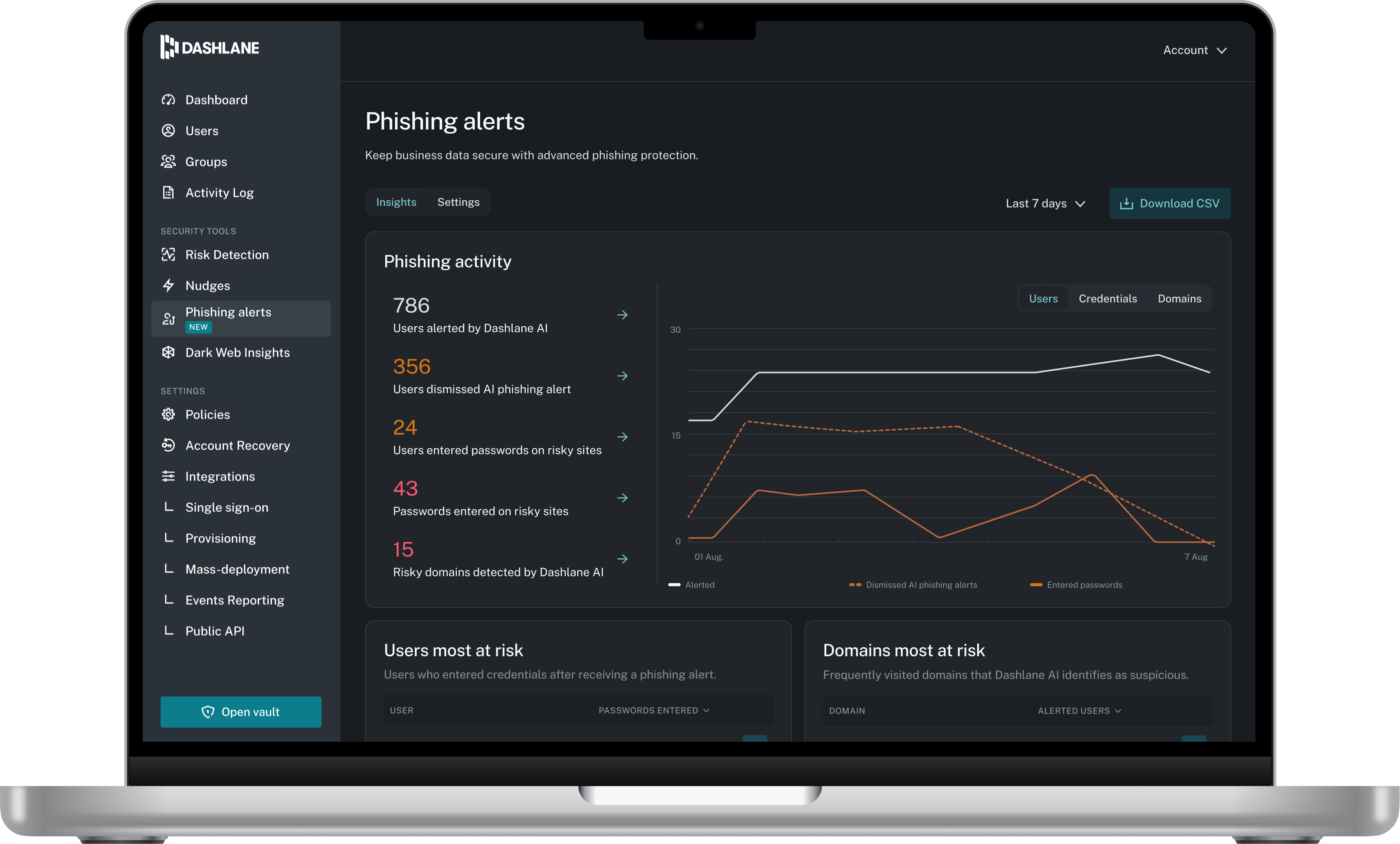
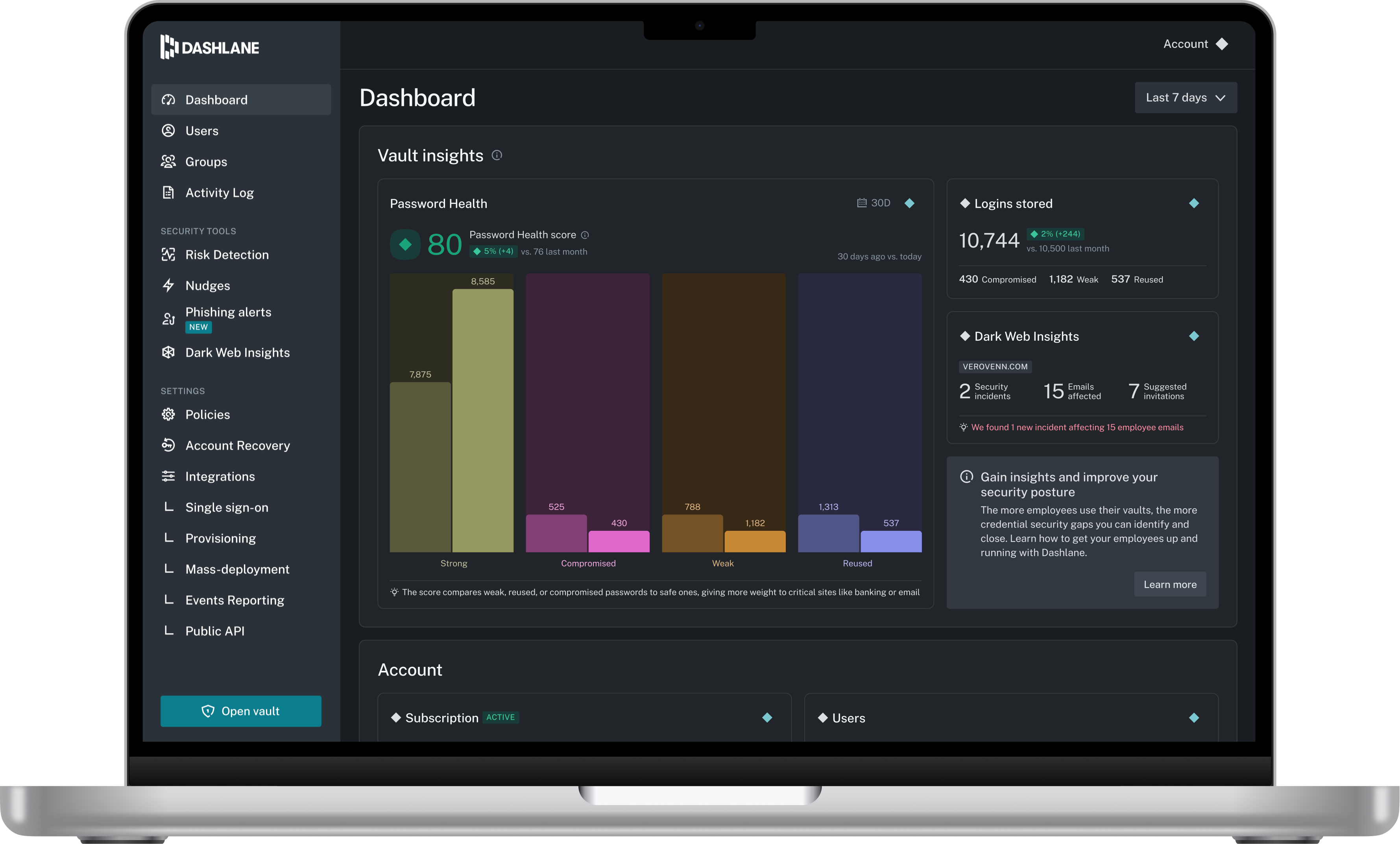
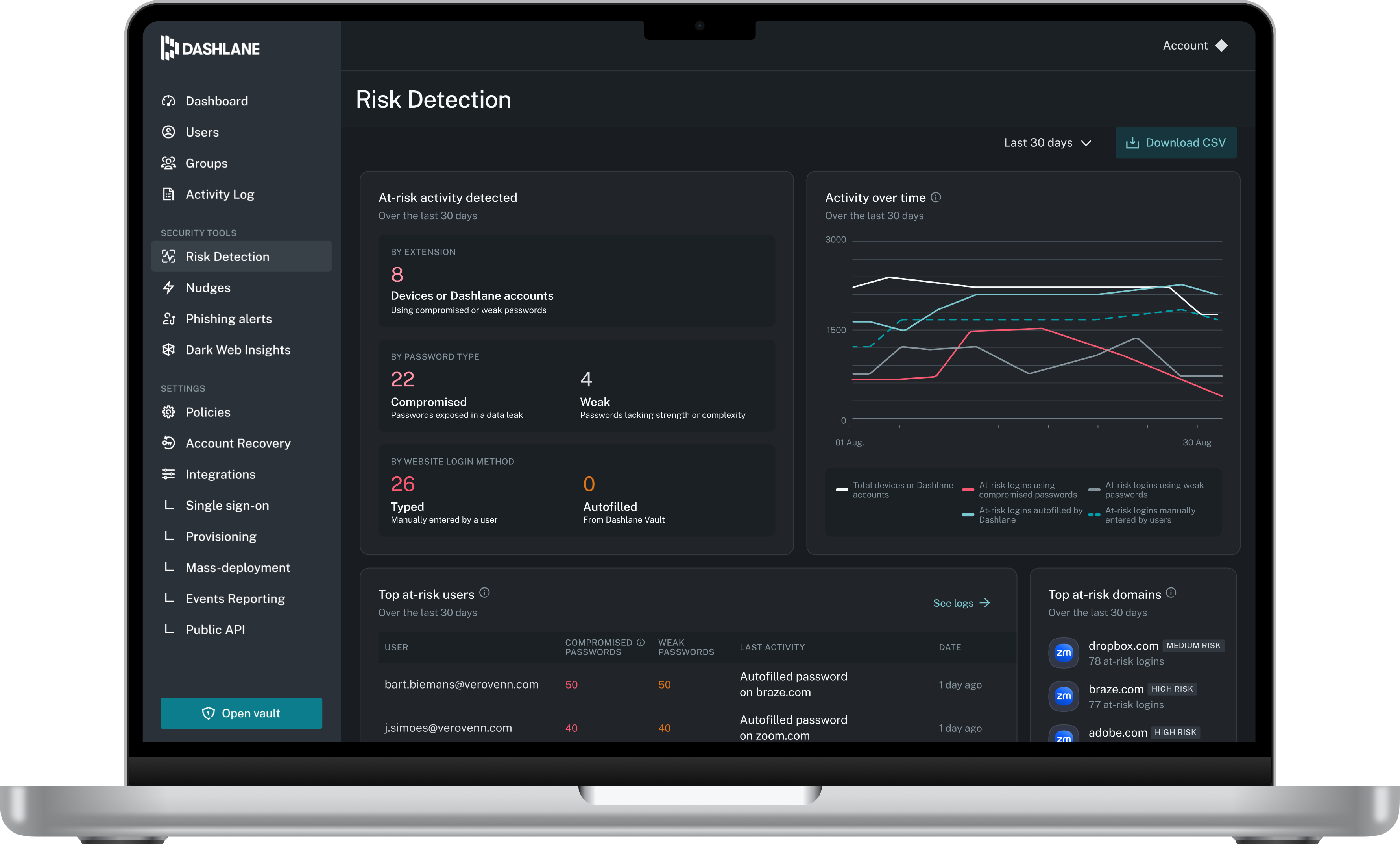
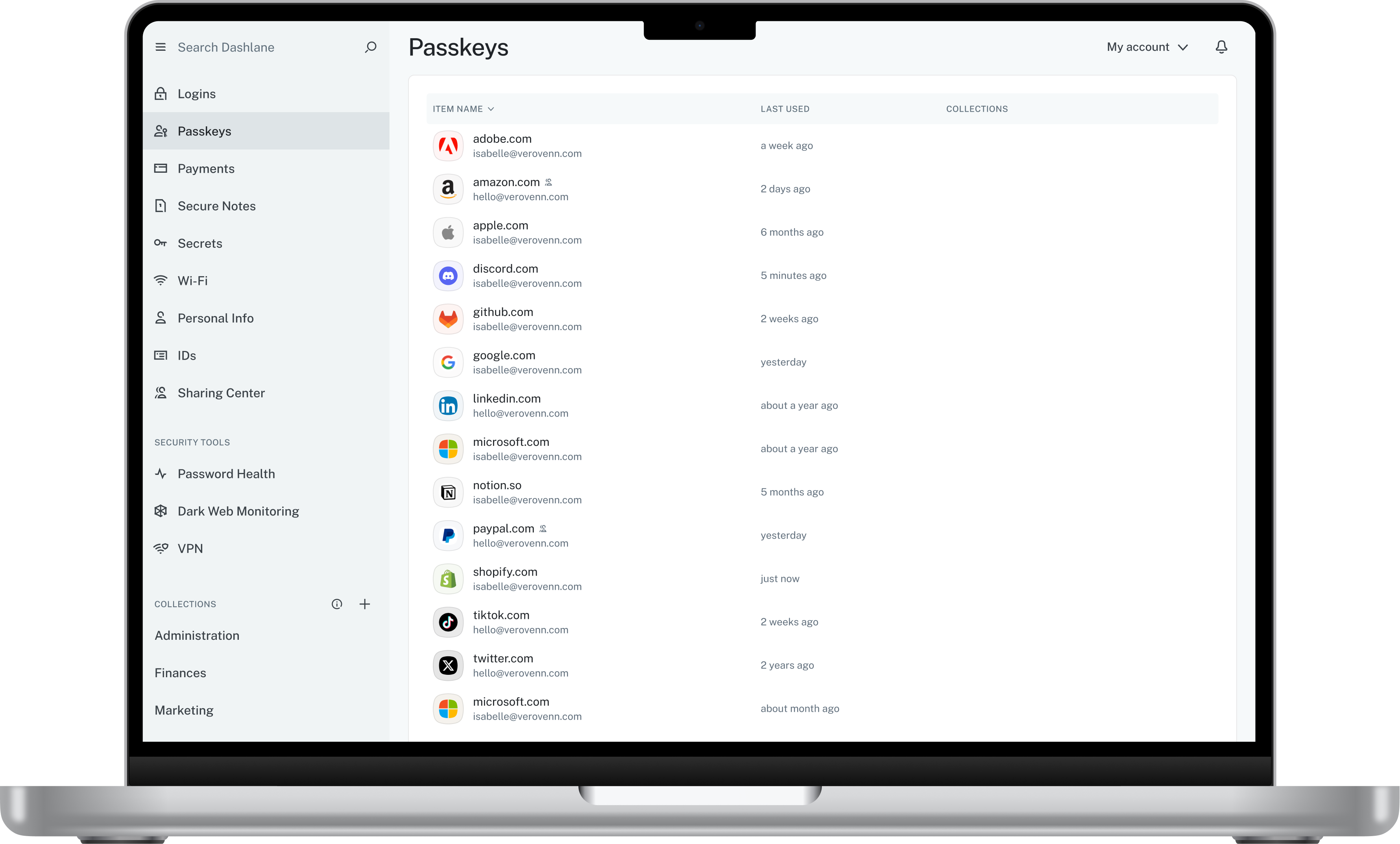
Screenshot of Admin DashboardScreenshot of Credential Risk DetectionScreenshot of AI Phishing AlertScreenshot of Vault