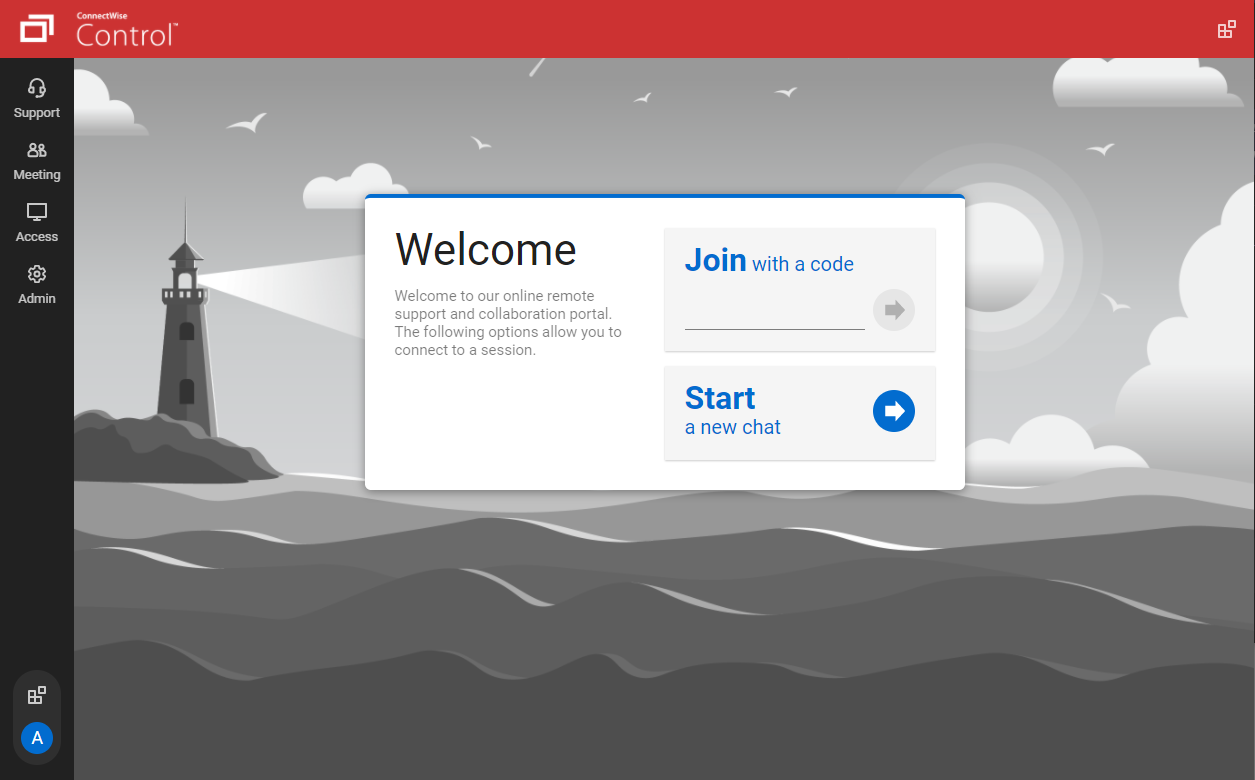
ConnectWise ScreenConnect is a remote support, access, and meeting solution. With it, users can utilize remote support and access to repair computers, provide updates, and manage machines. Users can also conduct online seminars and presentations using remote meetings.
$39
per month
Parallels Desktop for Mac
Score 9.1 out of 10
N/A
Parallels® Desktop for Mac is used to run Windows on Intel or Apple silicon. Users can switch between Mac and Windows applications, while retaining the macOS appearance, or use the familiar Windows desktop aesthetic.
IT Specialist, Legal Videographer, Marketing Specialist
Chose ScreenConnect
The big distinguisher between ConnectWise Control and LogMeIn Pro comes down to price. LogMeIn Pro continued to hike up the price each time we renewed for a year, and they simply didn't improve considering the amount of money we had to pay more with each renewal. ConnectWise …
We often need to create an ad-hoc session with a device that is not under our management. We find ourselves doing this more than ever in the COVID world. Many people are working from home on personal machines with their employer, our client's permission and we are facilitating more support for these personal machines. Connectwise Control [(formerly ScreenConnect)] gives us a robust resource to control the device, navigate anywhere we need, execute various commands, and engage in an on-screen chat with the client. The session is very simple to create and very user-friendly to initiate. We do not recommend it for Android, Apple, or Chromebook applications. There is little to no support for these platforms.
Parallels is great for an end user that is primarily a macOS user, but occasionally needs Windows access to a specific application or service that is Windows only, or Windows primarily. It obviates the need for multiple desktop units or remote VMs where spin up time is an issue. It is not quite perfect due to the ARM version of Windows requirement, but that particular case is common to all ARM use of Windows.
The interface is easy to use and makes sense. It's easy to understand how to organize a large number of machines involving multiple clients. But, it's also applicable for smaller set of machines too.
The connection speed is very quick. I've used solutions in the past that take a variable amount of time to connect, or they just take a long time every time. Control is quick every time. It doesn't get in the way of being able to support the machines on the other end.
The connections are reliable. I haven't experienced random disconnects throughout hundreds of instances. It was a breath of fresh air coming from the previous solution we used. I consider Control a gold standard for what a great remote connection solution can be.
I'd like to see the ability to selectively log off the remote machine via a button on the toolbar. Currently it's a setting to always lock on disconnect, or never lock on disconnect, requiring the tech to manually lock the machine if called for at the end of a session. Its a small time save that would add up!
The chat feature could be expanded to be a lot more useful. Allowing clients to start conversations, and have conversations ping an email address if no one is monitoring the dashboard would be extremely valuable.
Some clarity on licensing when providing host-passes to guest technicians would be a boon, especially for one-off support sessions with vendors.
I would recommend this product for both internal remote control of end user workstations and remote access to other clients over the internet. It provides a secure and feature rich product that allows me to complete any necessary tasks without ever leaving the office. I will continue to renew as I'm eager to see what they do next. I would however wish the cloud service had a better API to work in conjunction with team collaboration or chat services to make it easier to connect with end users who use multiple workstations. (Slack or Stride provide this functionality)
Users are familiar with the application which will keep us going for a little while. However since we are seeing a decline for a need for the software, I wouldn't be surprised to find that this answer changes dramatically in the near future. We would probably keep it to some extent, but we would probably reduce our licensing count.
On the whole SC is a very powerful tool that is a vital part of the IT service arsenal. On-site visits are an "emergency" only type of scenario. Just "showing your face" is not winning any browny points for me. If my client sees my face, it's usually just to upgrade hardware or to deal other aspects of business. SC provides me and my client the bulk of the info I need to get projects done.
It has a good integration, including the connection of peripherals. Taking files back and forth works well and I can attach my Home drive as a network drive in Windows. There is even integration with iCloud and other macOS services. There are also a few different display modes which are useful and fleixible (coherence, windowed, full-screen with multiple screens)
It performs well. It also has full control over windows security and does not get hung up like GoToMeeting when trying to install remote software at the prompt to install as admin / override. I have used TeamViewer, WebEx, LogMeIn and GoToMeeting. This is by far the best at spontaneous, remote control. It is also very easy to get a novice user connected to the session.
There have been two times when something has went wrong and I needed immediate assistance in order to be able to use Screenconnect to be able to help clients and response has not been immediate. The response time has been within 24 hours. Both times if there had been easier to navigate self help I would have been able to help myself. With better self help and a speedier response it would definitely be a 10 as they always respond and help. Just a little more difficult or slow than it should be at times
The Parallels documentation and support websites are great. I have not had much use for them, but a cursory check shows richly documented features aimed at both the layperson and the power user or software developer. Their website is well-designed and information is easy to find, and their list of known issues as well as bugfixes on point releases is clear and transparent. They aren't trying to hide any of the limitations of their software, and seem to be regularly updating it to fix new bugs that arise with Mac OS X updates.
I find ScreenConnect to be very simple and effective overall, with the main problem being that a number of my clients can't download the app due to existing firewalls and so on. Otherwise it does its job well, and I'm happy with it.
ConnectWise has done everything they could to help us in any situation. Great support team and their new updates are always providing features that we need. Its a simple solution that works the way we need it to. Their legacy pricing model is still much better than their subscription based model however it is still fair pricing
I have worked with Citrix, AnyDesk, LogMeIn, VNC Connect, and many others. I ultimately installed ConnectWise as a self-hosted solution, based on the incredible list of features and capabilities, and the pricing at the time. I continue to use the product as it is still one of the best solutions out there and is certainly capable of growing and expanding to meet the needs of my business.
Main two features that made the balance decission go to the Parallels Desktop were the possibility to pause the Windows partition easily (allowing to consume less resources in Mac and save battery) and the other one is the user interface feature called "Coherence" with allows you to show the Windows application windows as if they were native to the macOS, allowing for a better user experience.
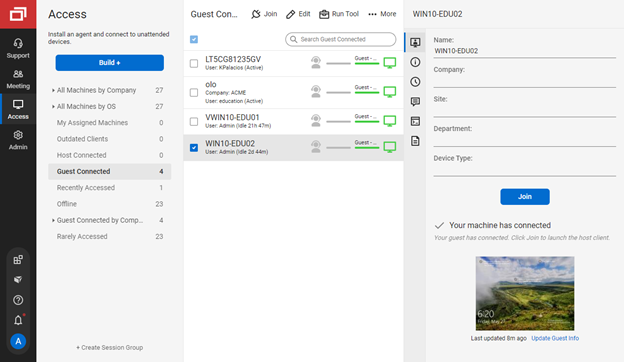
I have used multiple remote desktop support software in the past (Bomgar, Team Viewer, Logmein and Join.me) and this is far the easiest of the bunch to use. It is very easy to create a session and easy to maintain remote desktops from their access view (where you install the software and can get in at any time) I highly recommend this product from ConnectWise!
Instead of waiting 30+ seconds to initiate sessions, they initiate and display a desktop in two or three seconds. The amount of frustration this avoids is immeasurable.
Once installed it doesn't need more handholding, i.e., having the remote enter a username/password. It is always just there.
Saves money on having to buy a Windows and MacBook, as the MacBook can run almost 99% of all Windows software and usually run it faster and share between your MacBook transparently.
Gives employers the most flexibility with regards to which OS to adopt across an enterprise
We are a media company and everyone uses Macs in our industry, Fortune 500 companies also use Windows and MS Project, Parallels gives you the most flexibility for almost all of these use cases
Improves efficiency as the MacBook Pro M3 systems are much faster than some of the fastest corporate issued Windows laptops. What takes me 3-10 seconds for a video export can take 5 minutes on a similar Windows laptop