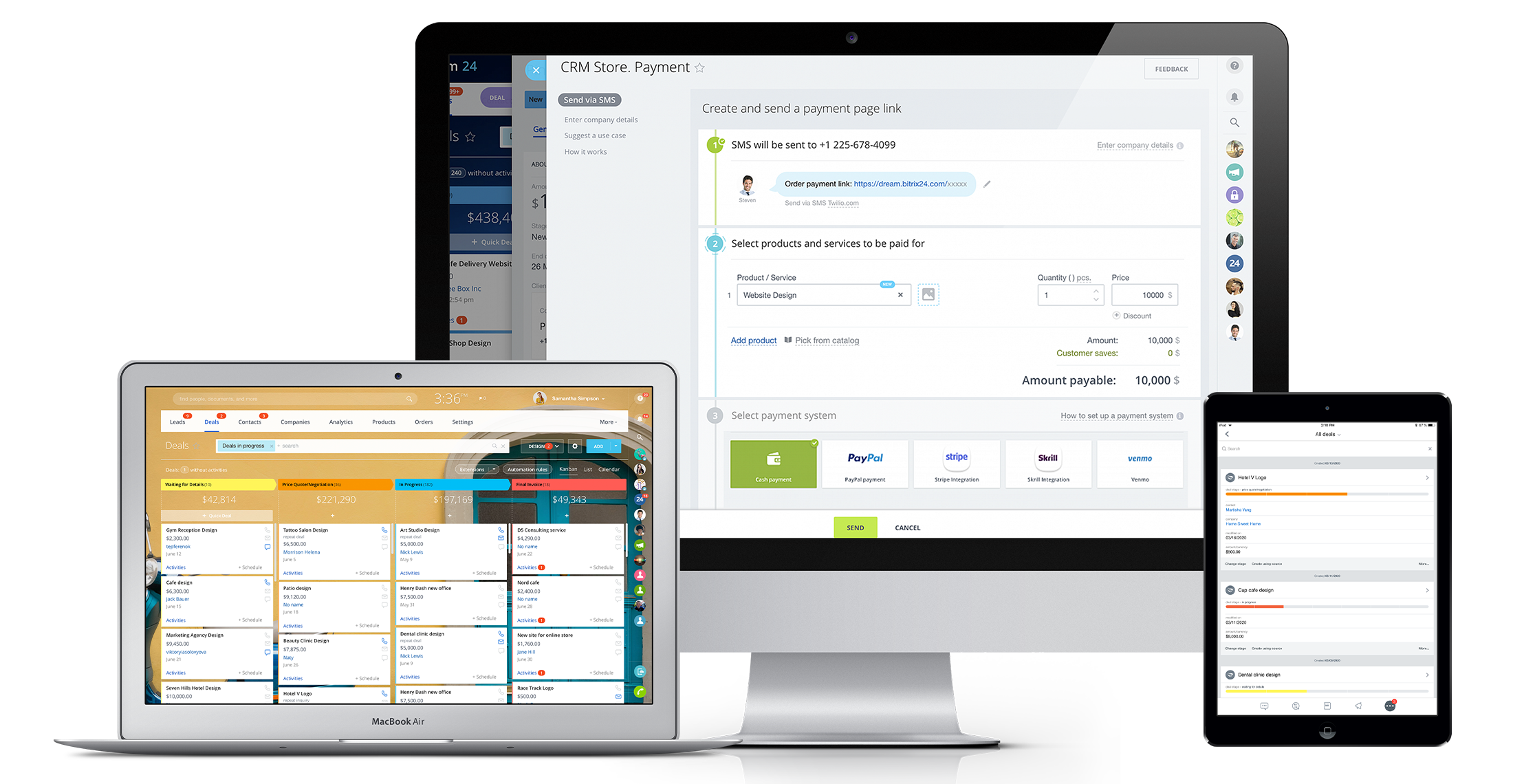
Bitrix24 is a local-hosted or cloud-based social intranet and project management platform that also contains core HR (HRMS) and CRM features. Bitrix24 also provides time management services and employee self-service.
$61
per month up to 5 users
ProjectManager
Score 9.0 out of 10
N/A
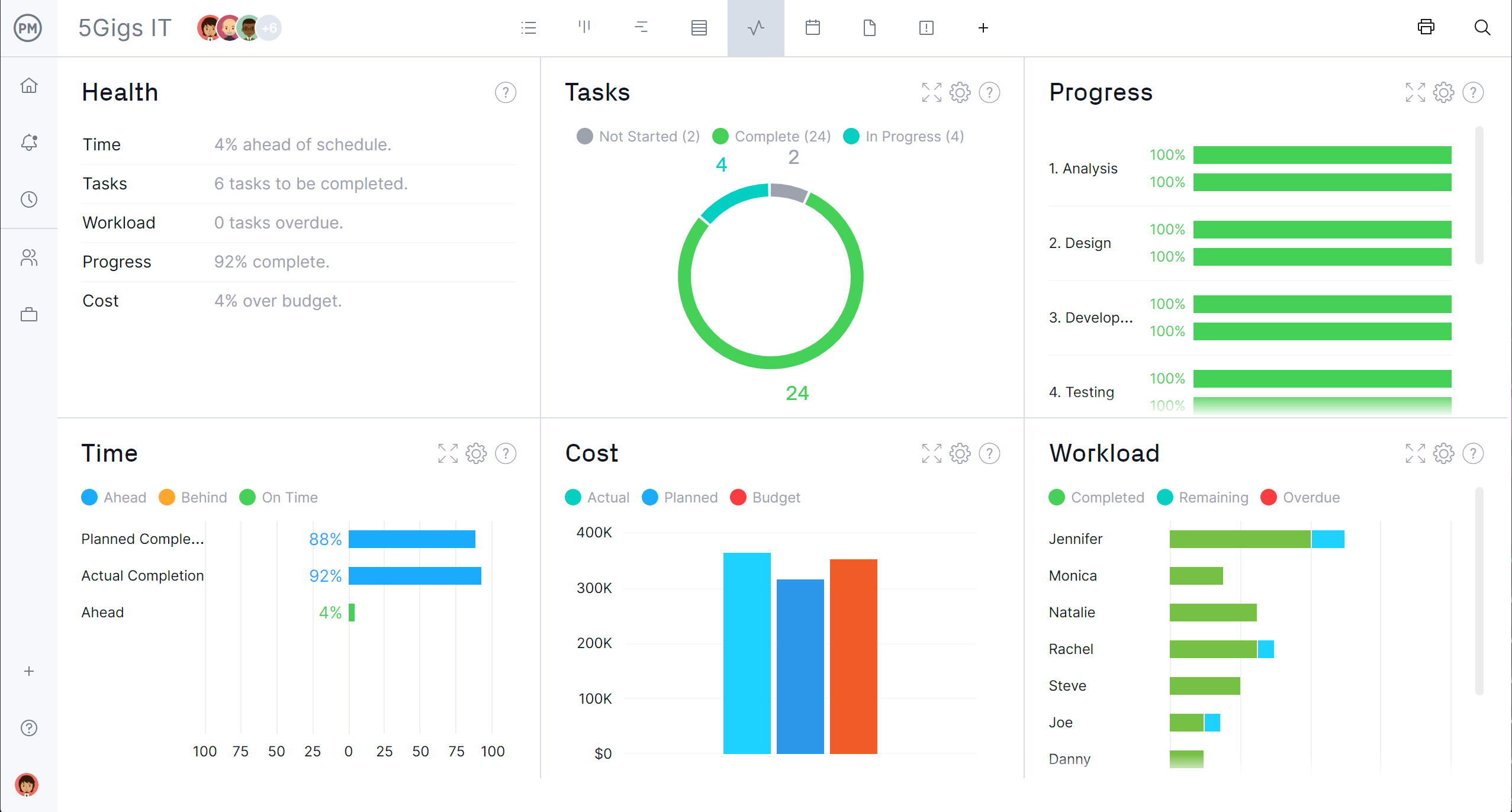
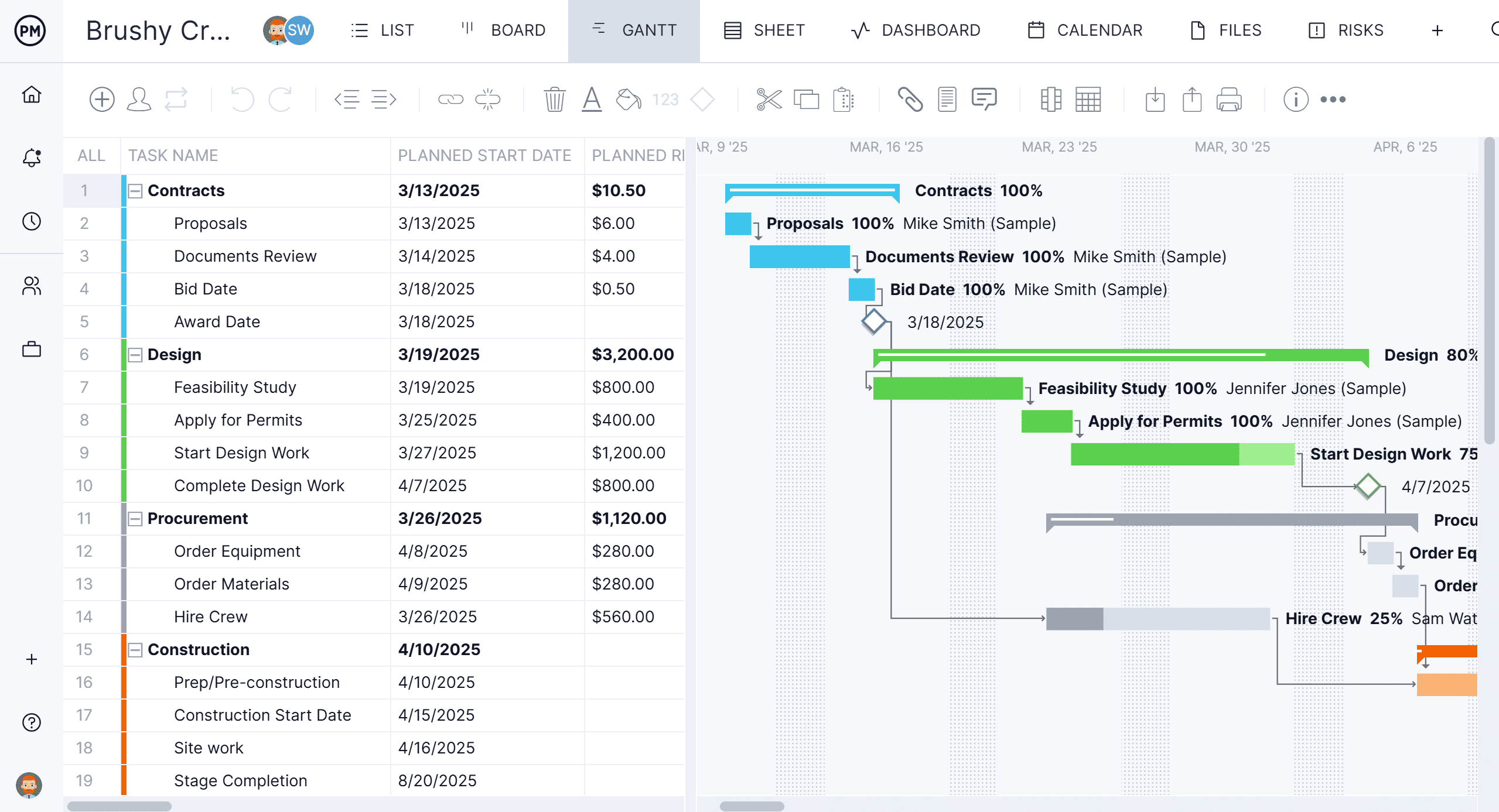
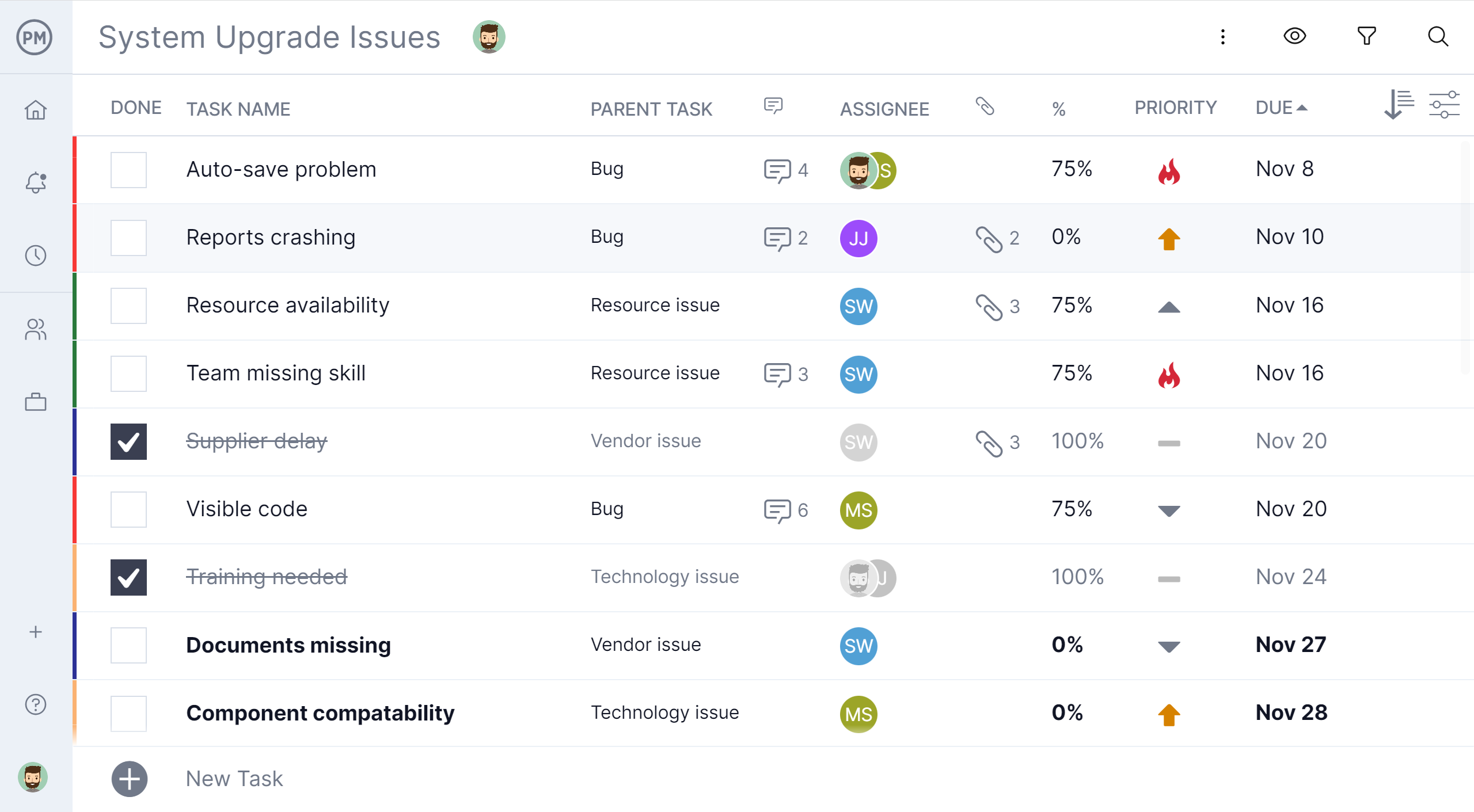
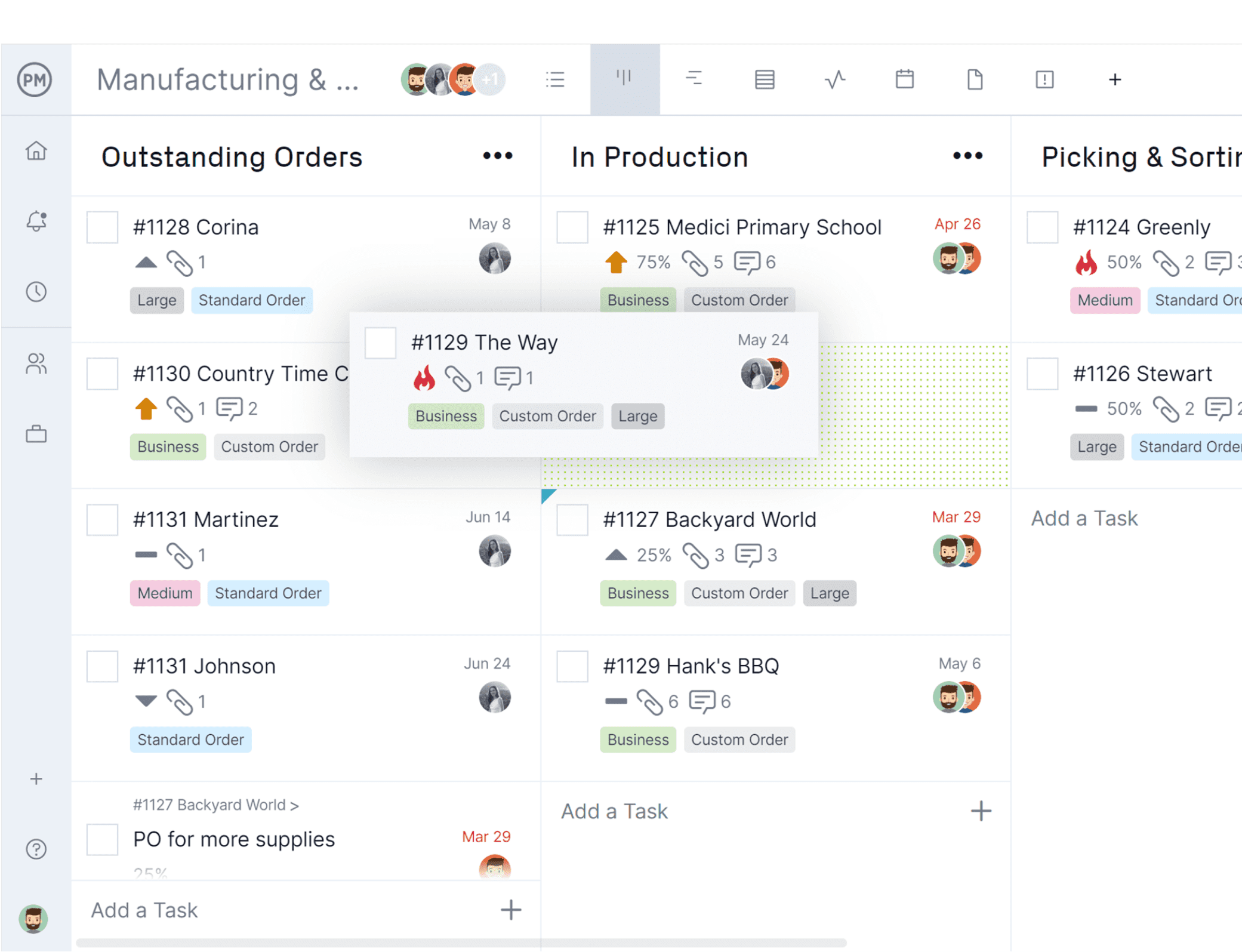
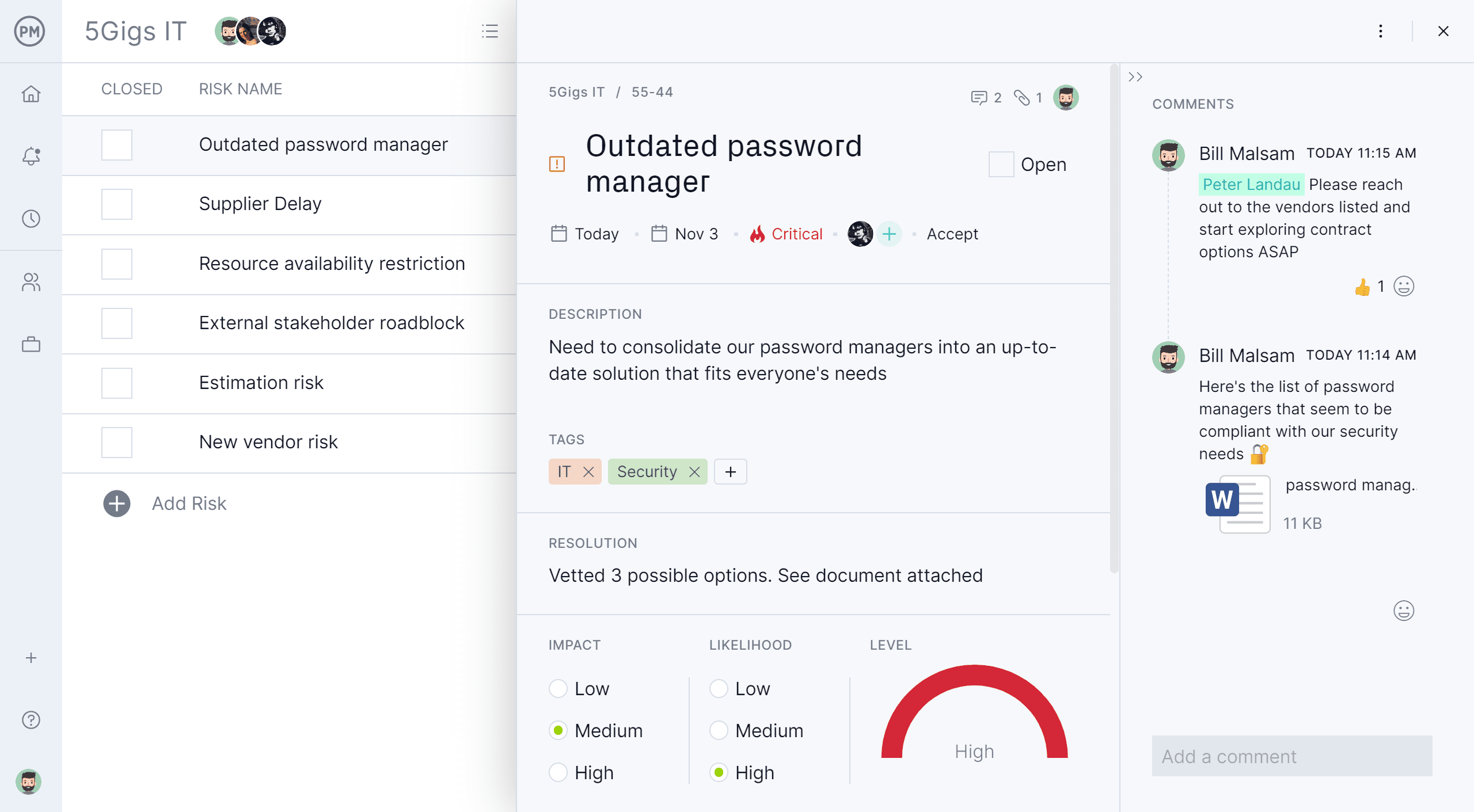
ProjectManager is a cloud-based project management software. Features include file storage, client logins, unlimited projects and integration with Google Apps, Microsoft Word, Excel and Project.
$17
per month per user
Pricing
Bitrix24
ProjectManager
Editions & Modules
Basic
$61
per month up to 5 users
Standard
$124
per month up to 50 users
Professional
$249
per month up to 100 users
Enterprise 250
$399.00
per month 250 Users
Enterprise
$499
per month up to 250 Users
Enterprise 500
$639.00
per month 500 Users
Enterprise 1000
$799.00
per month 1000 Users
Team
$17
per month per user
Business
$30
per month per user
Enterprise
Custom
Offerings
Pricing Offerings
Bitrix24
ProjectManager
Free Trial
Yes
Yes
Free/Freemium Version
No
No
Premium Consulting/Integration Services
Yes
Yes
Entry-level Setup Fee
No setup fee
Optional
Additional Details
Price per month when paying for 1 year.
Discount available for annual billing.
More Pricing Information
Community Pulse
Bitrix24
ProjectManager
Features
Bitrix24
ProjectManager
Project Management
Comparison of Project Management features of Product A and Product B
Bitrix24
8.7
22 Ratings
12% above category average
ProjectManager
10.0
2 Ratings
26% above category average
Task Management
7.922 Ratings
10.02 Ratings
Gantt Charts
8.017 Ratings
10.02 Ratings
Scheduling
10.019 Ratings
10.02 Ratings
Workflow Automation
8.719 Ratings
10.02 Ratings
Mobile Access
9.621 Ratings
10.02 Ratings
Search
8.019 Ratings
00 Ratings
Visual planning tools
8.920 Ratings
00 Ratings
Resource Management
00 Ratings
10.02 Ratings
Team Collaboration
00 Ratings
10.02 Ratings
Support for Agile Methodology
00 Ratings
10.02 Ratings
Support for Waterfall Methodology
00 Ratings
10.02 Ratings
Document Management
00 Ratings
10.02 Ratings
Email integration
00 Ratings
10.02 Ratings
Change request and Case Management
00 Ratings
10.02 Ratings
Budget and Expense Management
00 Ratings
10.02 Ratings
Communication
Comparison of Communication features of Product A and Product B
Bitrix24
8.6
22 Ratings
8% above category average
ProjectManager
-
Ratings
Chat
9.021 Ratings
00 Ratings
Notifications
9.822 Ratings
00 Ratings
Discussions
8.021 Ratings
00 Ratings
Surveys
8.815 Ratings
00 Ratings
Internal knowledgebase
8.119 Ratings
00 Ratings
Integrates with GoToMeeting
8.38 Ratings
00 Ratings
Integrates with Gmail and Google Hangouts
9.012 Ratings
00 Ratings
Integrates with Outlook
8.011 Ratings
00 Ratings
File Sharing & Management
Comparison of File Sharing & Management features of Product A and Product B
Bitrix24 is highly beneficial for teams that are geographically dispersed or working remotely. Its real-time communication tools, including instant messaging and video conferencing, enable seamless collaboration regardless of physical location. The centralized document management feature ensures that team members can easily access and collaborate on shared documents from anywhere, facilitating efficient teamwork in a remote or distributed environment.
Because I work with many people for whom Project Management is new, I wanted to use software that was user-friendly, fairly intuitive, and not filled with jargon. I like the fact I can use existing templates that (mostly) work for our needs, and I look forward to more things being added. They say support is 72 hours, but I’ve never waited for more than a few.
Creating job schedules and milestones, which we provide to our clients as well as our vendors.
A one stop shop for downloading/uploading any job/site specific documents (issues, daily reports, photos, signoffs, etc.).
Real time communication with your clients. As soon as an issue has been raised within ProjectManager.com, everyone attached to that job with get an email notification of what has been communicated or what document has been uploaded.
It's user interface can use some work. Although it doesn't take as long as some other software to learn, there is still a bit of a learning curve when it comes to day to day usage.
Bitrix offers a lot of features. It would be nice to have those features laid out in an easier-to-read layout, versus the long list at the side of the page.
It's mobile app functionality is quite limited. It can be difficult to work with other team members, solely off of their mobile app.
It has become the central nervous system of the business and has constantly proven to be of value. We are not just renewing but might even upgrade to advanced Bitrix24 plans and will be adding more user licenses in the next 3 months. Bitrix24 has a sharper learning curve initially. However once it is surpassed, it opens doors to a range of creative deployment strategies
It is a time-saving CRM that will help save time by using one application for all your business needs. Our brain sees colors, images, drawings, it is very visual, and so is Bitrix24. You can plan visually and easily see how everything is progressing. It has tasks, projects management, chat and video, CRM (as you know), visual staff structure, calendar, shared drive, mobile app. You can't ask for anything better out on the market for what you get with their free version and also their step-up plan is $20/month, all the way up to $200, they have a plan for your business. Get your free account and try it out for a few weeks.
I can't recall any instance of unplanned outages over the past 1 year of use. Likewise for application errors. However note that, advanced users will have a learning curve
The absolute worst! Your only contact method is via the paid version and via a chat window. They will take days to answer and when they finally do answer, they will provide nothing but a half baked canned help file.
Overall the training was very comprehensive. The trainer did provider necessary additional reading materials as well. However the general approach at Bitrix24 is to divert users to self-help documentation and videos. It is recommended that atleast 1-2 personnel in the organization be "Bitrix24 experts" so that lower phases of training requirements are covered internally itself. Also the best part about Bitrix24 is that not all users need to go very deep while using it. We have multiple counsellors who started using it on day 2 without any major hiccups
In fact, I use both, but in different ways, monday to control the internal agenda, Bitrix for all other parts within the company, such as task control, chat with employees and with calendar also for control in two systems. Bitrix is more complete and has many more features, but its purpose is also different from monday.
The scalability and reliability is almost 9.5/10 to be honest. We istarted with Bitrix24 for just 2 functions and now have expanded its usage to 2 more. In terms of users, every full-time employee (FTE) now uses Bitrix24 without fail. We are also working on giving limited/partial access to external service providers