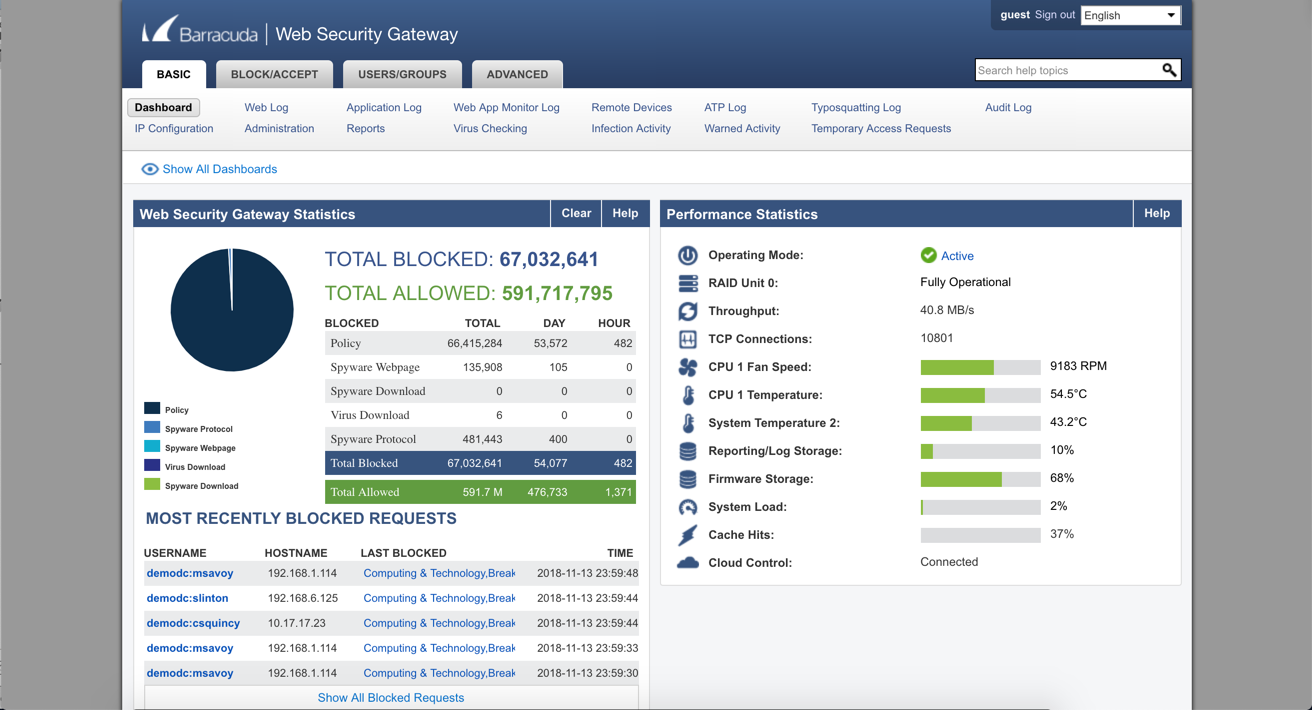
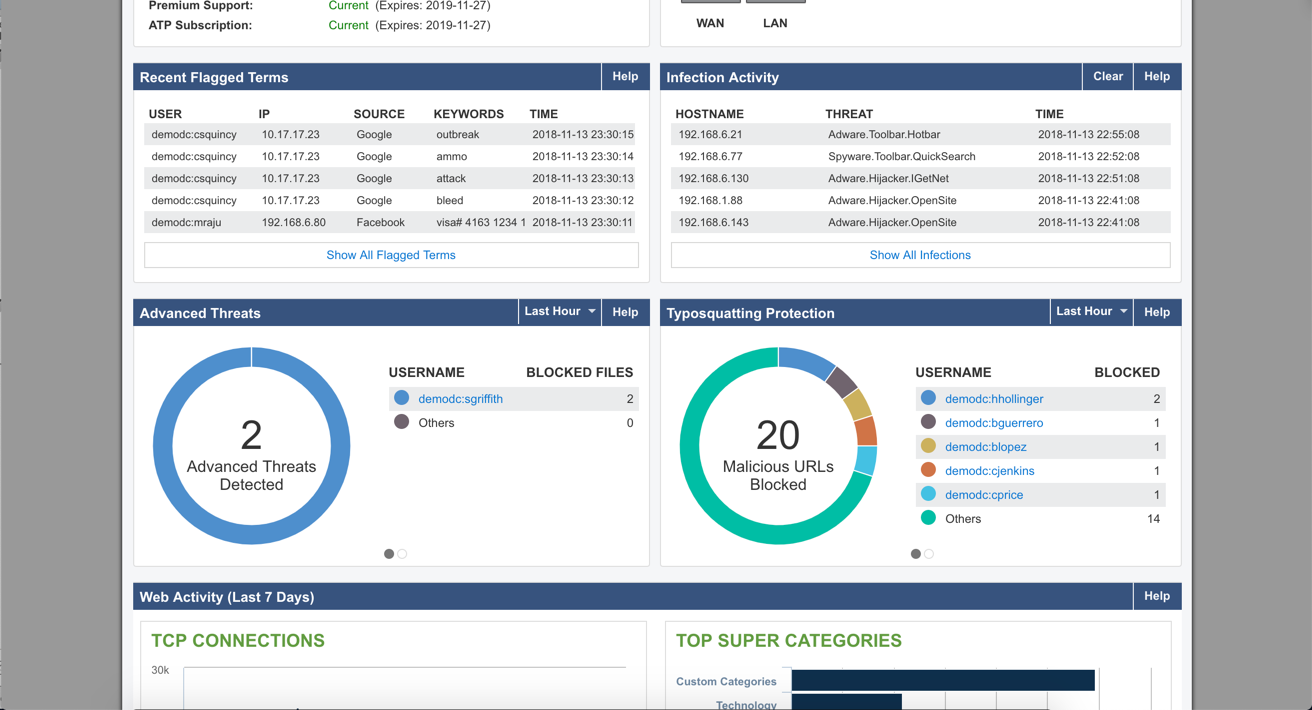
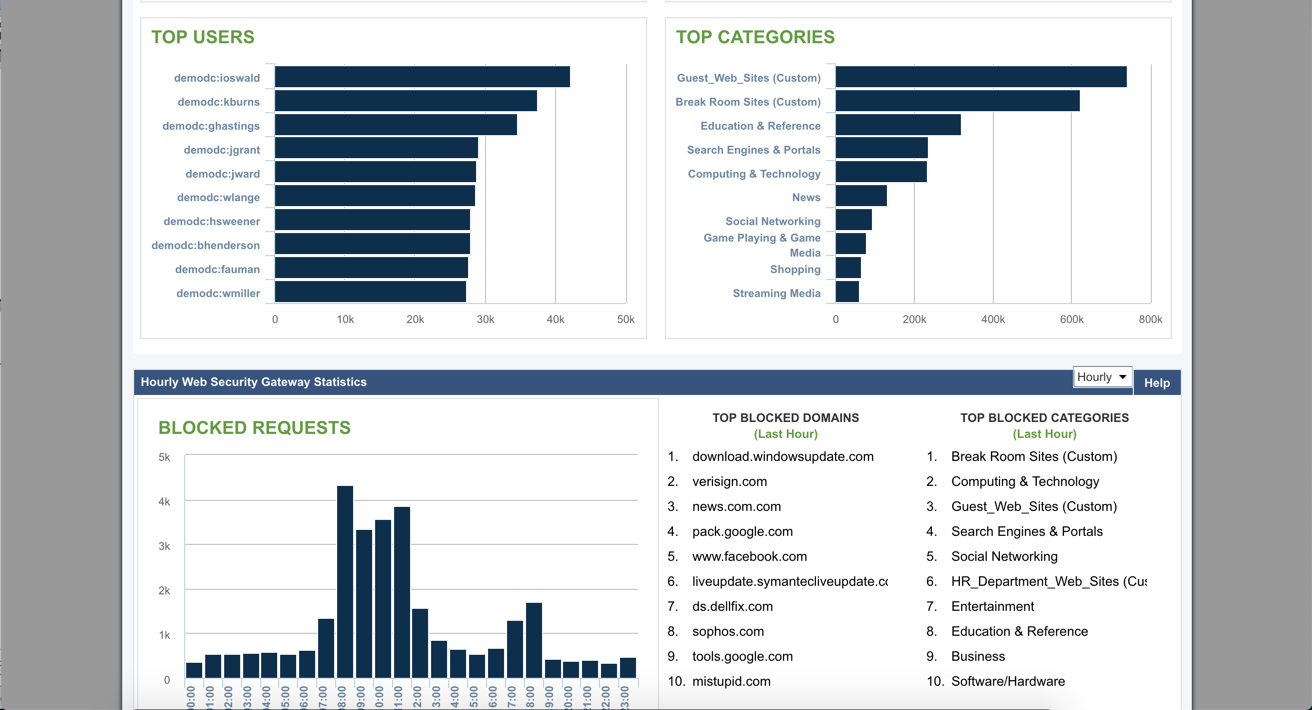
Barracuda Web Security Gateways now available in the 200 through 1000 series provide web content filtering as well as access and advanced threat protection, and are available as physical appliances, virtual appliances, or as a SaaS.
N/A
GoGuardian Admin
Score 7.2 out of 10
N/A
GoGuardian Admin is a web content filtering solution from education software company GoGuardian in Los Angeles, provide web filtering on-campus and off-campus filtering.
N/A
Lightspeed Filter
Score 9.4 out of 10
N/A
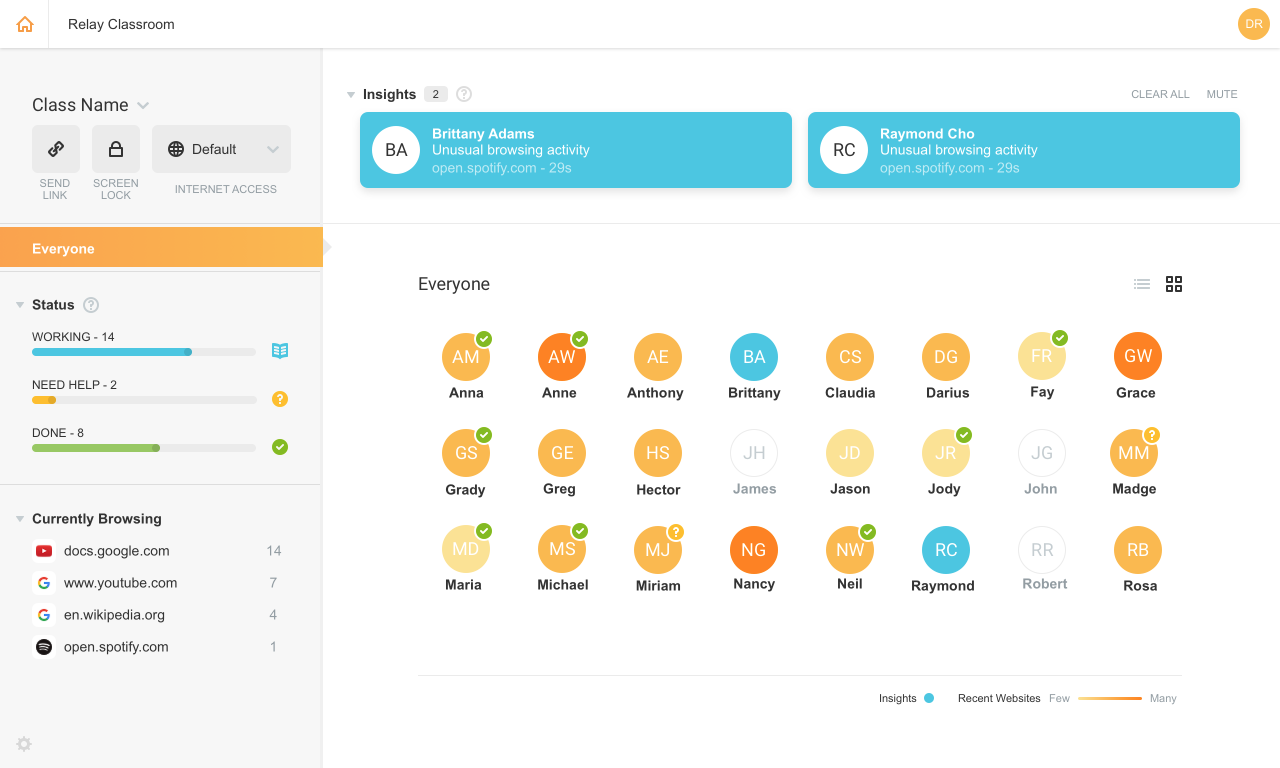
Lightspeed Filter (formerly Relay), from Lightspeed Systems in Austin, offers insights to help understand and maximize the use of 1:1 classroom devices, keep users safe and increase the educational return on technology investments. Lightspeed Systems aims to help users make decisions to enhance technology use, report up administrators, present to your board, reassure concerned parents, empower teachers, and direct students on appropriate use. According to the vendor, Lightspeed Filter powers…
N/A
Pricing
Barracuda Web Security Gateway
GoGuardian Admin
Lightspeed Filter
Editions & Modules
No answers on this topic
No answers on this topic
No answers on this topic
Offerings
Pricing Offerings
Barracuda Web Security Gateway
GoGuardian Admin
Lightspeed Filter
Free Trial
Yes
No
Yes
Free/Freemium Version
No
No
No
Premium Consulting/Integration Services
No
No
No
Entry-level Setup Fee
No setup fee
No setup fee
No setup fee
Additional Details
—
—
Priced per student device. Quote available upon request.
More Pricing Information
Community Pulse
Barracuda Web Security Gateway
GoGuardian Admin
Lightspeed Filter
Considered Multiple Products
Barracuda Web Security Gateway
No answer on this topic
GoGuardian Admin
Verified User
Administrator
Chose GoGuardian Admin
GoGuardian Admin has been leading the way in content filtering for both on and off site with an easy-to-use interface. At the time, it was one of the first to offer cloud-based off-site filtering for Chromebooks. They continue to grow and provide new features every year with …
This was a much easier platform to deploy and manage. Simple dashboard navigation. Easy reporting tools. Cross-platform (windows, chrome, apple). The agent used to manage is reliable and simple to deploy. After using all other products over the years this has been the most …
For a larger organization, this is a must. It provides insight into what the users are doing online and most malicious sites will no longer be accessible if access is denied. This can also give access to non-work related sites, but in a limited capacity, based on user or time of day. Though a smaller company would benefit from the features, it may be cost prohibitive.
GoGuardian is excellent for any district with a 1:1 Chromebook program. Our program would not be nearly as successful without it. GoGuardian does work with other devices (Windows, iPads) but I believe some features do not work as well in those setups. We haven't tried using it for anything other than Chromebooks and I am not aware of anyone using it for iPad/Windows or Macs.
Lightspeed web filtering using the Chromebook Relay agent is amazing and does a great job for a cloud filtering solution. The reports that are available are great and can be customized and retains data for 90 days. Reports are easily shared with staff and/or parents for transparency and disciplinary reasons. The agent for Lightspeed (Relay) does not work well with OSX and works okay in Windows, but doesn't allow you to access local IP addresses in the web browser. There needs to be a way to bypass filtering for local network access. This can make it unusable in some cases.
With the new Minnesota state laws regarding student data privacy - it made it somewhat challenging for us to continue utilizing GoGuardian Admin. However, they provided some updates to their software to address these issues.
GoGuardian Admin recently put out an option to checkbox COPPA/CIPA compliance verifications for web filtering. It seems that this still needs some work, as several educational websites we utilize are coming up as "uncategorized" - and then are being falsely flagged and declining access.
Does what we need it to do and more in a very cost-effective manner. Relatively easy to use and great customer support. They are quick and clear and will walk you through things in real time.
There are a lot of settings you can adjust. The web log is easy to use. If a user is having issues accessing a website, you can go in and see what's being blocked and why. After that, you can make adjustments fairly easy. The GUI is easy to navigate and updating the software is a simple click of a button.
Barracuda support have also been excellent when we have had to contact them. The only time we had a hardware issue on a device (and that device was about 8 years old) it was replaced within about 24 hours of reporting it. Generally there has not been much need to contact their support, as once the device is in and set up, it just works.
SonicWall, Barracuda NG Firewall, and WatchGuard provides Content Filtering, but are primarily firewalls with Content Filtering features. The Web Filter is a dedicated appliance with more storage space and better reporting of users.
GoGuardian Admin has been leading the way in content filtering for both on and off site with an easy-to-use interface. At the time, it was one of the first to offer cloud-based off-site filtering for Chromebooks. They continue to grow and provide new features every year with great tutorials and updates.
We were already a [Lightspeed] customer so the transition was seamless to Relay. Their support and team at [Lightspeed] are top-notch. We have been with Lightspeed for over 20 years and have evaluated on occasions other options and [ended] up back with [Lightspeed] each time. Their price point, ease of use, great team of engineers, and overall customer focus keep them on top in my eyes.