Automox is an endpoint management platform built for the era of autonomous operations. It provides a cloud-native foundation that unifies automation, speed, visibility, and trust.
$1
per month per endpoint
Ivanti Autonomous Endpoint Management
Score7.3 out of 10
N/A
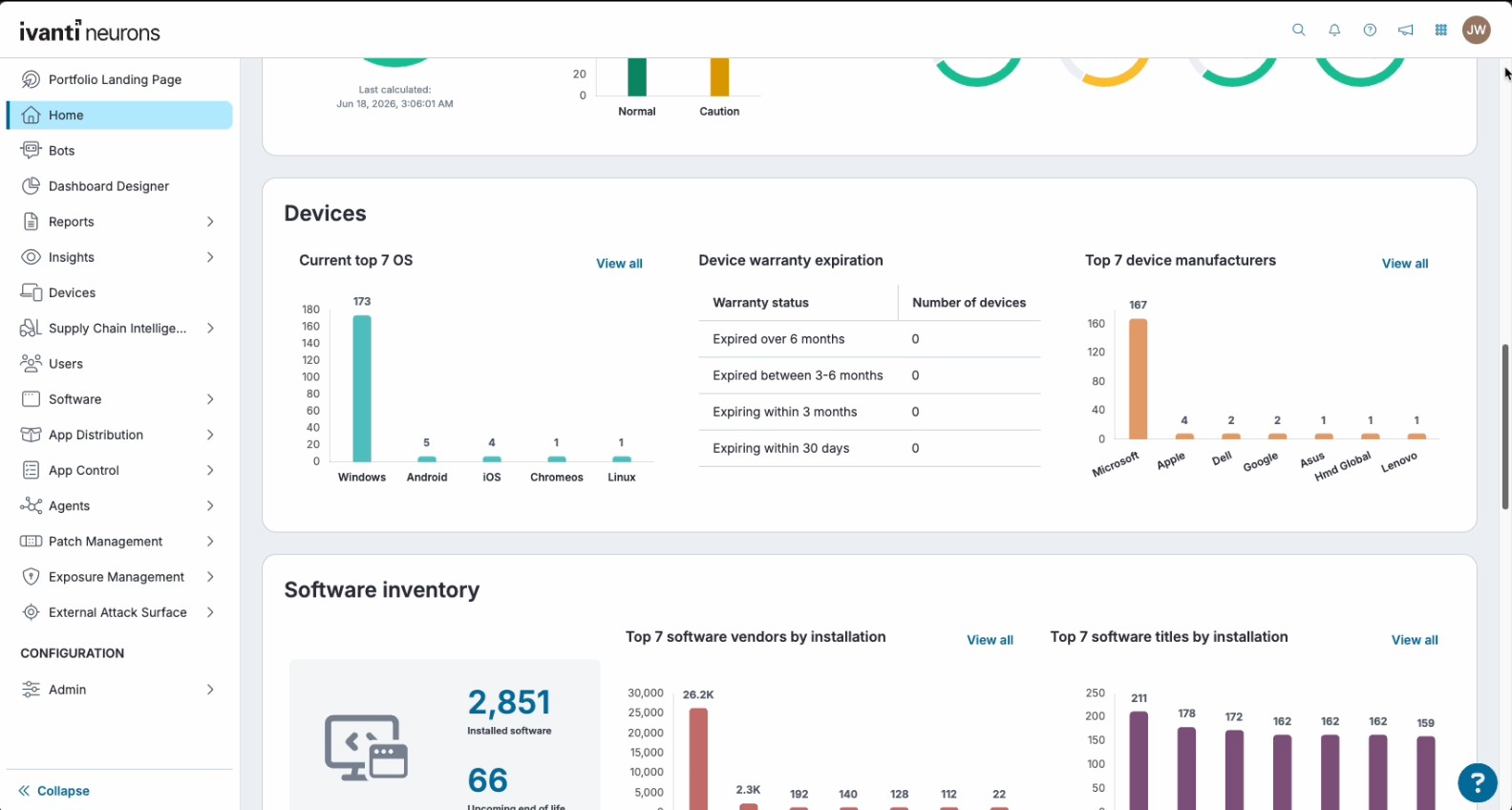
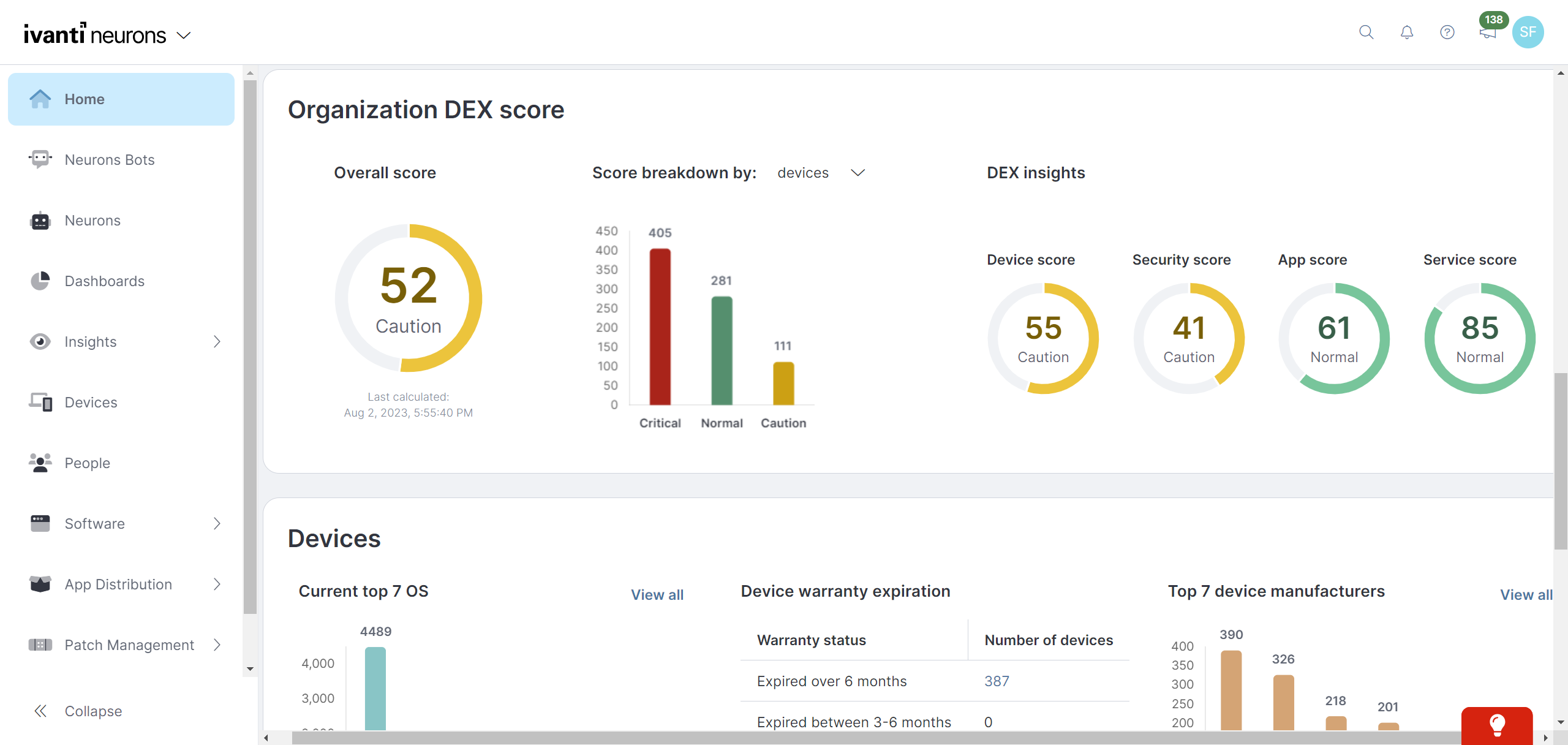
Ivanti Autonomous Endpoint Management (AEM) is an enterprise endpoint-operations solution built on the Ivanti Neurons platform. It combines unified endpoint management (UEM)—centralized management of desktops, mobile devices, and other endpoints—with digital employee experience monitoring, asset discovery, security controls, and automated remediation. Ivanti positions AEM as a broader solution layer that brings UEM, digital employee experience, and security capabilities together rather than as a…
N/A
Pricing
Automox
Ivanti Autonomous Endpoint Management
Editions & Modules
No answers on this topic
No answers on this topic
Offerings
Pricing Offerings
Automox
Ivanti Autonomous Endpoint Management
Free Trial
Yes
No
Free/Freemium Version
No
No
Premium Consulting/Integration Services
No
Yes
Entry-level Setup Fee
No setup fee
Required
Additional Details
Automox can patch macOS, Windows, and Linux endpoints with PatchOS, an offering at $1 per endpoint/ month with an annual commitment.
The Automate Essentials or Automate Enterprise packages are for scaling IT automation, endpoint configuration, and software updates.
Modules are available with Automox Assist, a one-on-one remote endpoint control and assistance for helpdesk technicians.
Automox is well suited in your are looking for patching management solution for your cloud native workload, if you are using Microsoft Azure for example you can use Azure patch management no doubt but what about application level vulnerabilities Microsoft will not give you that information but Automox will. Also you need to make sure apart from patching your 3rd party apps like Zoom, slack, Chrome or any other software you are using need to be updated on time to get latest features installed you need Automox and it work perfect
A de minimis incentive was given to thank the reviewer for their time. The incentive was not used to bias or drive a particular response, nor was the incentive contingent on a positive endorsement. More Info
I think that Ivanti Autonomous Endpoint Management can be well suited to most scenarios for patch management. The different options with Ring Deployments allow for rolling out patches in any number of circumstances. Typical monthly, weekly, daily, zero day response, etc. There is some lack of control over how to wrap up a deployment. What I mean is that in a scenario where we need extremely controlled rollouts, some of the features do not align well. For our organization, we would ideally evaluate patches that come out each Patch Tuesday. Select those patches for deployment, deploy those to our test servers over 3 days, wait 2 days, then deploy to production for 3 days. While we have plenty of control over the initial deployment, we have no clean way to say "after these 3 days, no longer deploy the patch". In our specific scenario, we sacrifice process to align with the tool's capabilities.
A de minimis incentive was given to thank the reviewer for their time. The incentive was not used to bias or drive a particular response, nor was the incentive contingent on a positive endorsement. TR verified that a representative sample of customers was invited. More Info
A de minimis incentive was given to thank the reviewer for their time. The incentive was not used to bias or drive a particular response, nor was the incentive contingent on a positive endorsement. TR verified that a representative sample of customers was invited. More Info
Ivanti Autonomous Endpoint Management is light weight and easy to install
Ivanti Autonomous Endpoint Management allows the user to defer a required restart. Allowing them to restart their machine at a time that's more convenient for them.
Comparatively, Ivanti Autonomous Endpoint Management is a budget friendly solution.
A de minimis incentive was given to thank the reviewer for their time. The incentive was not used to bias or drive a particular response, nor was the incentive contingent on a positive endorsement. More Info
There are some applications that updates to the wrong version causing Channel version issues, this then needs to be excluded from the policy and updated via a script.
Certain software like NET. is not updated
The worklet / remediation / evaluation system is not always effective, does not work all the time. Needs to be very detailed for it work.
A de minimis incentive was given to thank the reviewer for their time. The incentive was not used to bias or drive a particular response, nor was the incentive contingent on a positive endorsement. More Info
MDM has fallen a bit flat, however, with the recent acquisition of MobileIron I believe this will change but as of now there is some of this still built into the product
The antivirus portion of the product hasn't had much love and could use a bump. It is not bad at all but I would like to see it hit that next level.
Data Analytics is the most powerful tool inside this platform but it is so hard for people to figure it out that it often goes unused. It needs a good redesign.
We really like Automox and have had a very positive experience using the platform. It has made managing and supporting our environment significantly easier, while giving us the visibility and control we need to manage devices effectively. It has simplified a number of operational tasks for our team, and we are very happy with the value and capabilities it provides.
A de minimis incentive was given to thank the reviewer for their time. The incentive was not used to bias or drive a particular response, nor was the incentive contingent on a positive endorsement. More Info
MobileIron is a constantly evolving platform that stays current with industry trends. iOS updates? No problem, they're supported almost immediately after a new iOS version comes out. If you are a Core (on-prem) customer there is ample support and assistance to migrate to the Cloud version of MobileIron (although I've yet to convince my department head to approve the request). The platform is very robust and extremely configurable. Management roles can be delegated effectively to other staff without compromising security. These in alone are important, but even more important is the company itself - they are great to work with, from support to sales. We have never had a situation where MobileIron left us on our own, and many times support has gone way beyond what is simply required in order to educate us or extend the usefulness of the product
A de minimis incentive was given to thank the reviewer for their time. The incentive was not used to bias or drive a particular response, nor was the incentive contingent on a positive endorsement. TR verified that a representative sample of customers was invited. More Info
I would rate Automox's overall usability a 9 out of 10. The platform is easy to navigate and provides strong endpoint visibility through a centralized console. Creating policies and identifying vulnerable devices are straightforward tasks. Remediation can be deployed in a few clicks, compared to the significant work involved in manual patching. The interface drastically improves efficiency for our IT team.
A de minimis incentive was given to thank the reviewer for their time. The incentive was not used to bias or drive a particular response, nor was the incentive contingent on a positive endorsement. More Info
Importing devices and setting up patch deployment was very simple. The real star here is the automation built into Neurons though. Neurons is able to set up custom Bots commands which can automate troublesome servers which have custom start up and shut down commands that must be followed. User and SAML setup was also incredibly easy
A de minimis incentive was given to thank the reviewer for their time. The incentive was not used to bias or drive a particular response, nor was the incentive contingent on a positive endorsement. More Info
A de minimis incentive was given to thank the reviewer for their time. The incentive was not used to bias or drive a particular response, nor was the incentive contingent on a positive endorsement. More Info
A de minimis incentive was given to thank the reviewer for their time. The incentive was not used to bias or drive a particular response, nor was the incentive contingent on a positive endorsement. More Info
I did not need to reach out to support often but when I did the answers were relatively correct and they were answered quickly. The only thing I might "ding" their support on was their lack of understanding of OS's different from Windows and especially Linux. Other than that I was satisfied
A de minimis incentive was given to thank the reviewer for their time. The incentive was not used to bias or drive a particular response, nor was the incentive contingent on a positive endorsement. More Info
TRM\TAM support has been generally very good. Getting reported bug fixes, design changes, UX problems resolved has been a pain. It is often difficult to get problems escalated beyond the TRM\TAM level. Support is fantastic when you can get it, getting it can often require more work than it should, and that is probably our biggest issue.
it was clear and understandable for me which is why i have a good hang of it the training material is also great which was provided by them. The help community and documentation is also great. all the questions were clearly answered and the person for clear and patient with it.
A de minimis incentive was given to thank the reviewer for their time. The incentive was not used to bias or drive a particular response, nor was the incentive contingent on a positive endorsement. More Info
It is online based, after learning content you can take a test and if you don't pass you get two other chances to pass. Once you pass the test you can print out your certification or save it
A de minimis incentive was given to thank the reviewer for their time. The incentive was not used to bias or drive a particular response, nor was the incentive contingent on a positive endorsement. More Info
Implementing Automox successfully starts with a clear strategy for organizing and grouping devices based on operating systems, environments, or business criticality. This ensures that patching and configuration policies can be applied with precision. A phased rollout approach is essential—beginning with a pilot group allows teams to test patching schedules, reboot behaviors, and custom Worklets before scaling across the organization. Leveraging Worklets from the start can significantly boost automation by enforcing security baselines and performing routine system tasks. Integration with existing SOC tools, such as SIEMs, enhances visibility and response time by correlating patch compliance with threat intelligence. Additionally, aligning patching schedules with operational downtimes minimizes disruptions, and consistent monitoring and reporting helps maintain compliance and prepare for audits. Overall, Automox offers a streamlined and effective solution, but its true value is unlocked through thoughtful planning, testing, and integration with existing IT and security workflows.
A de minimis incentive was given to thank the reviewer for their time. The incentive was not used to bias or drive a particular response, nor was the incentive contingent on a positive endorsement. More Info
A de minimis incentive was given to thank the reviewer for their time. The incentive was not used to bias or drive a particular response, nor was the incentive contingent on a positive endorsement. More Info
We chose this tool over Automox because, before Automox, we used Intune, and at the time we were on Office 365, so Intune was almost free. Later, the board decided to move from the Microsoft 365 suite to Google Workspace, and Intune's endpoint management costs were high, so we moved to Automox.
Better in most all categories. On-prem was not an issue for my organization. MS SCCM was lacking features. Airwatch required increasing tiers of service in order to match [Ivanti Unified Endpoint Manager (formerly LANDESK Management Suite)] features, and lacked the robust inventory data we needed. Meraki was very simple to use, but did not meet our needs. I would say that most Airwatch customers aren't using all the features they are paying for, and could save lots of money by using Meraki instead.
A de minimis incentive was given to thank the reviewer for their time. The incentive was not used to bias or drive a particular response, nor was the incentive contingent on a positive endorsement. More Info
Time savings are a huge one - like I mentioned earlier, 3rd party app updating used to be entirely manual.
Endpoint management with the dashboard's convenience and ease of readability is very nice.
The only negative - more recently, granular per-user options for software update notifications don't seem to be possible unless the user is isolated in their own group.
A de minimis incentive was given to thank the reviewer for their time. The incentive was not used to bias or drive a particular response, nor was the incentive contingent on a positive endorsement. More Info
The installation of MobileIron was for security compliance so we could containerize email on BYOD devices and also control who got email on company phones (to prevent hourly workers from working on emails after hours). MobileIron met this need nicely.
MobileIron allowed us to utilize device certificates to prevent unauthorized devices from joining wireless networks in our company.
MobileIron allows our sales staff to get emails on the road and many users rely on the functionality and ease of the phone for general mail communication.
A de minimis incentive was given to thank the reviewer for their time. The incentive was not used to bias or drive a particular response, nor was the incentive contingent on a positive endorsement. More Info