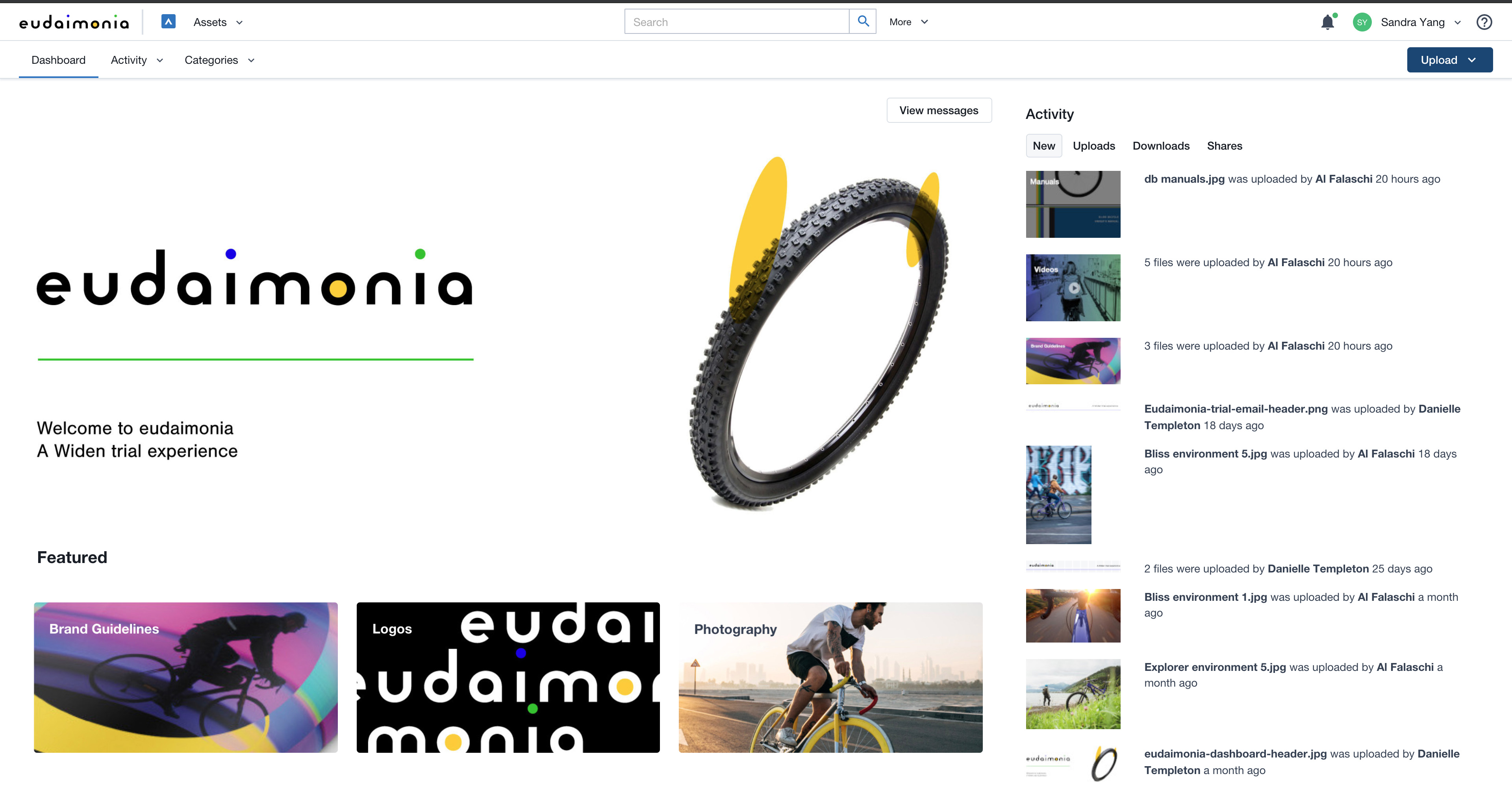
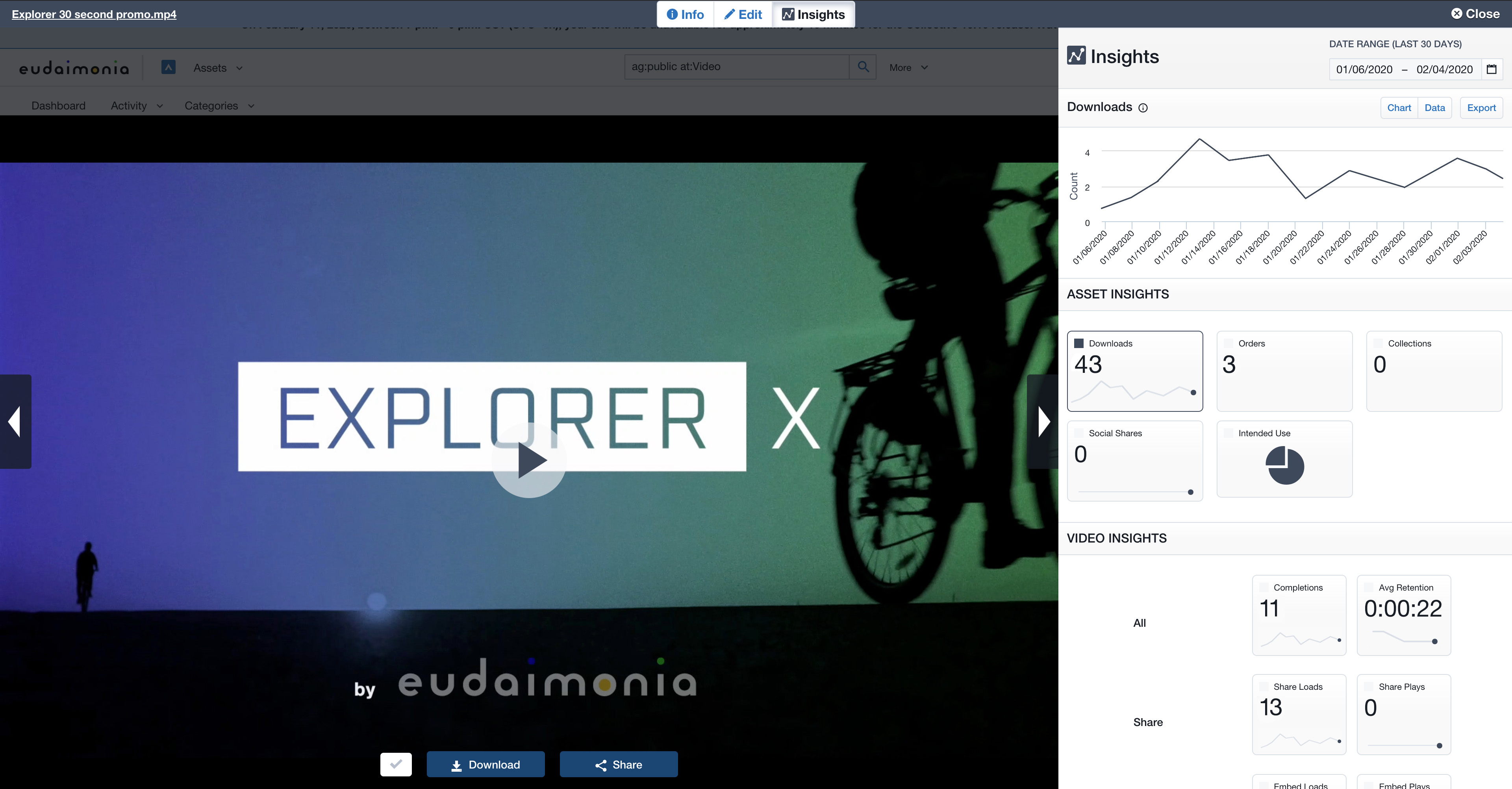
Acquia DAM (Widen) helps brands manage and distribute assets across teams, tools, and channels. A configurable metadata schema provides business-specific search and workflow capabilities. Plus, AI-powered auto tagging makes assets instantly findable. Content can be synced across systems using the API or pre-built integrations with over 50 tools, from creative suites to project management. Product-based companies can use Acquia DAM to build a unique 360º view of their product content. It…
N/A
SharePoint
Score 7.6 out of 10
N/A
Microsoft's SharePoint is an Intranet solution that enables users to share and manage content, knowledge, and applications to empower teamwork, quickly find information, and collaborate across the organization.
$5
Per User Per Month
Pricing
Acquia DAM (Widen)
Microsoft SharePoint
Editions & Modules
No answers on this topic
Plan 1
$5.00
Per User Per Month
Plan 2
$10.00
Per User Per Month
Office 365 E3
$20.00
Per User Per Month
Offerings
Pricing Offerings
Acquia DAM (Widen)
SharePoint
Free Trial
Yes
Yes
Free/Freemium Version
No
No
Premium Consulting/Integration Services
Yes
No
Entry-level Setup Fee
Required
No setup fee
Additional Details
Guided or full-service implementation options and annual subscriptions based on capabilities required. Workgroup and unlimited user options available. Storage with Amazon Web Services.
Professional services available for strategy consulting, change management, administration services, design services, and managed integrations.
—
More Pricing Information
Community Pulse
Acquia DAM (Widen)
Microsoft SharePoint
Considered Both Products
Acquia DAM (Widen)
Verified User
Director
Chose Acquia DAM (Widen)
SharePoint was initially envisioned for much our database management but we found it lacked the strong search functionality and asset management features needed for a fully fledged creative team
They seem to do much of the same but we use SharePoint for internal use only and there is higher security on our SharePoint so access by external vendors could be problematic at times.
One reason was that we migrated to Acquia Drupal and Acquia DAM (Widen) is the Acquia product that comes with loads of features and seamless integration with Acquia Drupal. Also, Acquia DAM (Widen) aces in other features like granular user management, publishing workflow, …
There are a number of features that competitors provide that I would love to see incorporated into Acquia DAM (Widen) but the pricing for Acquia DAM (Widen) is the best value for us.
Verified User
Professional
Chose Acquia DAM (Widen)
I was not part of the selection process when Acquia DAM (Widen) was acquired
Widen is a great digital asset manager internally. I loved the framework that the platform has. However, we created a main portal to share with our external partners so we could control what was private and what was public. The portal framework was not as user-friendly and we tried too much to make it like a website when it was meant to be a DAM. The main reason we switched providers is that we wanted to have the option to have a consistent framework internally and externally that was more user-friendly with better search capabilities.
SharePoint Document Management excels as a central repository for storing, organising, and retrieving documents. It supports version control, metadata tagging, secure access, and integration with tools like Power Automate. At our organisation, it's used for managing contracts, policies, and supplier documents. SharePoint Workflow Automation integrates with Power Automate to streamline approvals, gather feedback, and automate recurring tasks. This reduces reliance on email chains and manual trackers.
They offer valuable guidance and educational resources to Administrators
Their I.T. support is knowledgeable and responsive. And friendly!
They build community among Acquia DAM (Widen) Admins
They aren't as salesy and pushy as many of the other DAM Vendors that we considered. I don't feel like they are constantly trying to upsell me or take advantage. I hope this continues to be the case with the acquisition by Acquia.
Improvements in the cropping and editing features within Acquia DAM are essential to ease the workload for our graphic designers. The current functionality falls short in providing the necessary tools and precision required for efficient asset manipulation, not helping with that time management at all.
Enhancing the onboarding experience, we propose creating more video tutorials for Acquia DAM. These visual guides, covering topics from account setup to collaboration features, offer dynamic, step-by-step learning.
To improve the onboarding experience, we recommend expanding introductory tools and templates in Acquia DAM. Introducing more user-friendly features and providing a variety of templates will empower new users to navigate the platform with ease, fostering quicker proficiency and enhancing overall usability.
Windows Explorer users have some difficulty having to constantly UPLOAD / DOWNLOAD files. Specifically on the DOWNLOAD when they are used to Drag & Drop in & out of LOCAL folders via Window's explorer.
Microsoft SharePoint supports multiple "library" types. When implementing our "image" library the search function is done via "tags" and boolean logic. This is challenging to most end users. I'd like our users to be able to search our Microsoft SharePoint image library without having to enter KEYWORD or other BOOLEAN logic.
Microsoft SharePoint can also be an internal website for each department or company wide communication tool but I believe these features are geared for much larger organizations. Since we are a SMB we really aren't using these features. So maybe something more useful to SMBs would be nice.
Acquia DAM (Widen) is changing its pricing model and at this point, we are unsure whether it is a good thing for us or not. While we consider this a robust tool, we will take our time to evaluate the competitors.
It's integral to our business. It's already included with most of the Office 365 licensing we buy, so the cost is effectively zero. It stores our files, it is the foundation for custom applications, and Microsoft only continues to enhance its functionality and its connections to other Microsoft tools. SharePoint just keeps getting better and better.
We used to have to respond to any email questions from our library users about how to find assets. With Acquia DAM (Widen), the system is similar to online shopping, workable with keywords for those who like to search that way, or with filters for those who like to browse.
No usability issues reported. Individual teams also have allocated areas which replace legacy shared drives on local LANs. Access to Sharepoint resources is fully integrated with corporate Active Directory with additional two-factor authentication required for administrative users. Users have access to Microsoft Services Hub which allows you to create, manage, and track support requests while staying current on Microsoft technologies with access to select self-paced learning paths
There have been a couple of rare instance where after I uploaded an asset, I was unable to rename it, or after uploading it it took a while before it actually appeared and can be viewed in the DAM.
It's very seldom that I have to reach out for support, but when I have, there are quick solutions and follow-ups to make sure the system is working how it should be. My customer support team is also great at reaching out on a regular basis to keep me up to speed on emerging features I may be able to leverage to improve my experience.
The face to face training I received was on SharePoint Administration. It was rushed as there was a lot of information to cover and the application of the labs weren't that great either. I like to be able to relate what I am learning to what I am currently doing.
The training was very thorough. The recordings for all our traning sessions were provided to us so that we could go back and review. Our trainer was always available for follow up questions. Our trainer shared a spreadsheet with us as a checklist for all things that needed to be done to ensure proper import and setup of our assets and DAM.
I like to learn at my own pace and online training allows for that. Additionally, you can skip through pieces of content that you already know or are already comfortable with. Microsoft actually offers great videos on their website for basic fundamental SharePoint Training. I have used these training videos in some of my own training sessions with end users.
It was a lot of work! But worth the effort to get our assets cleaned up and organized. Enough time and personnel need to be allotted for any implementation, but we had some advantage in having our assets in a previous DAM with attached metadata in XML, and our users were prepared with knowledge of our existing DAM at that time. Though old habits present their own issues, a company that is starting from scratch with no DAM has to think farther ahead about how it will organize and collect assets. Far more pre-planning with stakeholders would be needed for a company starting an implementation from scratch.
We decided to stick with Acquia DAM (Widen) in the short term but will be reviewing the options this or next year to better integrate with Social, Web, and Creative team needs. We use Sitecore for all our web services, so it needs to be compatible with that, Social also needs to integrate but is not fixed on a single system, but Canva would be a good fit. The creative team always prefers local storage to link to rather than the cloud due to speeds.
The reasons for selecting MS SharePoint are: SharePoint provides ease of use and web design assistance and support SharePoint helps you schedule your content for publishing. enables users to share documents with external parties and offers a better internal structure of the content and better indexing and searching capabilities.
The Acquia DAM (Widen) helped our company transition more quickly to remote work, giving users access to files much faster than the company servers could.
The Acquia DAM (Widen) has given non-web devs the ability to quickly build clean web pages that share out marketing resources and information.