
Yvonne Herbst
Owner
Chose AWeber
Compared to Constant Contact, AWeber offers a better deliverability rate and a better selection of opt-in form designs.

| Product | Rating | Most Used By | Product Summary | Starting Price |
|---|---|---|---|---|
 AWeber | N/A | AWeber is an email marketing and automation solution. It provides support for mobile-friendly HTML email newsletters, autoresponder campaigns, subscriber segmentation and management, RSS-to-email features, signup forms for websites or blogs, and more. | $15 per month | |
 Constant Contact | N/A | Constant Contact is a full-featured email marketing solution with capabilities such as social media integration, drag-and-drop editing, and real-time reporting. It is a bulk email tool designed for SMB customers. Since 2019, Constant Contact also offers marketing automation features, a website and landing page builder, and other tools to support midsize businesses. | $12 per month | |
 Ontraport | N/A | ONTRAPORT offers customer relations management services that help with content management (creating and hosting webpages), lead tracking, traditional marketing approaches (e-mail, SMS, social media, direct mail), managing online payments, and workflow automation. | $29 per month |
| AWeber | Constant Contact | Ontraport | ||||||||||||||||||||||
|---|---|---|---|---|---|---|---|---|---|---|---|---|---|---|---|---|---|---|---|---|---|---|---|---|
| Editions & Modules |
|
| No answers on this topic | |||||||||||||||||||||
| Offerings |
| |||||||||||||||||||||||
| Entry-level Setup Fee | $79 one-time fee | No setup fee | Optional | |||||||||||||||||||||
| Additional Details | AWeber offers usage-based pricing starting at $15/month. Plans scale based on the number of subscribers and features needed. Options include: Lite Plan – Core tools like email automation, landing pages, sign-up forms, and AI Writing Assistant. Plus Plan – Advanced features including split automation paths, behavioral triggers, analytics, A/B testing, ecommerce, and custom branding. Done For You – A fully built email marketing system (emails, landing pages, and automations) delivered in 7 days, with 30 days of unlimited edits. All plans include 24/7 support. 14-day free trial available. | The SMS Marketing tool can be added to any Standard or Premium Constant Contact account. SMS is only available in the US for Standard and Premium paid plans. SMS can be added when logged in to an account after purchase. Plans start at $10/month for up to 500 messages. | Ontraport offers a variety of plans to choose from based on the features needed. Pricing adjusts with the number of contacts in the database and users in the account. Monthly or annual plans are available, and all plans start with a 14-day free trial. Ontraport offers a Done-With-You Setup and Training Package for getting set up in the account quickly. Users can also access a free video library with step-by-step instructions on getting started and using every feature of the platform. | |||||||||||||||||||||
| More Pricing Information | ||||||||||||||||||||||||
| AWeber | Constant Contact | Ontraport | |
|---|---|---|---|
| Considered Multiple Products |  AWeber Yvonne Herbst Owner Chose AWeber Compared to Constant Contact, AWeber offers a better deliverability rate and a better selection of opt-in form designs.  Gene Sower Internet Marketing Agency Chose AWeber Compared to Constant Contact, I find Aweber very easy to use. Setting up an autoresponder sequence is very straightforward, at least for us because we've used it for so long. Constant Contact is a very difficult and hard to use service. We hate it and knock it every chance …  Nicole Steen, M.A. Virtual Assistant Chose AWeber It is less expensive than Constant Contact but more expensive than MailChimp. We ended up recently switching to Kajabi because it integrates landing pages. Constant Contact and MailChimp both have easier user interfaces and better design options.  Joe Gatto VP of Marketing & International Business Development Chose AWeber AWeber is more robust, and for professional marketers because it has so many features like tagging, and moving people to different lists based on triggers. Its analytics features are important for marketing managers.  Ruby Javaid Chief Designer Chose AWeber I found Constant Contact's dashboard and email editor clunky and annoying to use. It's been several years so perhaps they have improved and updated it. Mailchimp is pretty comparable, and it just depends on your needs as to which is more appropriate. I do feel that Mailchimp's …  Mohammed Anzil Founder and Chief Editor Chose AWeber The reason we [opted for] AWeber over others is for its email delivery rates. AWeber is great for freelancers, large enterprises, mid-zize business, etc. A 14% discount is available if you pay quarterly and more if you pay annually. AWeber is priced roughly in the middle of …  Greg Dungan Owner Chose AWeber I have also used Constant Contact, MailChimp, and Lead Master. I think that Aweber is superior to these other applications in it's ability to "get down to business" so to speak. By this I mean that the interface is less about cartoony graphics and done-for-you simplicity. …  Nichol Skaggs Virtual Assistant and Online Business Manager Chose AWeber I prefer AWeber over 1ShoppingCart because it is less time consuming then having to write html broadcasts and auto-responders and AWeber doesn't seem to have the delivery complications to some email addresses like yahoo and gmail that 1ShoppingCart seems to have sometimes. I …  Rick Hindman Owner Chose AWeber My clients typically have selected AWeber by the time they contact me. I've found it to be on par with the first three above in terms of capabilities and I think it's more intuitive to use than all of the above, particularly Infusionsoft. |  Constant Contact  Angelo Gioia (6000+) Executive Director Chose Constant Contact In the past, I have look at: AWeber, Emma Mail, Mail Chimp and Infusion Soft to name a few. They weren't from my opinion easy to use, not as user-friendly as Constant Contact, had a greater learning curve, did not have many templates or automatic A/B testing. No survey feature. … |  Ontraport  Jonny Andrews Marketing Chose Ontraport We initially selected Ontraport based on the seemingly quality reviews. While they are priced much higher than their competitors, we initially took that as a positive. Perhaps the price tag hinted at better service, more robust features and superiority deliverability. None of …  Chris Castillo Business Partner Chose Ontraport ONTRAPORT allows automation and having the best of ShoppingCart and Aweber in one package. Beside the fact that ONTRAPORT doesn't handle inventory as ShoppingCart does, we still love the ability to have one source to manage our products and customers in one location.  Jen Levitz The Ontraport Expert for Rapid Growth Solopreneurs Chose Ontraport I really liked the robust features presented in a way that made sense to me. I needed a higher level system that I could understand how to use with little or no ramp-up time.  Matthew Watts Director Of Operations Chose Ontraport Ontraport is capable of more than MailChimp and AWeber, both of which I would consider beginner systems. It is also easier to use and understand initially than Infusionsoft, and takes less time to get off the ground when you make the change. It is capable of very complex tasks …  Chad Root President Chose Ontraport Infusionsoft - I chose ONTRAPORT over Infusionsoft because I could make it match up to my clients processes easier. I value the flexibility. On the flip side, Infusionsoft has some eCommerce integration and pre-configured solutions that are appealing. VTrenz, Marketo, Silverpop … |
| AWeber | Constant Contact | Ontraport | |||||||||||||||||||||||||||||||||||||||
|---|---|---|---|---|---|---|---|---|---|---|---|---|---|---|---|---|---|---|---|---|---|---|---|---|---|---|---|---|---|---|---|---|---|---|---|---|---|---|---|---|---|
| Email & Online Marketing |
| ||||||||||||||||||||||||||||||||||||||||
| Reporting & Analytics |
| ||||||||||||||||||||||||||||||||||||||||
| Pre-Send Testing |
| ||||||||||||||||||||||||||||||||||||||||
| Lead Management |
| ||||||||||||||||||||||||||||||||||||||||
| Campaign Management |
| ||||||||||||||||||||||||||||||||||||||||
| Social Media Marketing |
| ||||||||||||||||||||||||||||||||||||||||
| Platform & Infrastructure |
|
| AWeber | Constant Contact | Ontraport | |
|---|---|---|---|
| Small Businesses |  Vbout Score 9.9 out of 10 | Vbout Score 9.9 out of 10 | Vbout Score 9.9 out of 10 |
| Medium-sized Companies |  VerticalResponse Score 10.0 out of 10 | VerticalResponse Score 10.0 out of 10 |  PFL Direct Mail Platform Score 9.0 out of 10 |
| Enterprises |  Emma by Marigold Score 9.3 out of 10 | Emma by Marigold Score 9.3 out of 10 | PFL Direct Mail Platform Score 9.0 out of 10 |
| All Alternatives | View all alternatives | View all alternatives | View all alternatives |
| AWeber | Constant Contact | Ontraport | |
|---|---|---|---|
| Likelihood to Recommend | 8.0 (37 ratings) | 9.2 (135 ratings) | 10.0 (20 ratings) |
| Likelihood to Renew | 6.8 (6 ratings) | 9.9 (23 ratings) | 9.1 (8 ratings) |
| Usability | 8.0 (3 ratings) | 10.0 (12 ratings) | 7.8 (3 ratings) |
| Availability | - (0 ratings) | 9.0 (2 ratings) | - (0 ratings) |
| Performance | - (0 ratings) | 10.0 (2 ratings) | 7.7 (4 ratings) |
| Support Rating | 10.0 (3 ratings) | 10.0 (9 ratings) | 9.0 (3 ratings) |
| In-Person Training | - (0 ratings) | - (0 ratings) | 9.1 (1 ratings) |
| Online Training | - (0 ratings) | 10.0 (1 ratings) | - (0 ratings) |
| Implementation Rating | - (0 ratings) | 10.0 (5 ratings) | 9.1 (2 ratings) |
| Configurability | - (0 ratings) | 10.0 (1 ratings) | - (0 ratings) |
| Product Scalability | - (0 ratings) | 10.0 (1 ratings) | 8.2 (1 ratings) |
| AWeber | Constant Contact | Ontraport | |
|---|---|---|---|
| Likelihood to Recommend | AWeber
| Constant Contact
| Ontraport
|
| Pros | AWeber
| Constant Contact
| Ontraport
 Charles Kirkland Founder |
| Cons | AWeber
Greg Dungan Owner | Constant Contact
| Ontraport
 Jeremy Estes Chief Media Buyer |
| Likelihood to Renew | AWeber
Nichol Skaggs Virtual Assistant and Online Business Manager | Constant Contact
 Ty Swartz, CPP, USN Ret. Multimedia Communications Supervisor | Ontraport
|
| Usability | AWeber
Yvonne Herbst Owner | Constant Contact
 Giselle Aguiar Owner, Consultant | Ontraport
 Eric Foronjy Sales Manager |
| Reliability and Availability | AWeber No answers on this topic | Constant Contact
| Ontraport No answers on this topic |
| Performance | AWeber No answers on this topic | Constant Contact
| Ontraport
Chris Castillo Business Partner |
| Support Rating | AWeber
Yvonne Herbst Owner | Constant Contact
| Ontraport
|
| In-Person Training | AWeber No answers on this topic | Constant Contact No answers on this topic | Ontraport
 David Jaeger Director of SEM |
| Implementation Rating | AWeber No answers on this topic | Constant Contact
| Ontraport
Chad Root President |
| Alternatives Considered | AWeber
| Constant Contact
| Ontraport
 Andrew Muller Web & Sales Consultant |
| Scalability | AWeber No answers on this topic | Constant Contact
| Ontraport
Jen Levitz The Ontraport Expert for Rapid Growth Solopreneurs |
| Return on Investment | AWeber
| Constant Contact
| Ontraport
Matthew Watts Director Of Operations |
| ScreenShots | AWeber Screenshots      | Constant Contact Screenshots      | Ontraport Screenshots 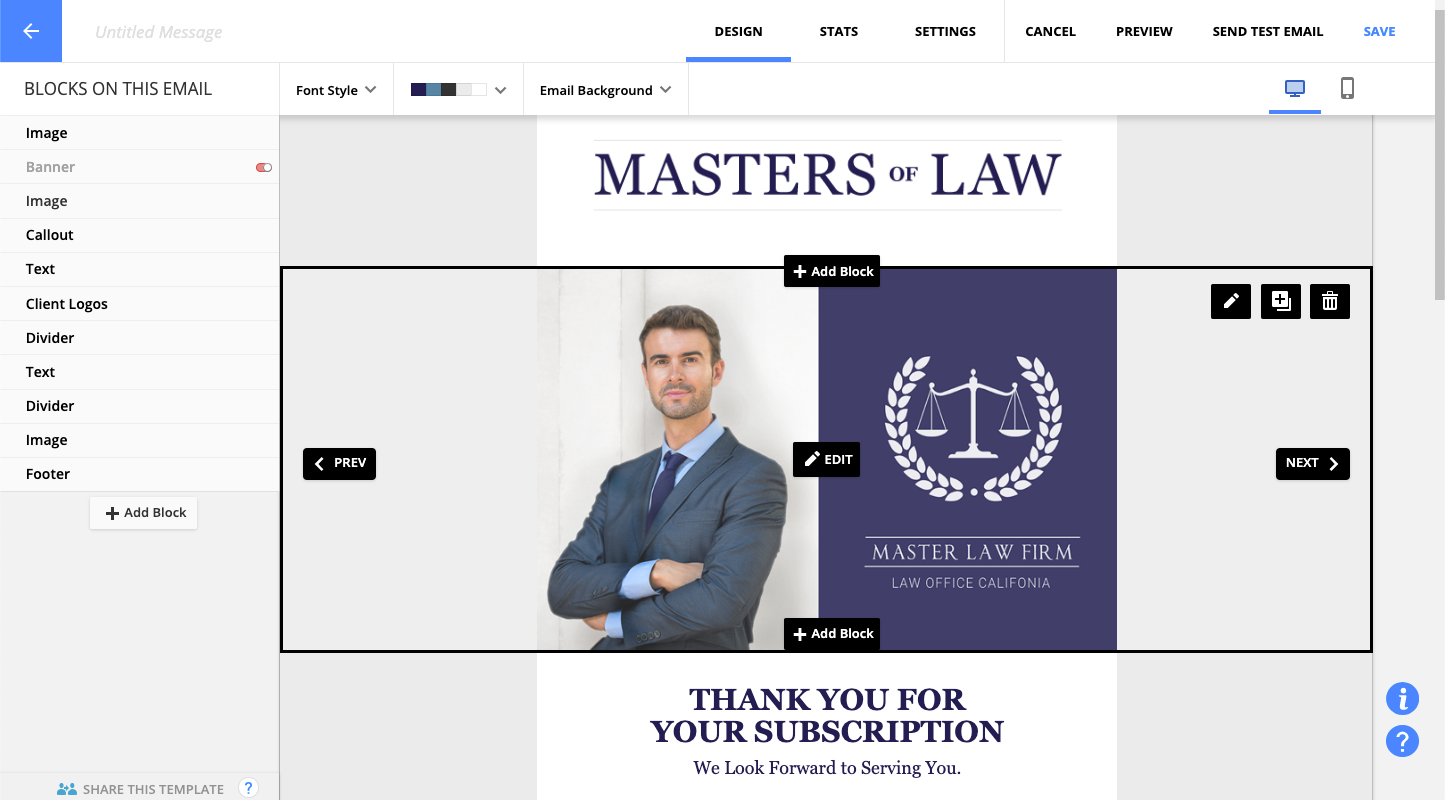  |